Skip to content
  • Categories
  • Recent
  • Popular
  • Support
  • MyRoute-app
Collapse
Brand Logo

MRA Community Forum

  1. Home
  2. MRA Routeplanner Next Beta
  3. [Web-Beta] Problems, Bugs and other Issues
  4. Waypoint 'Skip' missing...

Waypoint 'Skip' missing...

Scheduled Pinned Locked Moved [Web-Beta] Problems, Bugs and other Issues
2 Posts 2 Posters 14 Views 1 Watching
  • Oldest to Newest
  • Newest to Oldest
  • Most Votes
Reply
  • Reply as topic
Log in to reply
This topic has been deleted. Only users with topic management privileges can see it.
  • Tom Grzelinski
    Tom Grzelinski
    Tom Grzelinski
    wrote last edited by
    #1

    In the old Routeplanner you could click on a waypoint and one of the icons / options was to Skip. This function seems to be missing in the Beta, or I just can't find it!

    I am planning a route where I need/want to put a waypoint in the sea and skip it to show my whole route. Without this function, the Beta is creating a route across land.

    I had this question previously with the old Routeplanner and BrianMcG gave me the answer I wanted. Can we get this function back please, or tell me how to do this in Beta:

    https://forum.myrouteapp.com/post/72490

    Thanks,
    Tom
    Porsche 911 and VW Transporter T6.1 running CarPlay.
    iPhone 17 Pro running Waze and MRA.
    MRA Routeplanner on web via Mac

    1 Reply Last reply
    0
    • RainerT
      RainerT
      RainerT
      wrote last edited by
      #2

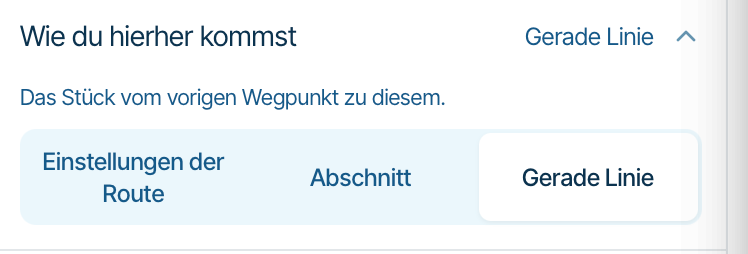
      It’s still there. Click on the waypoint just as you did in the old version. The information about the waypoint will then appear on the right-hand side of the map.
      There are various ways to get here, including a straight line.Bildschirmfoto 2026-11-10 um 22.19.49.png

      1 Reply Last reply
      0

      Hello! It looks like you're interested in this conversation, but you don't have an account yet.

      Getting fed up of having to scroll through the same posts each visit? When you register for an account, you'll always come back to exactly where you were before, and choose to be notified of new replies (either via email, or push notification). You'll also be able to save bookmarks and upvote posts to show your appreciation to other community members.

      With your input, this post could be even better 💗

      Register Login
      Reply
      • Reply as topic
      Log in to reply
      • Oldest to Newest
      • Newest to Oldest
      • Most Votes


      ACTIVE USERS
      RainerT
      RainerT
      Tom Grzelinski
      Tom Grzelinski
      POPULAR TOPICS
      • Heatmap menu: Display traveled routes
        Corjan Meijerink
        Corjan Meijerink
        0
        7
        64

      • Website update - Waypoint list export, routetracks from tracklogs and more of your feedback
        Corjan Meijerink
        Corjan Meijerink
        14
        16
        154

      • Feature request: support voor kaartview op kleinere schermen
        Ruud Bijkerk
        Ruud Bijkerk
        0
        5
        63

      • Route exporteren uit beta
        Johan 5q
        Johan 5q
        0
        18
        126

      • problem exporting from iphone to zumo xt using garmin drive?
        John S Parry
        John S Parry
        0
        4
        24

      • Rondrit voert over een afgesloten weg
        a white mouse on the motorbike
        a white mouse on the motorbike
        0
        4
        45

      • iPad - zooming out
        Big Al 1
        Big Al 1
        0
        4
        24

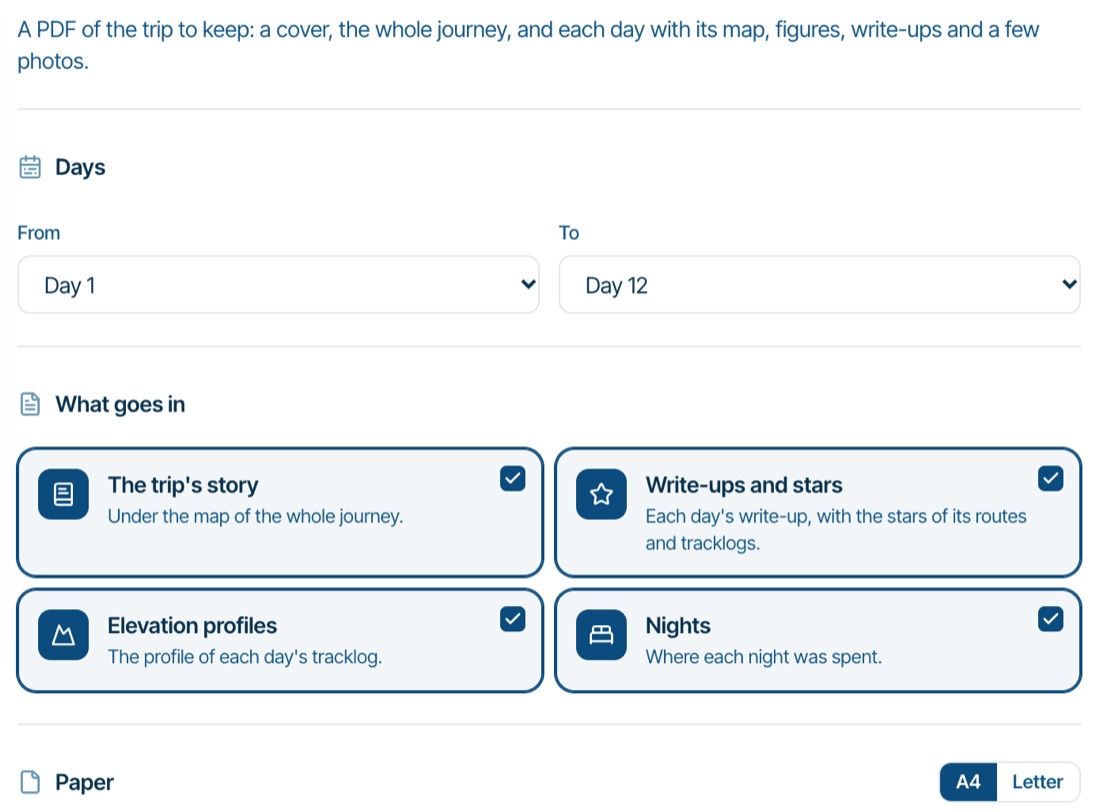
      • Website update - Trip book PDF, route lock for collaborators, a close button in the planner and more
        a white mouse on the motorbike
        a white mouse on the motorbike
        5
        4
        39

      MY GROUPS
      • Login

      • Login or register to search.
      • First post
        Last post
      0
      • Categories
      • Recent
      • Popular
      • Support
      • MyRoute-app