Website update - Trip book PDF, route lock for collaborators, a close button in the planner and more
-

Hi everyone!

Another website update is live, with more of your forum topics in it
 Here's what changed since yesterday's update.
New
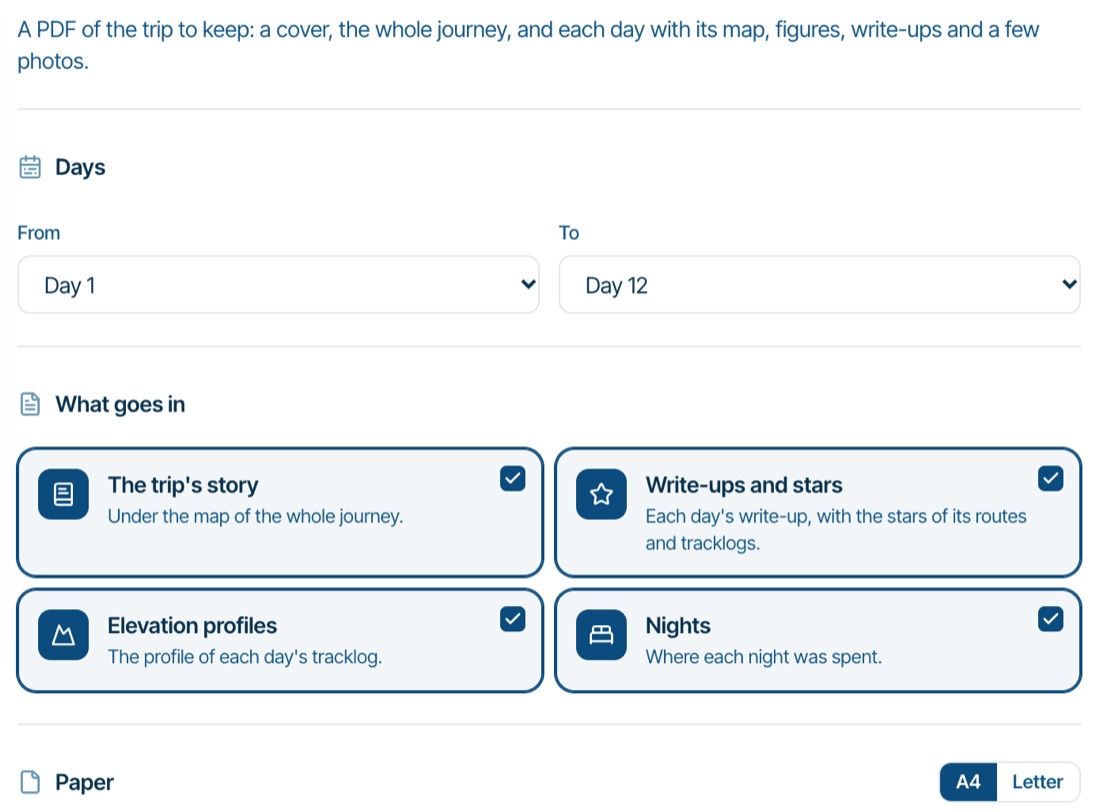
- Trip book. Download a trip as a PDF to keep: a cover, the whole journey on a map with numbered days, and each day with its map, figures, write-ups and a few photos. Pick the days, what goes in (the trip's story, write-ups and stars, elevation profiles, nights), A4 or Letter, and the photos per day. You can choose and frame the cover photo too. Find it under Trip book on the trip page, for the owner and companions.
- Collaborators can lock and unlock a shared route, just like its owner: with the padlock on the map, in the Information section or from the ⋯ menu.
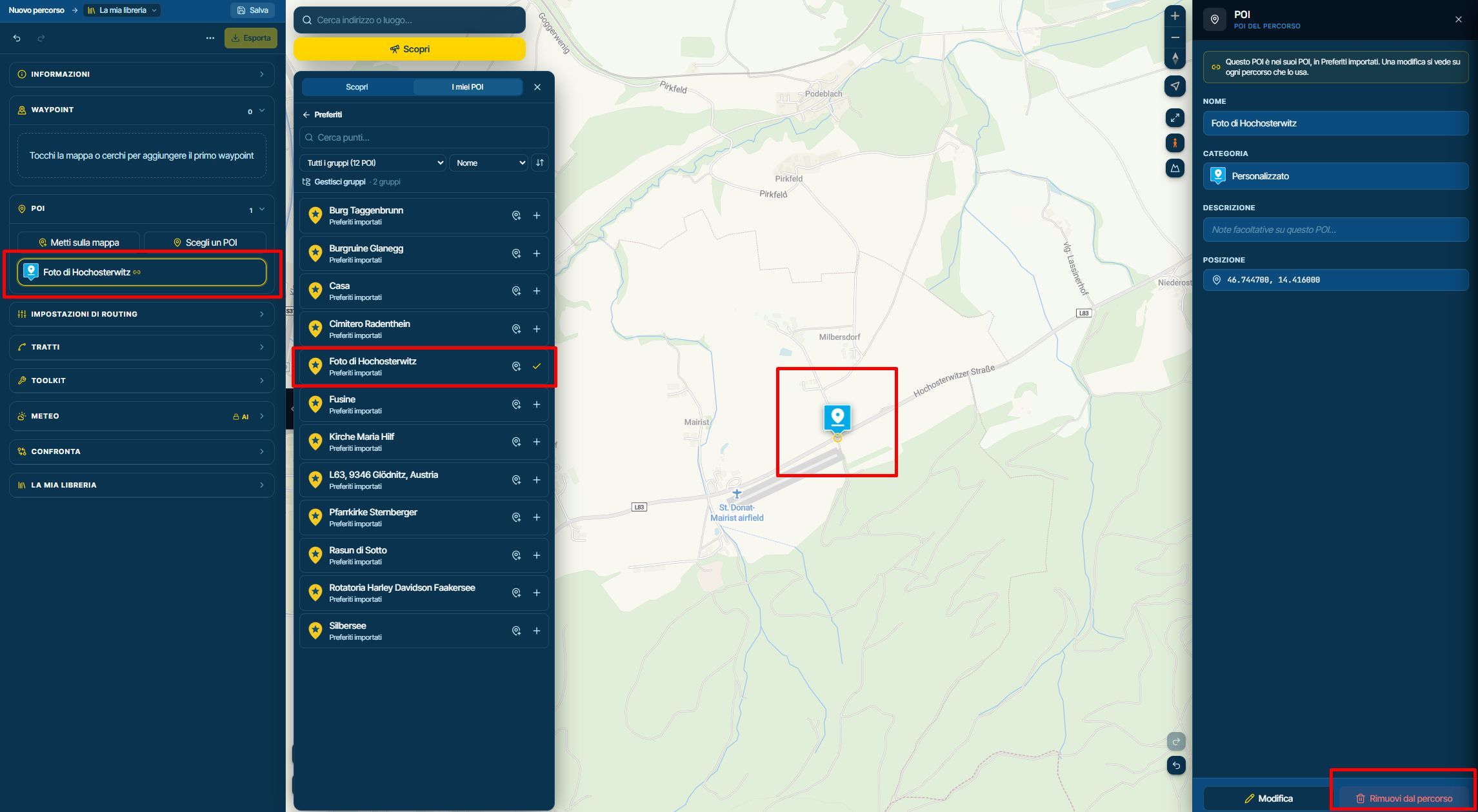
- A close button in the planner, next to Save. It takes you back to the route's folder and asks first when something isn't saved yet.
- Routes changed in the classic app after they came over are now listed on the "From the classic app" page. A sync only adds new things, so these are still the earlier versions here. To bring a changed route over anyway, copy it in the classic app and sync.
- More keys. L opens the Layers menu, and Delete removes the waypoint or POI you have open.
- A page about the app, MyRoute-app on your phone, showing what the app does with its own screens in your language, with links into the manuals.
- For RouteXperts and mentors: mentors can open and read a submitted route, see the author's ride on the approval card, and rejecting needs a message to the author. An unlocked library route locks again after a week, and the RouteXpert overview has a "For you" list of what waits for you.
Improvements and changes
- On a touch screen a pin only moves after a short hold, and a pinch that starts on a pin no longer drags it.
- Showing POI names never hides a POI any more, and the names are clean white labels beside their pin.
- Discover's Favourites list has its map eye back, for all your favourites or just one group. Closing Discover takes the pins it showed off the map again.
- The Layers menu has an X to remove a compared route or tracklog, and a route POI can be removed from the planner's list with its X.
- Importing a file in the planner brings its POIs along as the route's POIs, like Upload in the library does.
- Links in a POI's description can be clicked while you edit it, like in a waypoint note.
- Tracklogs: several photos at one spot open from their one pin, so a covered photo can be dragged away or deleted. A photo without a location shows up at the finish, ready to drag into place.
- The open section in the planner sidebar stands out with a coloured border, and the distance and time card folds smoothly when you scroll.
- The map style list stays open while you try one style after another.
- A route plan PDF without shaping points also leaves them out of the directions.
- The RouteXpert tabs stay at the top on Countries, Nearby routes and Favourites.
- The first classic import only asks when it would replace something in your account, and says what.
Fixed
- A GPX from Garmin BaseCamp no longer imports with a POI on every waypoint.
- Two phones of the same model can stay signed in to one account. Signing in on one no longer signs the other out.
- An imported classic route no longer shows a "last changed" date for classic edits it never got.
That's it! Thanks again for all your feedback

Cheers,
Corjan -

Great job again. congrats
-
You did it Again! Well done. We are grateful

Hello! It looks like you're interested in this conversation, but you don't have an account yet.
Getting fed up of having to scroll through the same posts each visit? When you register for an account, you'll always come back to exactly where you were before, and choose to be notified of new replies (either via email, or push notification). You'll also be able to save bookmarks and upvote posts to show your appreciation to other community members.
With your input, this post could be even better 💗
Register Login-
1416150
-
0761
-
 0541
-
018125
-
 0541
-
Website update - Trip book PDF, route lock for collaborators, a close button in the planner and more
2419
-
01286
-
05111