Drive app fails to send GPX file - again...
-

It appears that the latest update to Garmin Drive has re-established the connection to the Explore app without asking, bringing with it all the known issues.
A possible solution is to install an earlier version of Drive and disconnect the Zumo from the Explore app.
A detailed description (in German only) can be found here.This worked perfectly for me and I can now send routes and tracks again.
-

If you use the connector to transfer your routes to the Zumo, the routes are transferred correctly. Garmin is really moving towards using tracks; however, you can still add your waypoints to the track within Explore.garmin.
Currently, the connector only works on a Windows PC; hopefully, it will work on Apple PCs again with the new website. -
If you use the connector to transfer your routes to the Zumo, the routes are transferred correctly. Garmin is really moving towards using tracks; however, you can still add your waypoints to the track within Explore.garmin.
Currently, the connector only works on a Windows PC; hopefully, it will work on Apple PCs again with the new website.
@Kobutex-Motorreizen I think the discussion about the MRA – Garmin Drive – Garmin Zumo issue is more relevant when you’re out and about, and less so when you’re sitting at your computer at home. In that case, the connector is, of course, an alternative.
-
Garmin Drive is more and more the same as the Tread app, tracks works fine routes not
BMW BMW Connected Ride Navigator/Garmin Zumo XT3/XT2/XT//Tourstart/ MyRouteapp (The App)/...
Een dag niet gelachen is een dag niet geleefd / Een route is net zo goed als deze uitgezet is. -
Garmin Drive is more and more the same as the Tread app, tracks works fine routes not
@Hans-van-de-Ven-MR.MRA said:
Garmin Drive is more and more the same as the Tread app, tracks works fine routes not
Unfortunately, true. The only 100% guaranteed safe transfer choice is wired GPX file copy directly into the Garmin/GPX folder in the device. Preferably on an SD card. It is a little more work, but worth the effort.
-
Garmin Drive works perfectly for me when it comes to tracks and routes, now that I’ve replaced the latest version, v4.29.25, with the older v4.28.14.
-
i´m having issues with the Garmin Drive 4.29.33 is not capable to send the dowloaded .GPX from Routerplaner app to the Garmin Zumo XT... i selected all kind of versions and always same topic "Address was not found" ... any one know why? solution?
-
i have same issue, version 4.29.33 not direction found , not works.
-

Try opening a second iteration of the Drive app and then get rid of the first. Then the send to device dialog should appear. I reported this issue (looks like a refresh issue to me?) after Garmin broke the Android Version Prior to 4.29.28. I was asked to send further details but didn't. The Garmin bod said it could not possibly happen.......but I sent screen shots.
-
The older v4.28.14 works
Hello! It looks like you're interested in this conversation, but you don't have an account yet.
Getting fed up of having to scroll through the same posts each visit? When you register for an account, you'll always come back to exactly where you were before, and choose to be notified of new replies (either via email, or push notification). You'll also be able to save bookmarks and upvote posts to show your appreciation to other community members.
With your input, this post could be even better 💗
Register Login
-
 116101
-
01379
-
 0852
-
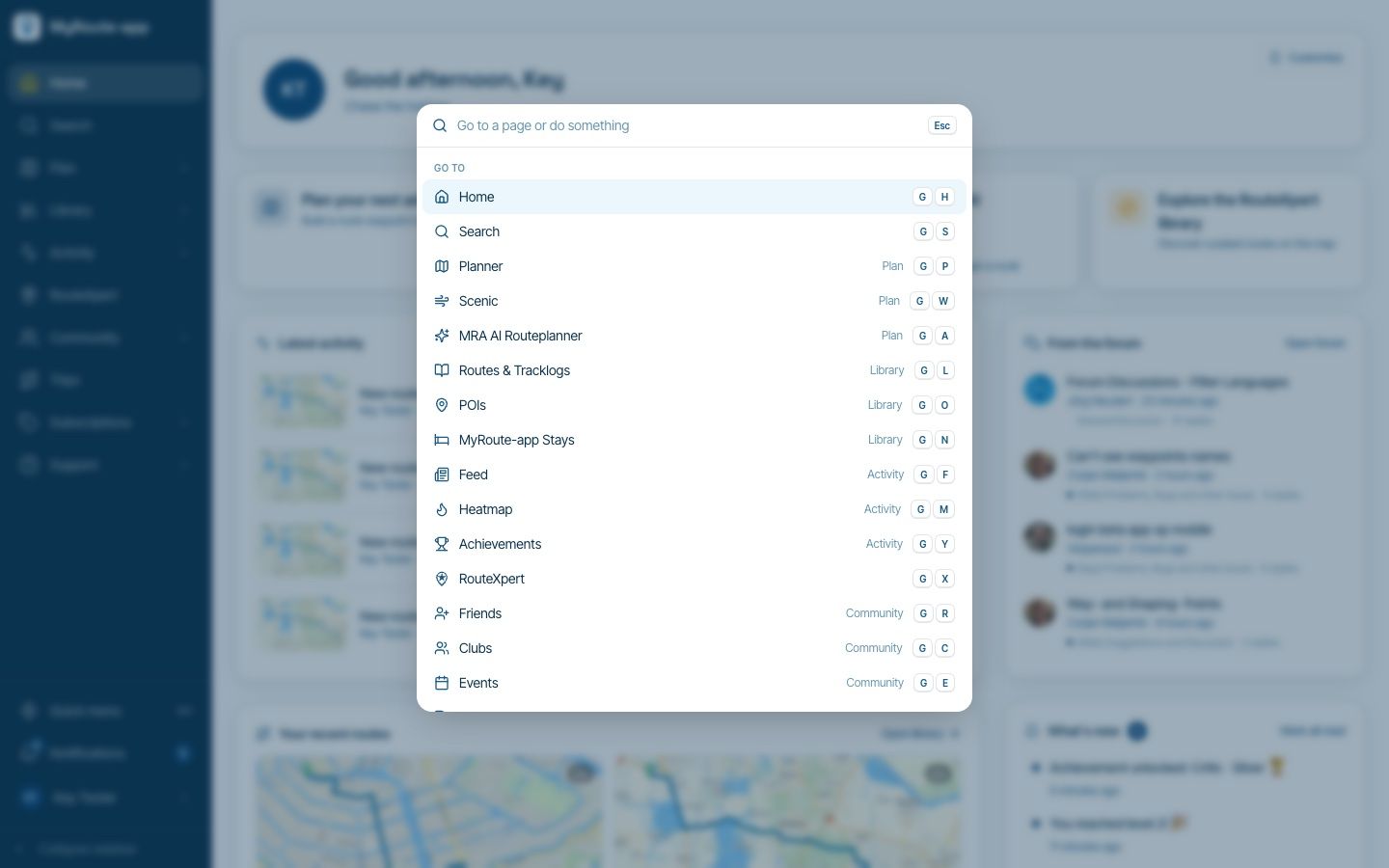
Website update - Keyboard shortcuts, route status, every Discover category and more of your feedback
 913198
-
 07179
-
 310250
-
1772
-
1181.7k