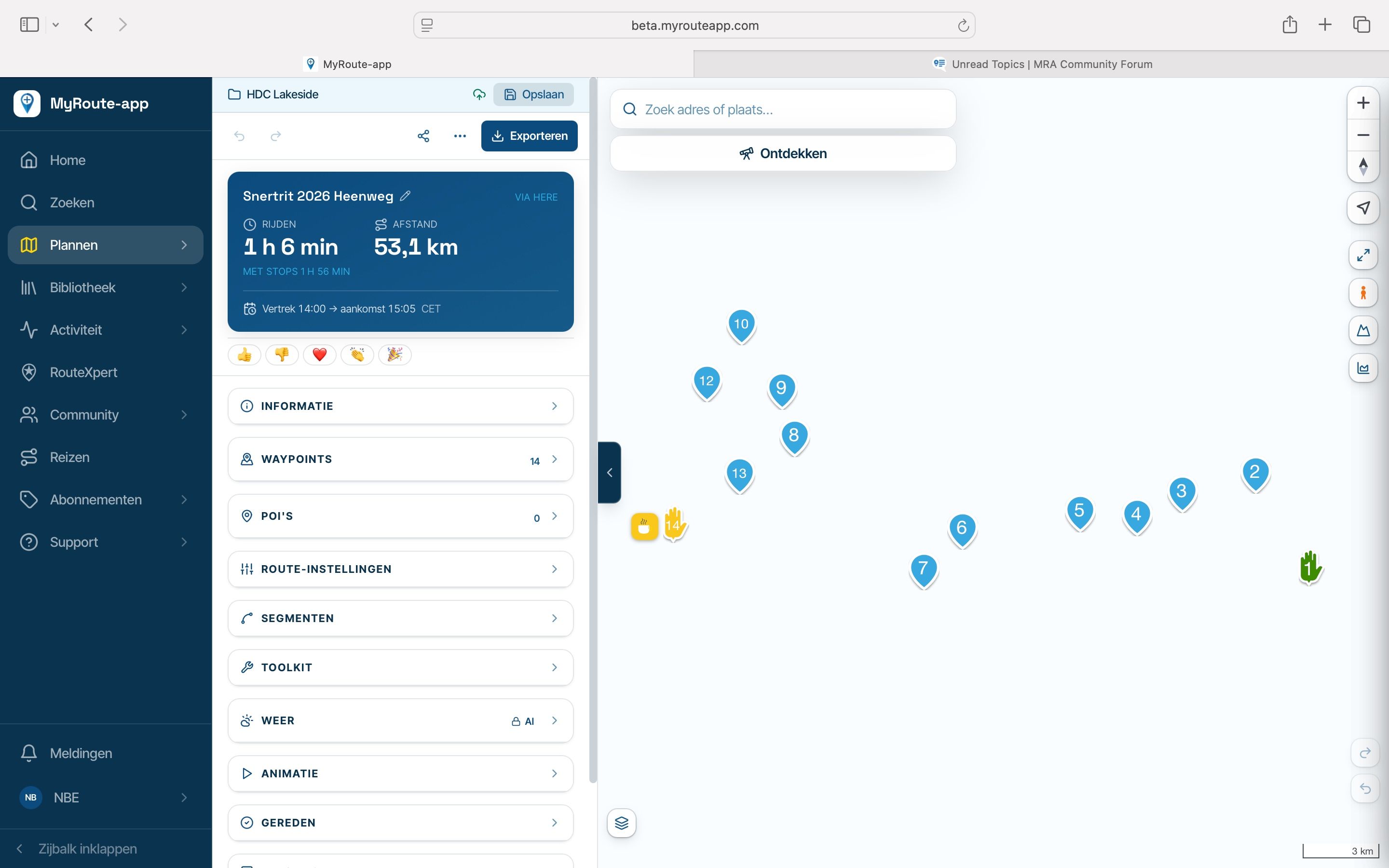
Stuck Floating Notification
-

I have had this ‘floating notification’ a few times since I switched to the new version of the App/Planner in the beta area V6.0.0-532 yesterday.
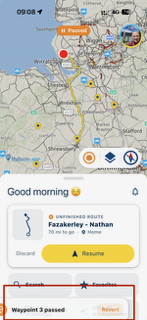
This was during navigation and also if I exited the navigation at a stop. I can slide the notification left and right but can not clear it. ‘Revert’ also does nothing. I could only clear the ‘floater’ by closing and restarting the app.
Additional this notification was not evident on CarPlay which was my main device for use with the phone on ‘Big Buttons’ but out of sight. Using iPhone 18Pro with iOS 27.2.
-

Thanks for sharing!
Hello! It looks like you're interested in this conversation, but you don't have an account yet.
Getting fed up of having to scroll through the same posts each visit? When you register for an account, you'll always come back to exactly where you were before, and choose to be notified of new replies (either via email, or push notification). You'll also be able to save bookmarks and upvote posts to show your appreciation to other community members.
With your input, this post could be even better 💗
Register Login-
 032224
-
 14281.5k
-
 412141
-
01193
-
01164
-
 0972
-
0869
-
08174