Skip to content
  • Categories
  • Recent
  • Popular
  • Support
  • MyRoute-app
Collapse
Brand Logo

MRA Community Forum

  1. Home
  2. [Beta] The MyRoute-app
  3. [Beta] Problems, Bugs and other Issues
  4. Zoom on CarPlay

Zoom on CarPlay

Scheduled Pinned Locked Moved [Beta] Problems, Bugs and other Issues
5 Posts 2 Posters 80 Views 2 Watching
  • Oldest to Newest
  • Newest to Oldest
  • Most Votes
Reply
  • Reply as topic
Log in to reply
This topic has been deleted. Only users with topic management privileges can see it.
  • Gos Kuusundefined Offline
    Gos Kuusundefined Offline
    Gos Kuus
    wrote last edited by
    #1

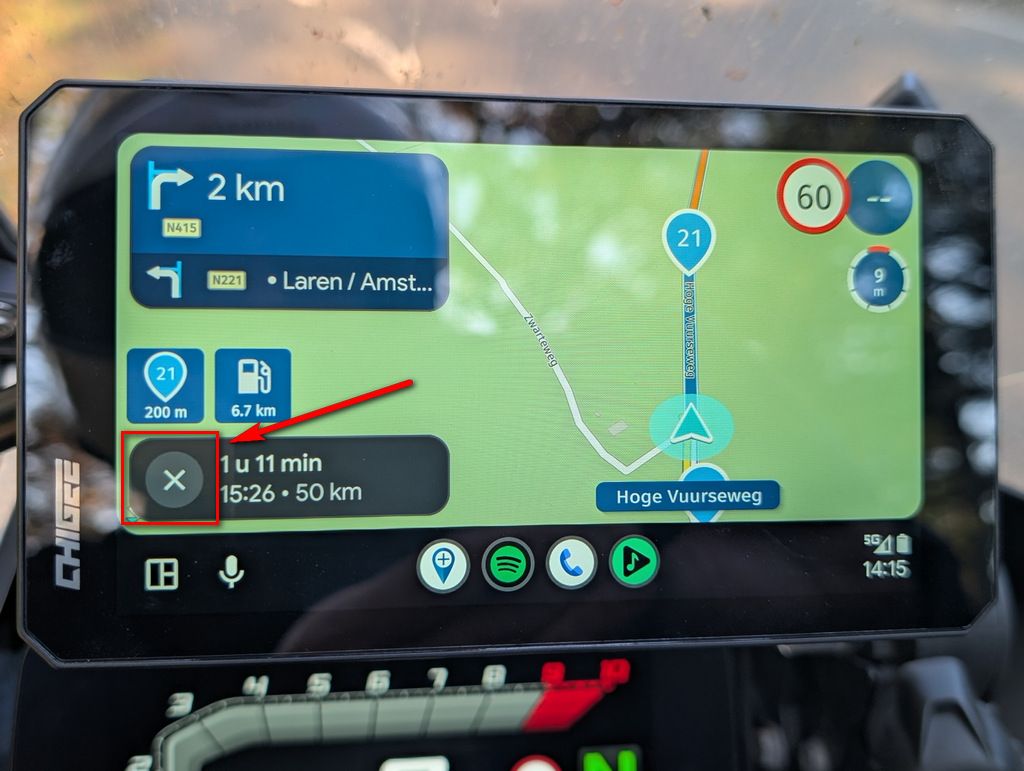
    Today starting with a tour. Immediately MRA crashed, reported that. After that had to restart my IPhone twice because on CarPlay the tour was completely zoomed out. After that it was OK. At the same time on IPhone it was OK. Somewhere I stopped for a coffee break and stopped the navigation but didn’t shut it down completely. At the restart CarPlay was zoomed in completely and wouldn’t zoom out whilst driving. Never had this trouble before.

    1 Reply Last reply
    0
    • M. Schrijverundefined Online
      M. Schrijverundefined Online
      M. Schrijver
      Valued contributor
      wrote last edited by M. Schrijver
      #2

      Push the compass button in the lower right corner onm your phone to change the view. This will fix zoom issues on AA/ACP most of the time also.

      (I use MRA Next only on Android Auto. Every comment, suggestion, etc will be based on my usage with Android Auto)

      1 Reply Last reply
      0
      • Gos Kuusundefined Offline
        Gos Kuusundefined Offline
        Gos Kuus
        wrote last edited by
        #3

        I’m aware of these buttons. Simply, I never use them because the program is zooming in and out as it should. The issue is that since shortly the programming doesn’t auto zoom. Like today the navigation was zoomed in and staid at that level, it didn’t auto zoom on behalf of speed, roundabouts or what so ever.

        1 Reply Last reply
        0
        • Gos Kuusundefined Offline
          Gos Kuusundefined Offline
          Gos Kuus
          wrote last edited by
          #4

          Additional I found that the compass button is in locked position when I start the App. For shure I had it switched into dynamic in an earlier session. You don’t expect it is in a different position because I didn’t changed it by myself. In the past it didn’t switch by itself.

          1 Reply Last reply
          0
          • M. Schrijverundefined Online
            M. Schrijverundefined Online
            M. Schrijver
            Valued contributor
            wrote last edited by
            #5

            Yes, it is looked locked at first glance. But when you really start a route, it switches to (i assume) the last used zoom view. So the lock disappears at that moment. At least that is what I saw the last few times i used the app.

            (I use MRA Next only on Android Auto. Every comment, suggestion, etc will be based on my usage with Android Auto)

            1 Reply Last reply
            0

            Hello! It looks like you're interested in this conversation, but you don't have an account yet.

            Getting fed up of having to scroll through the same posts each visit? When you register for an account, you'll always come back to exactly where you were before, and choose to be notified of new replies (either via email, or push notification). You'll also be able to save bookmarks and upvote posts to show your appreciation to other community members.

            With your input, this post could be even better 💗

            Register Login
            Reply
            • Reply as topic
            Log in to reply
            • Oldest to Newest
            • Newest to Oldest
            • Most Votes


            ACTIVE USERS
            M. Schrijverundefined
            M. Schrijver
            Gos Kuusundefined
            Gos Kuus
            POPULAR TOPICS
            • GPX Versions 1.1 vs 1.2 for Garmin Visually Explained
              Carl Leeundefined
              Carl Lee
              7
              103
              4.8k

            • Route spoor gpx
              supergundefined
              superg
              0
              4
              79

            • Updated beta! 5.2.1 (486)
              Hubert Thoringundefined
              Hubert Thoring
              7
              44
              597

            • Nieuwe functie: OSM-zoekcategorieën per voertuigtype [5.2.1-486]
              PeterKerkhofundefined
              PeterKerkhof
              1
              6
              43

            • Auto skip many waypoints by itself while I was on route. [5.2.0 - 474]
              M. Schrijverundefined
              M. Schrijver
              0
              9
              284

            • how can I make Next speak the waypoints and notes to me?
              Brian McGundefined
              Brian McG
              0
              4
              233

            • Uitspreken adressen en notities
              M. Schrijverundefined
              M. Schrijver
              0
              11
              139

            • Track vs Route
              Con Hennekensundefined
              Con Hennekens
              0
              6
              192

            MY GROUPS
            • Login

            • Login or register to search.
            • First post
              Last post
            0
            • Categories
            • Recent
            • Popular
            • Support
            • MyRoute-app