Android Auto Mazda CX
-

I am on holiday in New Zealand and have a Mazda hire car so thought I'd use the Androud Auto function from my Samsung A33 phone.
Firstly via Bluetooth operation was very buggy so I bought a USB-C to USB-C and every thing runs as smooth as silk.
1: What i have noticed is that roundabout graphics show fine on the car central info screen but on the HUD screen they show as though I have to drive anti clockwise around the roundabout.
2: From my phone I can select Scenic and there are option buttons for the amount of twistyness I would like. I don't see this in AA from the cars central info screen.
If someone could put me right on these I'd appreciate it.
Tony
-

Nice to read how to functionality itself (Android Auto) can be vert crappy and a cable fixes the issue.
Regarding the roundabout, no clue. Should be the exact same image as for the phone.
Generating scenic routes is only available from the app itself by design. -
Nice to read how to functionality itself (Android Auto) can be vert crappy and a cable fixes the issue.
Regarding the roundabout, no clue. Should be the exact same image as for the phone.
Generating scenic routes is only available from the app itself by design.
@Corjan-Meijerink today I paid a bit more attention and just for clarity MRA performs as expected on the Mazda central info screen.
The cars Head up Display will correctly display the next turn if it's a left or right turn but if the next turn is a roundabout it shows the exit as ~350° anticlockwise.
-
@Corjan-Meijerink today I paid a bit more attention and just for clarity MRA performs as expected on the Mazda central info screen.
The cars Head up Display will correctly display the next turn if it's a left or right turn but if the next turn is a roundabout it shows the exit as ~350° anticlockwise.
-
@Corjan-Meijerink today I paid a bit more attention and just for clarity MRA performs as expected on the Mazda central info screen.
The cars Head up Display will correctly display the next turn if it's a left or right turn but if the next turn is a roundabout it shows the exit as ~350° anticlockwise.

@tonyS said in Android Auto Mazda CX:
@Corjan-Meijerink today I paid a bit more attention and just for clarity MRA performs as expected on the Mazda central info screen.
The cars Head up Display will correctly display the next turn if it's a left or right turn but if the next turn is a roundabout it shows the exit as ~350° anticlockwise.
May the root cause is "driving on the left" in New Zealand?
-
@tonyS interesting. Are you 100% sure that the HUD info is from MRA and not some other running app / internal navigation?
@Corjan-Meijerink I am sure that MRA is the only navigation I have set to take me to my next destination.
I'll give more thought to it next time I'm out.
Thank Corjan. -
@tonyS said in Android Auto Mazda CX:
@Corjan-Meijerink today I paid a bit more attention and just for clarity MRA performs as expected on the Mazda central info screen.
The cars Head up Display will correctly display the next turn if it's a left or right turn but if the next turn is a roundabout it shows the exit as ~350° anticlockwise.
May the root cause is "driving on the left" in New Zealand?
-
@Corjan-Meijerink I have done another drive and can confirm that to the best of my knowledge, the only navigation running was MRA.
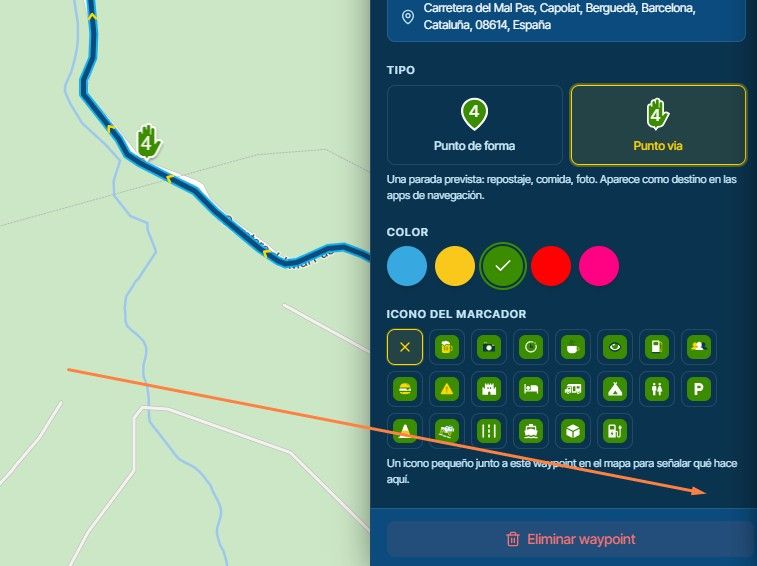
If the next junction is a roundabout the Mazda's HUD will show as per the image in previous post no matter what exit I need to take.
MRA on the central info screen is always correct as it would be on my phone.
Thanks for all your work.
Tony -

My guess is that the problem is in the head units firmware. That firmware is the one generating graphics for the HUD. It probably recognizes your phone coming from a right driving country
 How does Google maps or any other app on your phone show this?
Hello! It looks like you're interested in this conversation, but you don't have an account yet.
Getting fed up of having to scroll through the same posts each visit? When you register for an account, you'll always come back to exactly where you were before, and choose to be notified of new replies (either via email, or push notification). You'll also be able to save bookmarks and upvote posts to show your appreciation to other community members.
With your input, this post could be even better 💗
Register Login-
 01222
01222
-
 0817
0817
-
 078
078
-
 0724
0724
-
 0629
0629
-
1518
-
0410
-
0419