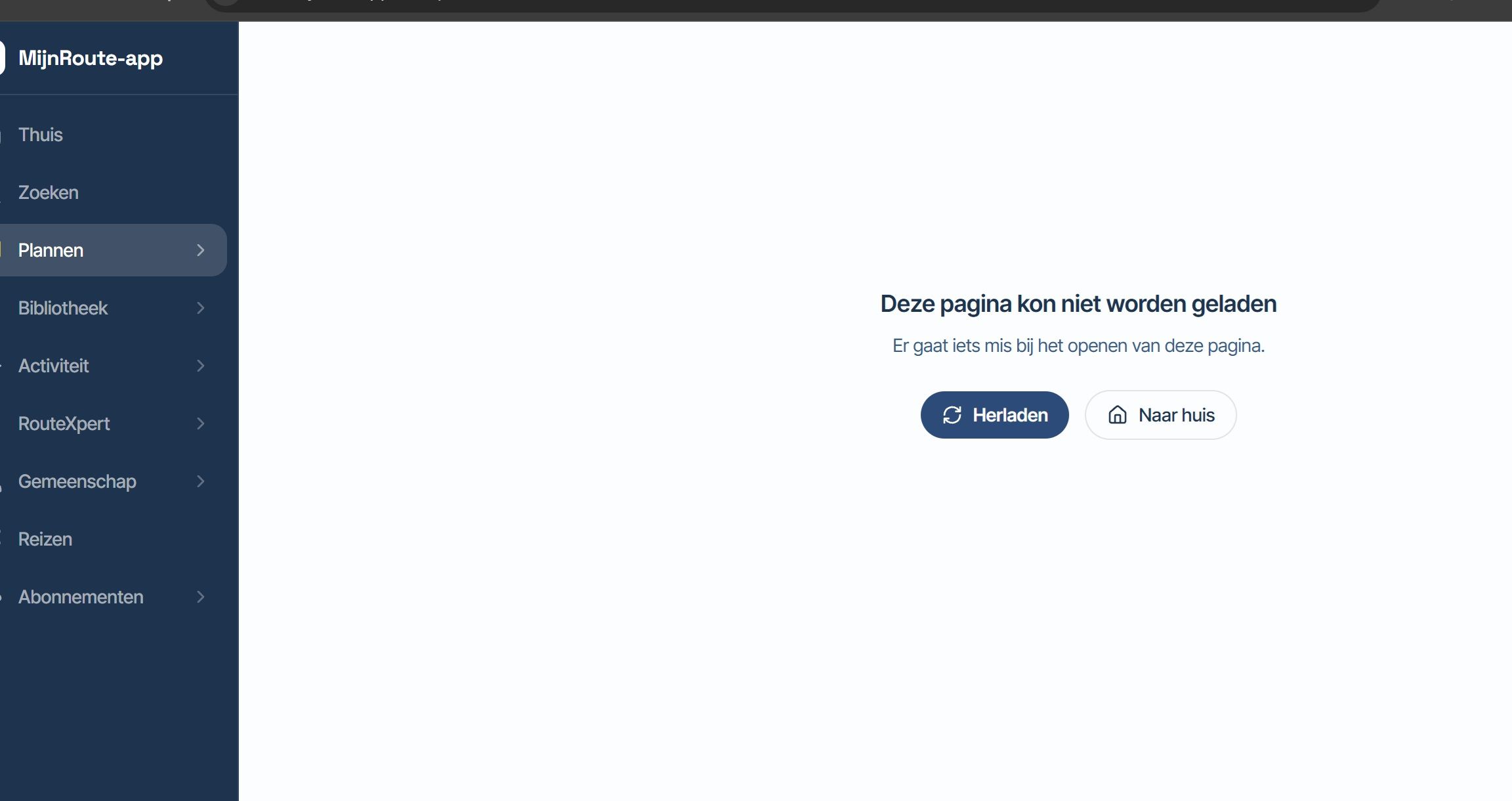
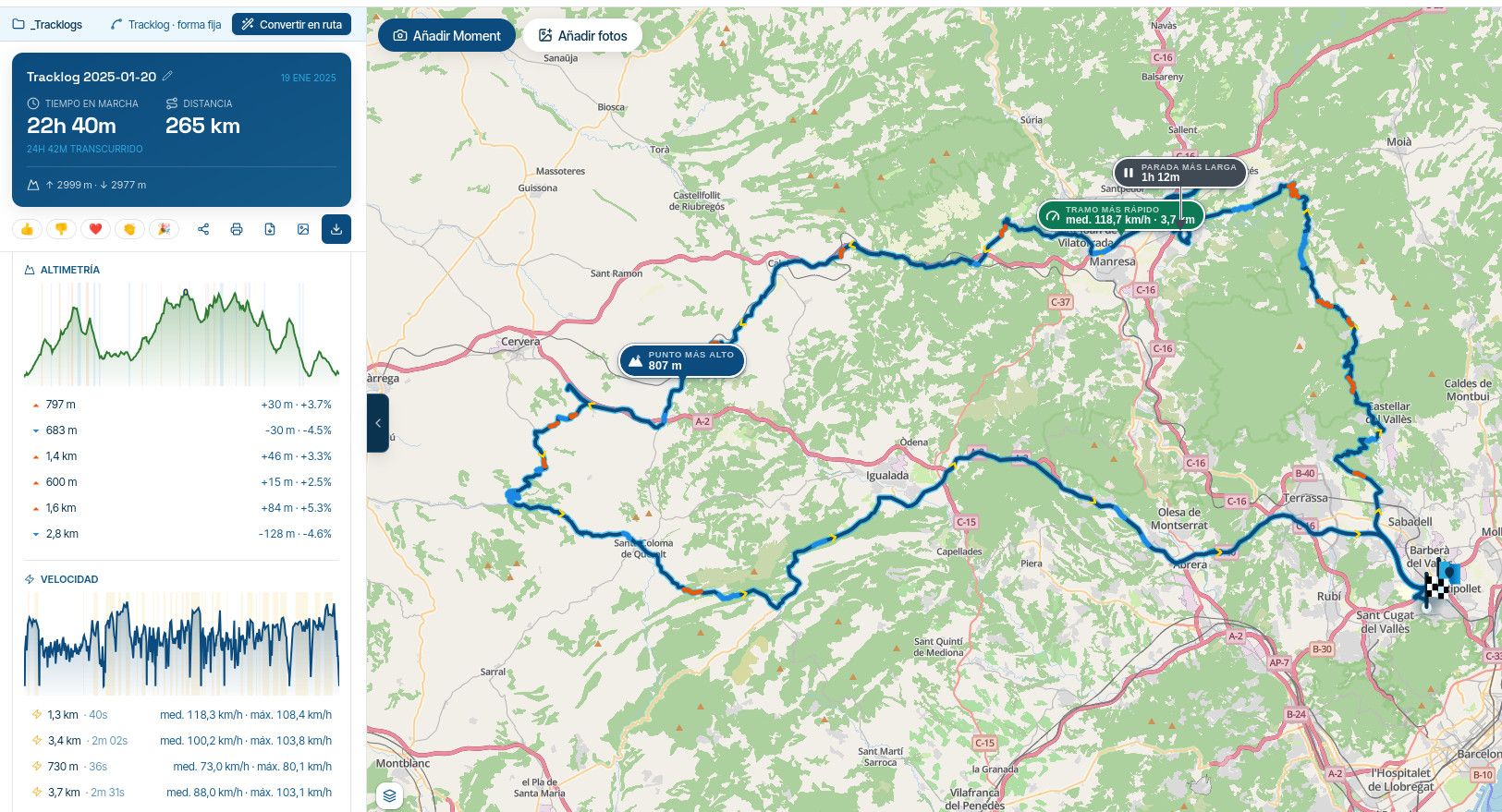
Zoom + and - in North Up.
-
@JP-d thanks for the nice words!
Best wishes to you too.That zoom / camera change is by design.
North-up and dynamic use a predefined zoom level that adjusts based on your preference (speed, distance to next maneuver, tilt etc).
Top-down is the only mode where we use the fixed zoom level selected by you.
Don’t have any ambitions to change current behavior.There is a button in the menu to save a current location. We can’t just add another button directly on the screen
 Adding as favorite is different than you might want (a POI) but that is something we might change further down the road when changing stuff like this on the website too!
Have a nice christmas!

@Corjan-Meijerink Thanks for your reply. Yes, I forgot about the (Favourite Location). Great to have. Thanks for the explanation. Always looking forward to the improvements you make. Well done to the MRA team.
-
Hi MRA team,
I hope you're all well and ready for a lovely Christmas with your families.
When pressing on the compass icon and going to North Up I noticed that if I try to zoom out (-) the map changes to top view.
Would you be able to change it so that it remains in North Up when you zoom out? And maybe change the Compass needle to red for better visibility?
This is helpful when you get to beautiful part of your route, or a great road and want to see where you're at on your route while having the same view when planning the route which is North Up.
Also a (drop pin
 ) or save location while riding would be great to mark interesting locations or even great roads. Garmin Nav 6 has (Favourite) which drops a
  ️ to mark the spot.
Well done on the recent update, live traffic is great.
Have you thought about a (Detour) option when coming to road closure? This is available on my Garmin Nav 6 even has Advanced Detour where you can select the number of miles you want your Detour to be in order to get round the closure.
Merry Christmas

 ️
️ 
Happy New Year


JP

@JP-d
Yes, this manual zoom with fixed north would be great! Not a big fan of dynamic levels personally, harder to judge in quick glance. And simply used to navigating with North up.Feels like all the options are there, but you just can't make the right combination.

-

I agree it is very frustrating. On my Zumo I always use North Up and zoom in and out as needed, when doing this in MRA and the map starts spinning I know why I use a Zumo. And when it comes to Android Auto I find it even more frustrating. Can't we have a North Up only version?

Lives in the UK
Samsung Galaxy A33 5G
Samsung Galaxy Tab A8
Aoocci C3 cheap crap
Soon to be a Carpuride
Garmin Zumo XT -
I agree it is very frustrating. On my Zumo I always use North Up and zoom in and out as needed, when doing this in MRA and the map starts spinning I know why I use a Zumo. And when it comes to Android Auto I find it even more frustrating. Can't we have a North Up only version?

@tonyS North up is an old way of Navigating witch some people still want to use. Be my guest. I dont get it but that's me
-
@tonyS , Why?, now everyone has a choice to select their version of compas. I don't like North up at all, so i don't wish a "only" version of that.
-
I would also wish to have this feature zoom in and out in every mode.
-
Map level
In addition to the instructions, it is also important to customise the navigation to suit your preferences as much as possible. Therefore, use these settings to select how you want the map and position display to look.
Map style: Click here to open the map style settings.Zoom adjustments: With this setting, it is possible to zoom in and out automatically based on your driving behaviour.
You can deactivate this option or use it based on your speed, driving instructions or a combination of both.
Default zoom correction: Here you can specify whether the map should be enlarged or further reduced by default.
Tilt correction: Here you can specify whether you want to see more or less of the horizon when navigating.
Line opacity: Determine how visible the route line is during navigation.
Line width: Determines how thick the route line is when navigating.
POI size: Adjust the size of the POI symbols here.
Position indicator size: Adjust the size of the position indicator here.
RTTranslated with DeepL.com (free version)
-
Map level
In addition to the instructions, it is also important to customise the navigation to suit your preferences as much as possible. Therefore, use these settings to select how you want the map and position display to look.
Map style: Click here to open the map style settings.Zoom adjustments: With this setting, it is possible to zoom in and out automatically based on your driving behaviour.
You can deactivate this option or use it based on your speed, driving instructions or a combination of both.
Default zoom correction: Here you can specify whether the map should be enlarged or further reduced by default.
Tilt correction: Here you can specify whether you want to see more or less of the horizon when navigating.
Line opacity: Determine how visible the route line is during navigation.
Line width: Determines how thick the route line is when navigating.
POI size: Adjust the size of the POI symbols here.
Position indicator size: Adjust the size of the position indicator here.
RTTranslated with DeepL.com (free version)
@RainerT Hi Mate, thanks for your reply. I'm aware of the settings, while riding in Dynamic view I would like on occasion to use the +- zoom on the navigation screen, to give me a view further ahead, or select an alternative side road if there's a closure ahead. Instead of having to change modes to top view and then zoom out then click mode view again to get back to Dynamic (which will then be zoomed in). Hope this clarifies my thoughts
-
Agreed. It may not be for everyone, but I prefer north-up navigation. If I want to zoom out and see what part of town I'm in, if there's a city ahead, or just get a general feel for how far I've gone, it's very confusing to see an upside down or sideways map.
-
 infoevertkuiken.nl referenced this topic on
Hello! It looks like you're interested in this conversation, but you don't have an account yet.
Getting fed up of having to scroll through the same posts each visit? When you register for an account, you'll always come back to exactly where you were before, and choose to be notified of new replies (either via email, or push notification). You'll also be able to save bookmarks and upvote posts to show your appreciation to other community members.
With your input, this post could be even better 💗
Register Login-
 0520
0520
-
 2482
2482
-
 0522
0522
-
 0311
0311
-
0312
-
 0746
0746
-
 126
126
-
036