Annoying "Can't calculate route"
-
A) I had several occasions where suddenly this warning pops up blocking completely the view to the map where I could still see the original route.
Of course this happens in critical driving situation.
Please change this. Not a pop up blocking the screen, but another type of optical warning, which allows to still see the trip info.
PS: similar issue with the "You are Offline" info! (I don't care I just want to see the road/trip)
B) I had occasions where for what ever reasons I could not start driving as it did not want to start the calculation from the location I was at. so I had to drive to a main road, load the trip again and start the navigation, that was not always save. again I don't care if you can't start the navigation right now, start it when you can.
PS: part of the problem is that You have to stop undress the gloves or unsafely deal with the program while driving -
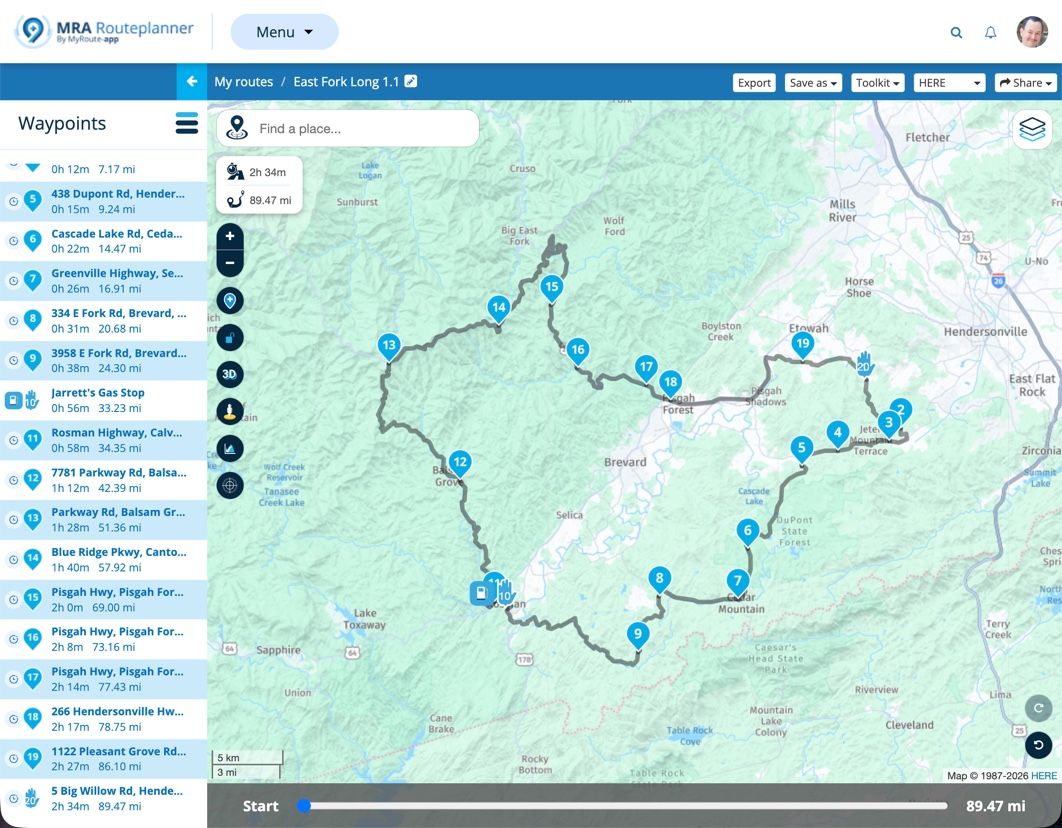
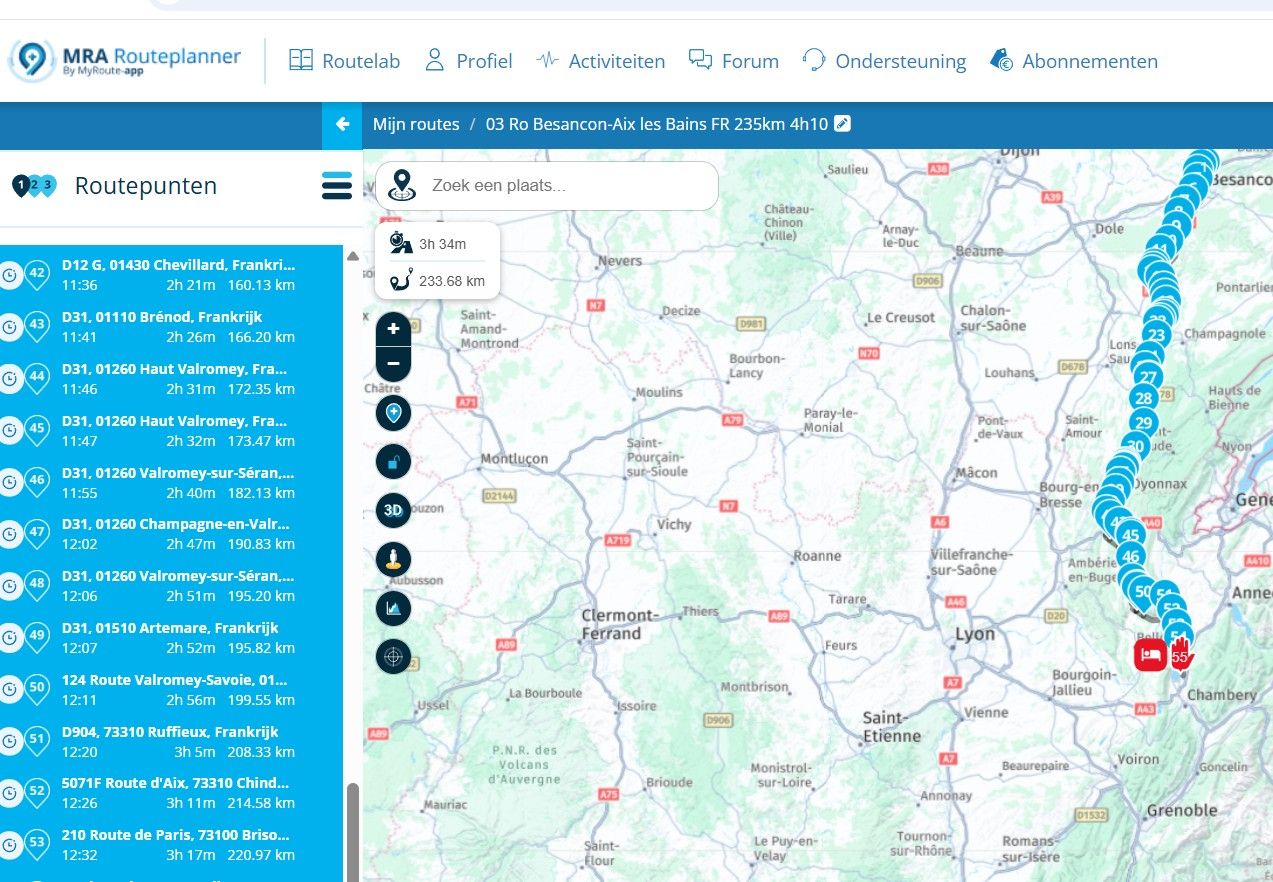
A) it would be helpful to see what warning pop-up you are talking about
B) route calculation assumes you are on or close to a road. Sometimes it does not work when you are in a backyard, or desert, or other arfea with no roads. Only fair to get a warning about that.
C) you could buy gloves that allow operating a phoneI am just an enthusiastic MRA user, and hope you will be one too!
Most motorcycle problems are caused by the nut that connects the handlebar to the saddle.
Check out RideSleepRepeat.eu, a biker community for sharing stays across Europe
-
A) it would be helpful to see what warning pop-up you are talking about
B) route calculation assumes you are on or close to a road. Sometimes it does not work when you are in a backyard, or desert, or other arfea with no roads. Only fair to get a warning about that.
C) you could buy gloves that allow operating a phone@Con-Hennekens said in Annoying "Can't calculate route":
A) it would be helpful to see what warning pop-up you are talking about
B) route calculation assumes you are on or close to a road. Sometimes it does not work when you are in a backyard, or desert, or other area with no roads. Only fair to get a warning about that.
C) you could buy gloves that allow operating a phone
A) I try a screenshot next time, but I think its not permanent but pops up regularly ... incidentally always when i look at it
B) clear, I do understand that that there are limitations in the maps also. Still I think it should let me start navigation and not refuse to cooperate.
C) I have such a glove ... not satisfactory, I even have a pen i can use - the problem is the distraction from driving its causingI really love MyRouteApp! its great and it enables me to plan and navigate my trips. However there is one or the other thing which was clearly designed being in front of a Computer screen and not sitting on an MotorCycle
in Navigation mode being able to Navigate must remain the priority. events like recalculation, offline mode, etc. can be indicated, but the main screen Must show the map. e.g. I prefer the old calculated rout to be shown, an only replace by the new rout when the recalculation is done over suddenly all info gone during recalculation (mostly the recalculation are triggered due to GPS error e.g. it thinks that I am on the parallel road etc.) -
@Con-Hennekens said in Annoying "Can't calculate route":
A) it would be helpful to see what warning pop-up you are talking about
B) route calculation assumes you are on or close to a road. Sometimes it does not work when you are in a backyard, or desert, or other area with no roads. Only fair to get a warning about that.
C) you could buy gloves that allow operating a phone
A) I try a screenshot next time, but I think its not permanent but pops up regularly ... incidentally always when i look at it
B) clear, I do understand that that there are limitations in the maps also. Still I think it should let me start navigation and not refuse to cooperate.
C) I have such a glove ... not satisfactory, I even have a pen i can use - the problem is the distraction from driving its causingI really love MyRouteApp! its great and it enables me to plan and navigate my trips. However there is one or the other thing which was clearly designed being in front of a Computer screen and not sitting on an MotorCycle
in Navigation mode being able to Navigate must remain the priority. events like recalculation, offline mode, etc. can be indicated, but the main screen Must show the map. e.g. I prefer the old calculated rout to be shown, an only replace by the new rout when the recalculation is done over suddenly all info gone during recalculation (mostly the recalculation are triggered due to GPS error e.g. it thinks that I am on the parallel road etc.)@Robert-Laudensack said in Annoying "Can't calculate route":
there is one or the other thing which was clearly designed being in front of a Computer screen and not sitting on an MotorCycle
I know @Corjan-Meijerink to be developing MRA in bed, in a hot tub, a hotel room and more places, but hopefully not while riding his bike. Believe me: he is a fanatic biker...

in Navigation mode being able to Navigate must remain the priority
I have no doubt that exactly that is the case.
Once again, it would be helpful if we could see the pop-up on which you base your claims. Please add a screenshot.I prefer the old calculated rout to be shown
Me too, there is a setting for that, which shows a white line indicating the original route.
Also you can disable recalculation if you want to.Forgive me, but it almost looks like we are not talking about the same app...
I am just an enthusiastic MRA user, and hope you will be one too!
Most motorcycle problems are caused by the nut that connects the handlebar to the saddle.
Check out RideSleepRepeat.eu, a biker community for sharing stays across Europe
-
@Robert-Laudensack said in Annoying "Can't calculate route":
there is one or the other thing which was clearly designed being in front of a Computer screen and not sitting on an MotorCycle
I know @Corjan-Meijerink to be developing MRA in bed, in a hot tub, a hotel room and more places, but hopefully not while riding his bike. Believe me: he is a fanatic biker...
in Navigation mode being able to Navigate must remain the priority
I have no doubt that exactly that is the case.
Once again, it would be helpful if we could see the pop-up on which you base your claims. Please add a screenshot.I prefer the old calculated rout to be shown
Me too, there is a setting for that, which shows a white line indicating the original route.
Also you can disable recalculation if you want to.Forgive me, but it almost looks like we are not talking about the same app...
@Con-Hennekens I am using MRA for years and 85'000km.
I don't want to turn of recalculation, because I need that feature.
its hard to make screenshots when you are on a trip, also this situations add a lot of stress and "fighting the system" is enough distraction
I'll try to make notes next time.

Hello! It looks like you're interested in this conversation, but you don't have an account yet.
Getting fed up of having to scroll through the same posts each visit? When you register for an account, you'll always come back to exactly where you were before, and choose to be notified of new replies (either via email, or push notification). You'll also be able to save bookmarks and upvote posts to show your appreciation to other community members.
With your input, this post could be even better 💗
Register Login-
 3281.2k
-
 0530
0530
-
 0321
0321
-
04166
-
 717414.0k
-
 012329
-
 0235
0235
-
 0382
0382