The excessive steps needed to use a friends route.
-

First, you have to both have friended each other and make sure the permissions are set to public or friends
Open my route app
select routes
select friends
select which friend
select route you want
select eye icon
from page menu select use route
from page menu select save as=gpx or equiv.
share or open = chose open
save!
close my route app
open Navigation
select Nav & Tracking
select routes
wow there it is! select route you want
select open route
Select Navigation arrow icon
18 steps! Any deviation from this will fail. -
First, you have to both have friended each other and make sure the permissions are set to public or friends
Open my route app
select routes
select friends
select which friend
select route you want
select eye icon
from page menu select use route
from page menu select save as=gpx or equiv.
share or open = chose open
save!
close my route app
open Navigation
select Nav & Tracking
select routes
wow there it is! select route you want
select open route
Select Navigation arrow icon
18 steps! Any deviation from this will fail.
You can use a Group or Event with your friends to share routes.
-
First, you have to both have friended each other and make sure the permissions are set to public or friends
Open my route app
select routes
select friends
select which friend
select route you want
select eye icon
from page menu select use route
from page menu select save as=gpx or equiv.
share or open = chose open
save!
close my route app
open Navigation
select Nav & Tracking
select routes
wow there it is! select route you want
select open route
Select Navigation arrow icon
18 steps! Any deviation from this will fail.
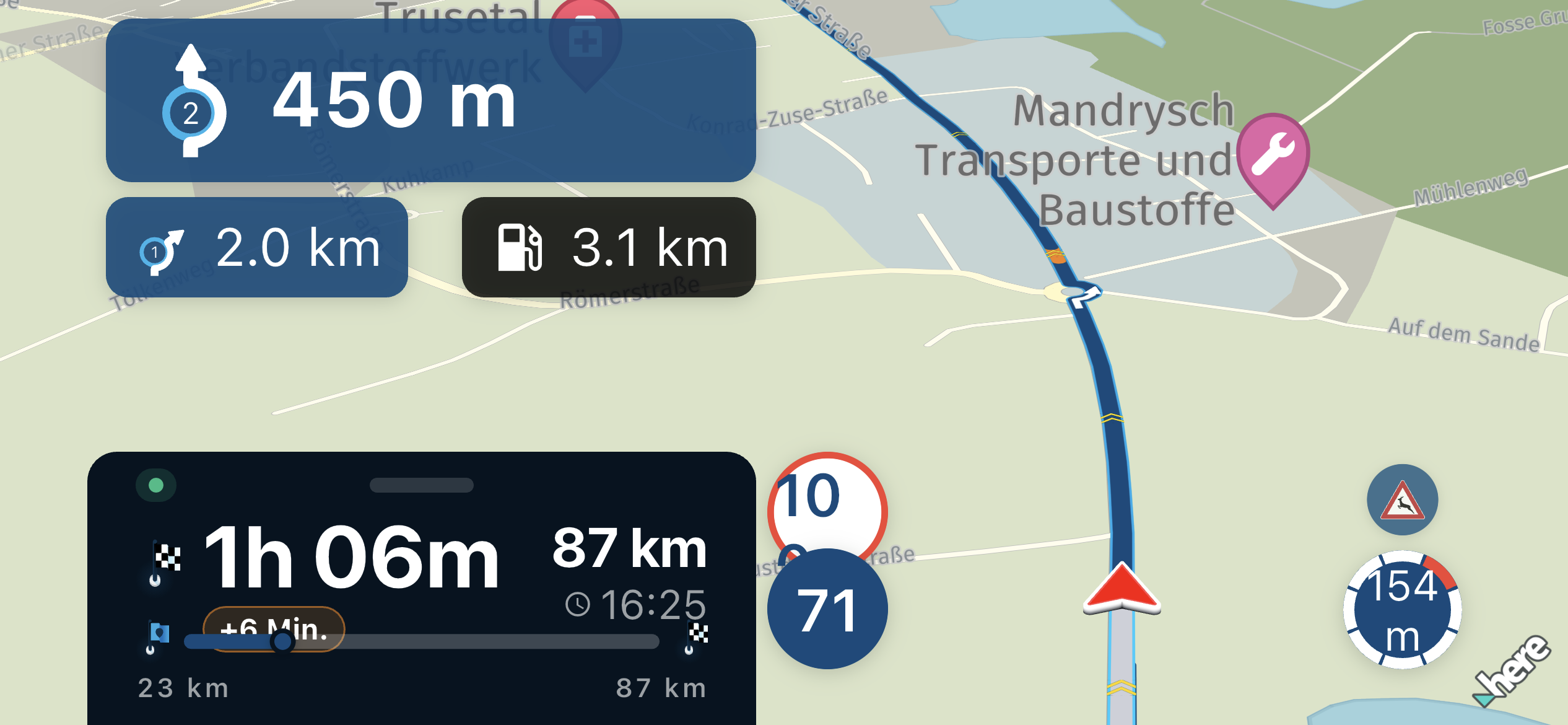
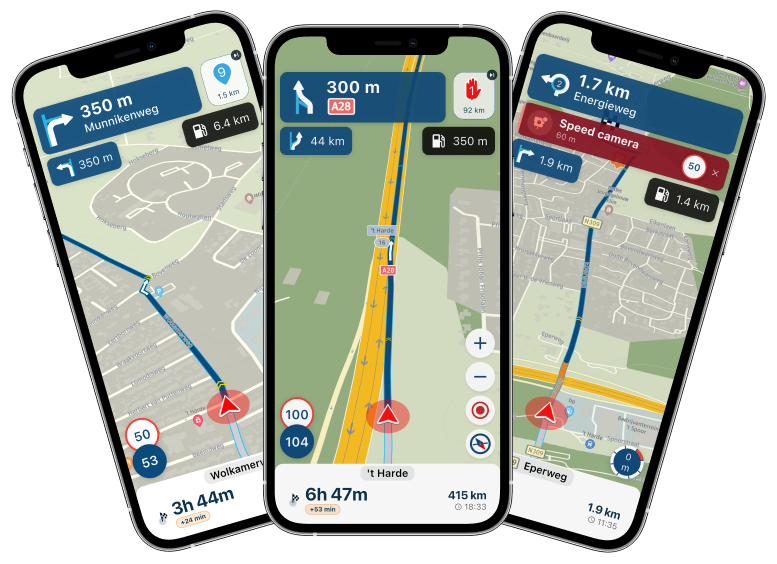
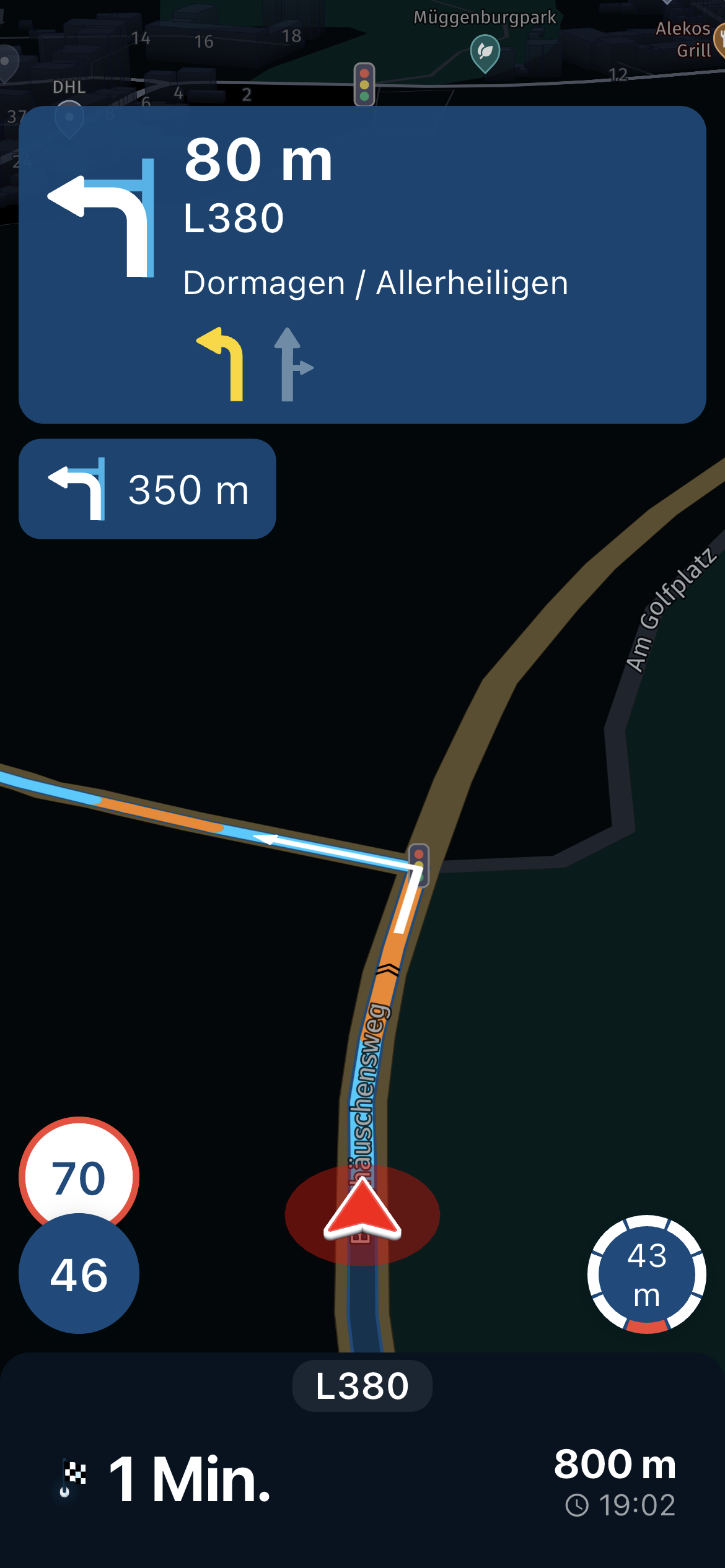
@Fred-Gilbert, From within Navigation Next that will be released in 2 weeks you can directly browse through your friends routes and start navigation. Of course your friend will still need to make them available for friends or public.
Hello! It looks like you're interested in this conversation, but you don't have an account yet.
Getting fed up of having to scroll through the same posts each visit? When you register for an account, you'll always come back to exactly where you were before, and choose to be notified of new replies (either via email, or push notification). You'll also be able to save bookmarks and upvote posts to show your appreciation to other community members.
With your input, this post could be even better 💗
Register Login-
 844470
-
 436440
-
 18261.8k
-
 67509
67509
-
 0422
0422
-
08713
-
1226237
-
 0566
0566