voice announcements and navigation line display
-

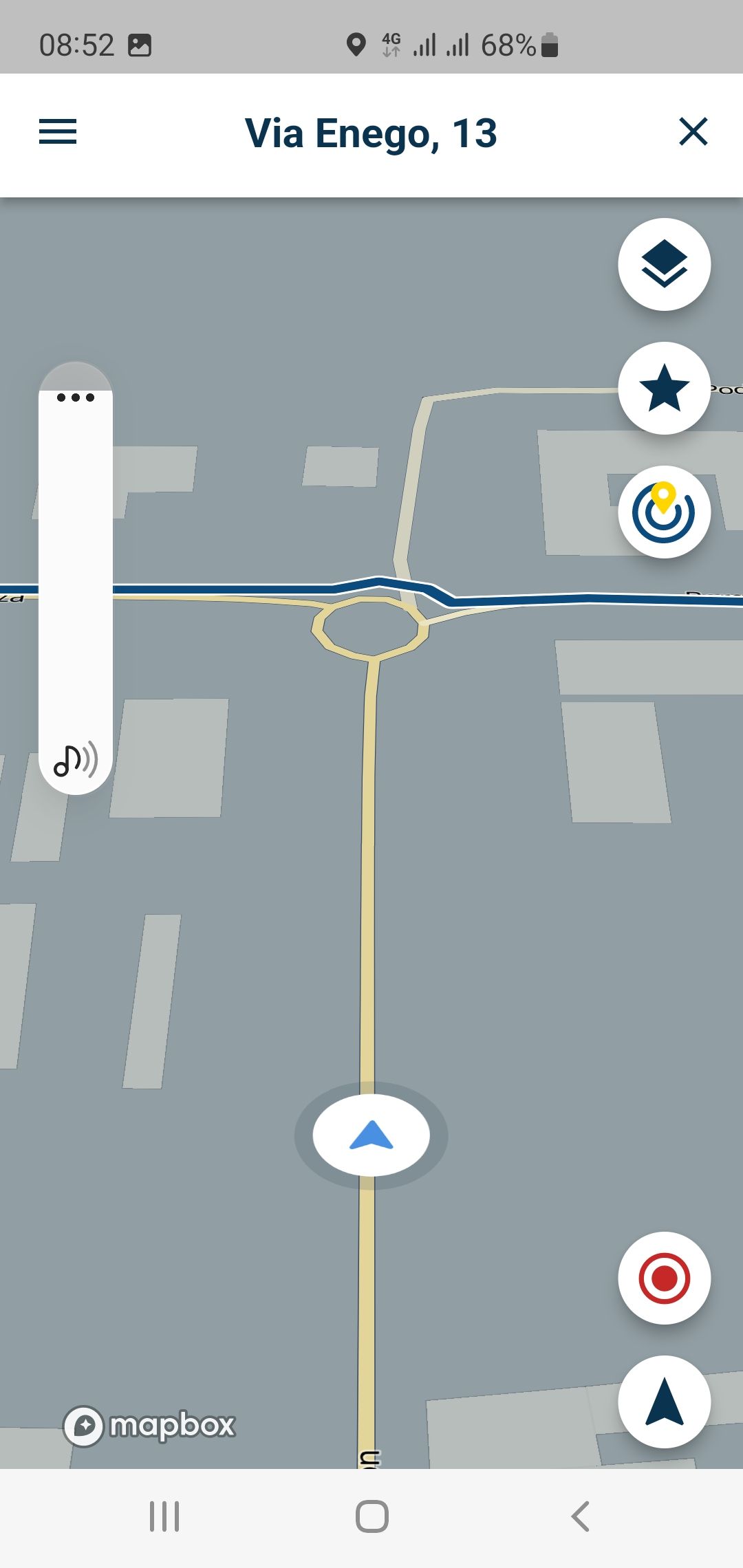
ho avviato la navigazione da myroute app 3.2.5 ma non si sente nessuna indicazione delle svolte. Nell'app NAVIGATION invece le istruzioni (italiano) funzionano perfettamente. Nel settaggio di myroute app non trovo il menù dove potere scegliere le voci.
Altro problema, durante la navigazione la linea delle strade passa sopra le rotonde e non viene fatto il ricalcolo se hai sbagliato strada. Rimane in visualizzazione sempre il percorso ma niente ricalcolo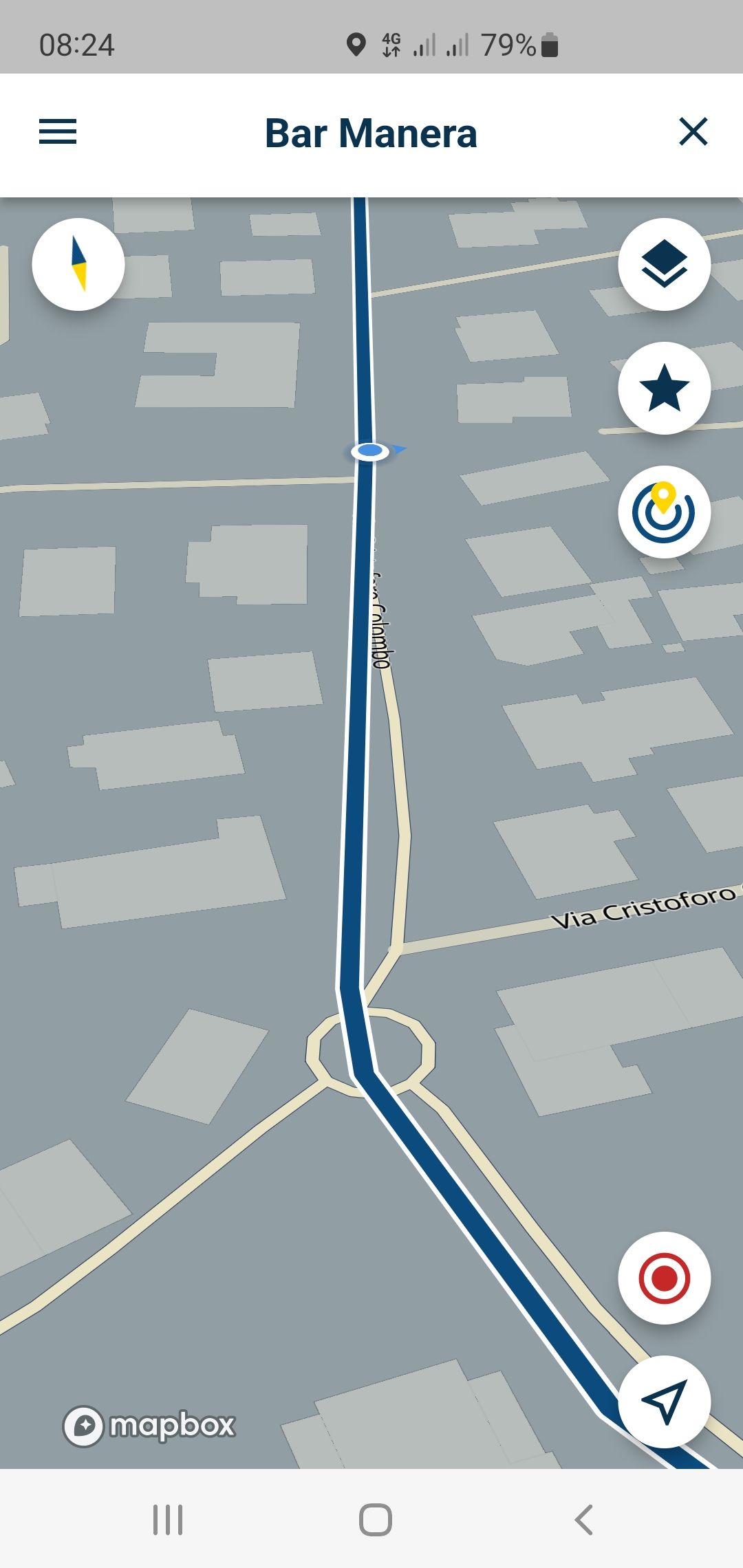
-
ho avviato la navigazione da myroute app 3.2.5 ma non si sente nessuna indicazione delle svolte. Nell'app NAVIGATION invece le istruzioni (italiano) funzionano perfettamente. Nel settaggio di myroute app non trovo il menù dove potere scegliere le voci.
Altro problema, durante la navigazione la linea delle strade passa sopra le rotonde e non viene fatto il ricalcolo se hai sbagliato strada. Rimane in visualizzazione sempre il percorso ma niente ricalcolo 
@Giuseppe-Marino Hi Giuseppe!

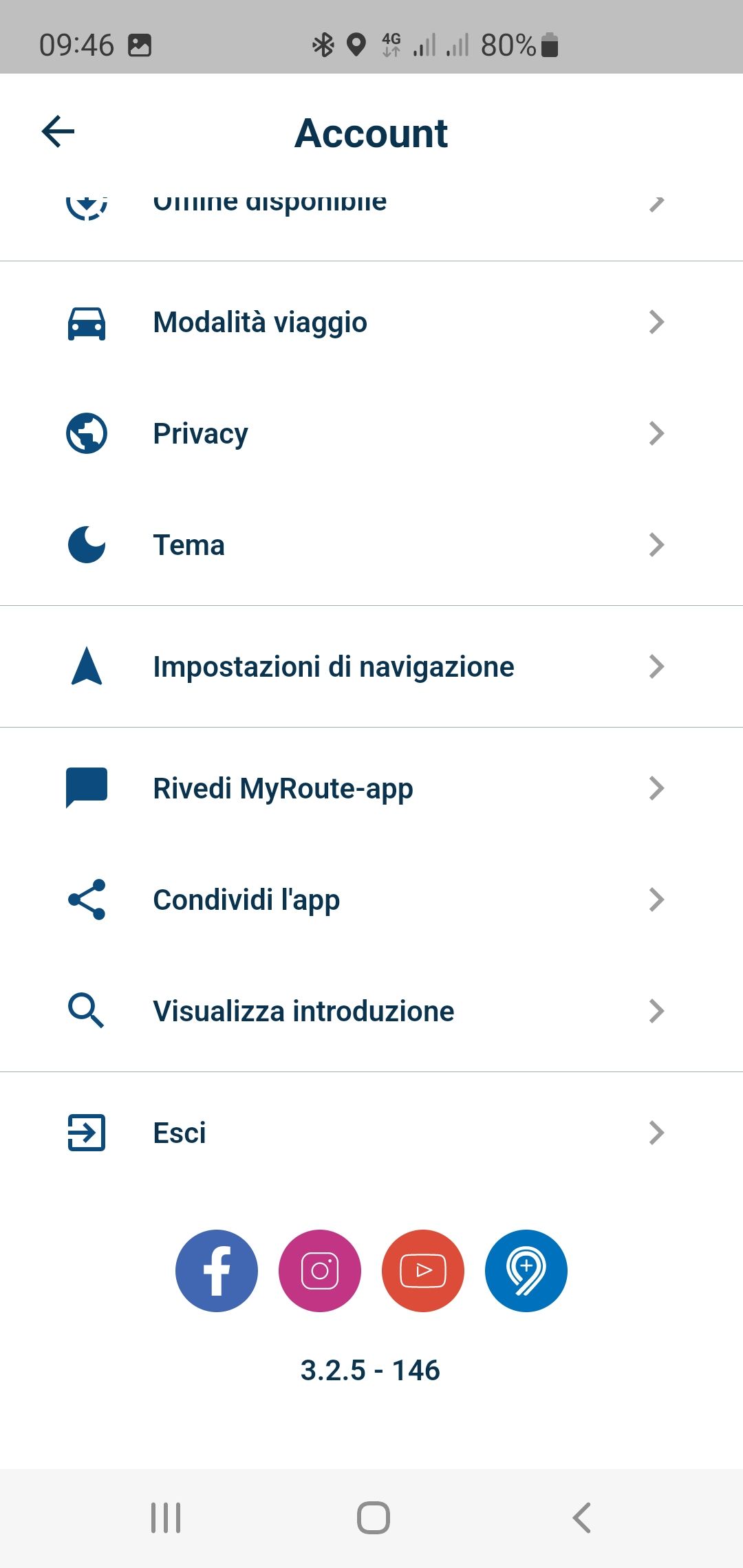
Can you please verify if this is version 3.2.5 by looking at the bottom of your account page?
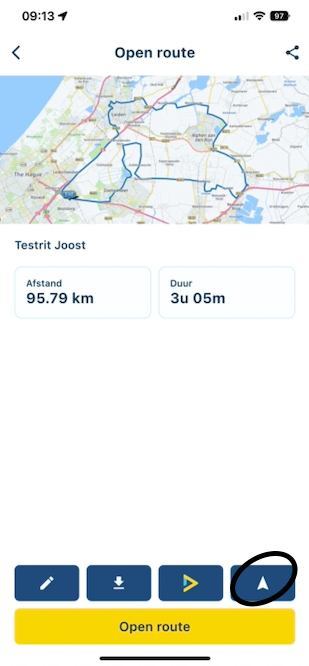
When opening a route (from your folders), you should click on the Navigation icon. Opening a route should also show “Start” on the bottom left on the map, clicking here will also start the Navigation. I can see this is not present on your screenshots. Either you opened a track or are using version 3.2.4.
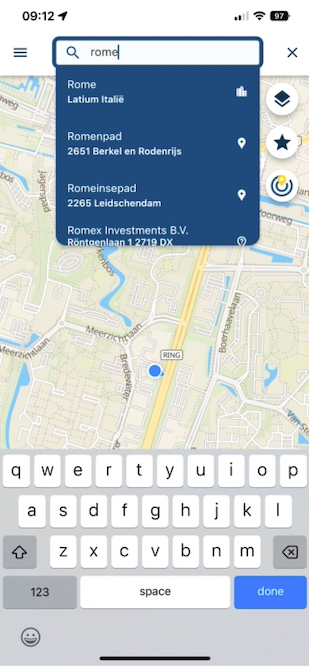
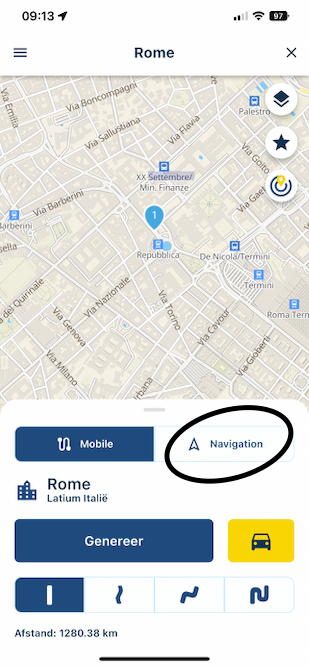
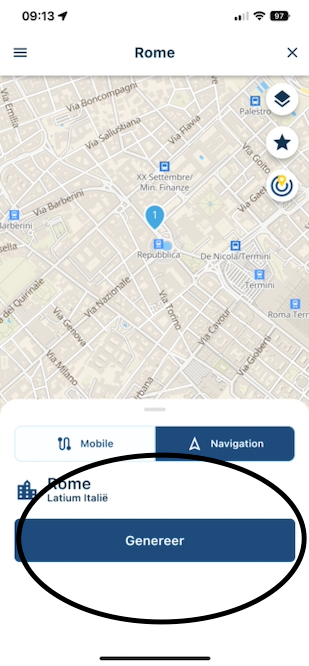
When searching for a location (top right search icon) and generating a route, you need to make sure the Navigation tab is selected.
Cheers!
-
@Giuseppe-Marino Hi Giuseppe!
Can you please verify if this is version 3.2.5 by looking at the bottom of your account page?
When opening a route (from your folders), you should click on the Navigation icon. Opening a route should also show “Start” on the bottom left on the map, clicking here will also start the Navigation. I can see this is not present on your screenshots. Either you opened a track or are using version 3.2.4.
When searching for a location (top right search icon) and generating a route, you need to make sure the Navigation tab is selected.
Cheers!
@Corjan-Meijerink said in voice announcements and navigation line display:
@Giuseppe-Marino Hi Giuseppe!
Can you please verify if this is version 3.2.5 by looking at the bottom of your account page?
When opening a route (from your folders), you should click on the Navigation icon. Opening a route should also show “Start” on the bottom left on the map, clicking here will also start the Navigation. I can see this is not present on your screenshots. Either you opened a track or are using version 3.2.4.
When searching for a location (top right search icon) and generating a route, you need to make sure the Navigation tab is selected.
Cheers!
yes 3.2.5
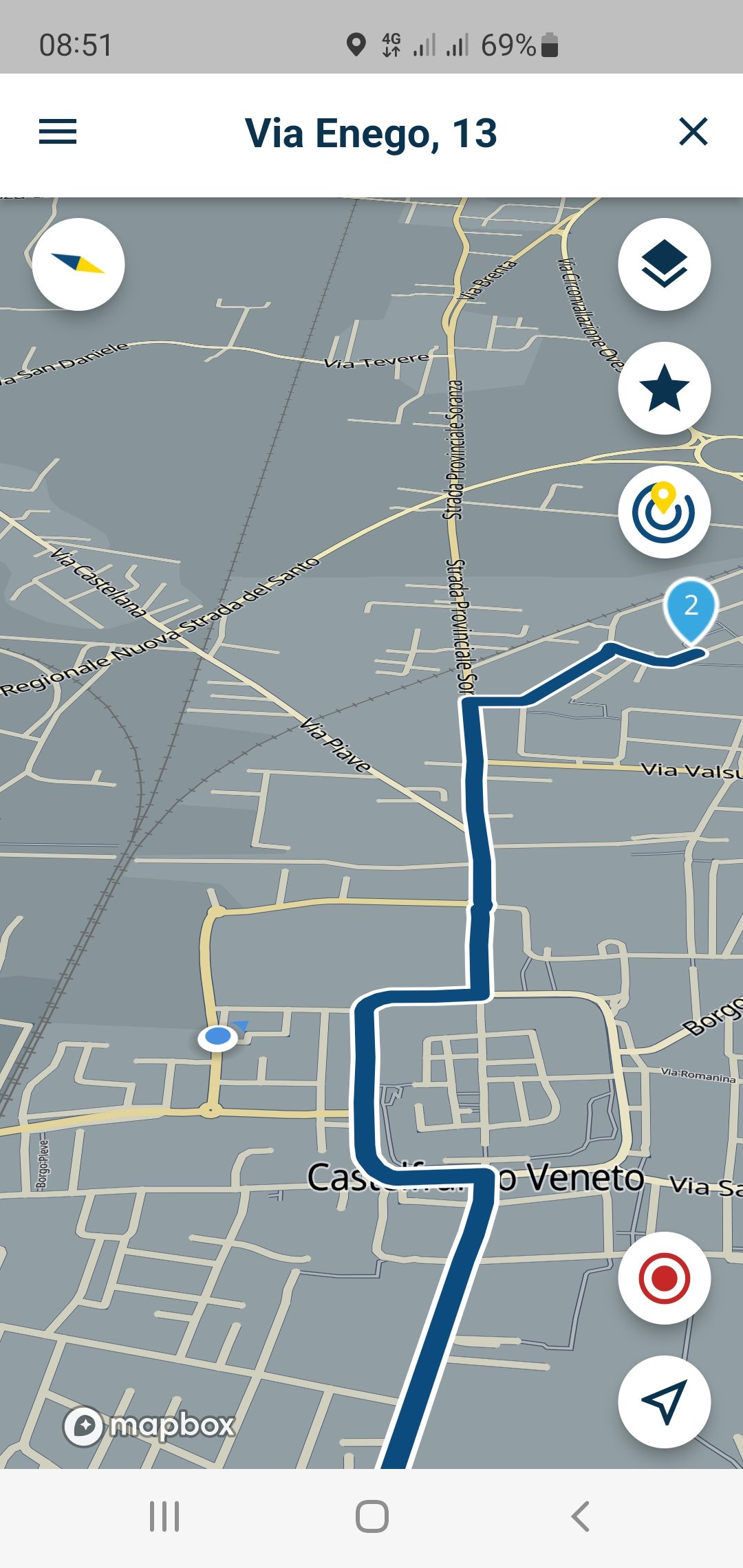
in 2 and 3 screenshot i'm already in navigation but out of track. not recalculate. Today i clean cache and delete app then re install and try -
@Corjan-Meijerink said in voice announcements and navigation line display:
@Giuseppe-Marino Hi Giuseppe!
Can you please verify if this is version 3.2.5 by looking at the bottom of your account page?
When opening a route (from your folders), you should click on the Navigation icon. Opening a route should also show “Start” on the bottom left on the map, clicking here will also start the Navigation. I can see this is not present on your screenshots. Either you opened a track or are using version 3.2.4.
When searching for a location (top right search icon) and generating a route, you need to make sure the Navigation tab is selected.
Cheers!
yes 3.2.5
in 2 and 3 screenshot i'm already in navigation but out of track. not recalculate. Today i clean cache and delete app then re install and try
@Giuseppe-Marino Sure thing! But I can confirm this is the Mobile part of the app. You have to start the Navigation module in order for you to experience the Beta
 Please see my description posted above.
 -
@Giuseppe-Marino Sure thing! But I can confirm this is the Mobile part of the app. You have to start the Navigation module in order for you to experience the Beta
Please see my description posted above.
@Corjan-Meijerink Het spijt me, maar misschien weet ik niet hoe ik uw app moet gebruiken en begrijp ik het niet. Ik heb app 3.2.5 - 146 en de andere app NAVIGATIE 1.6.10. Welke app moet ik gebruiken voor navigatie?
-
De Mobile app is de juiste!
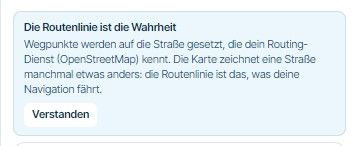
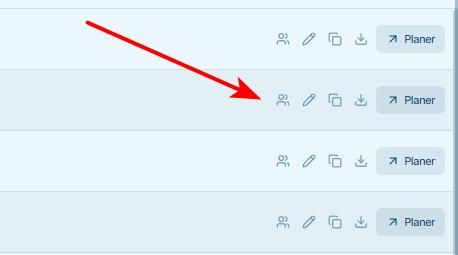
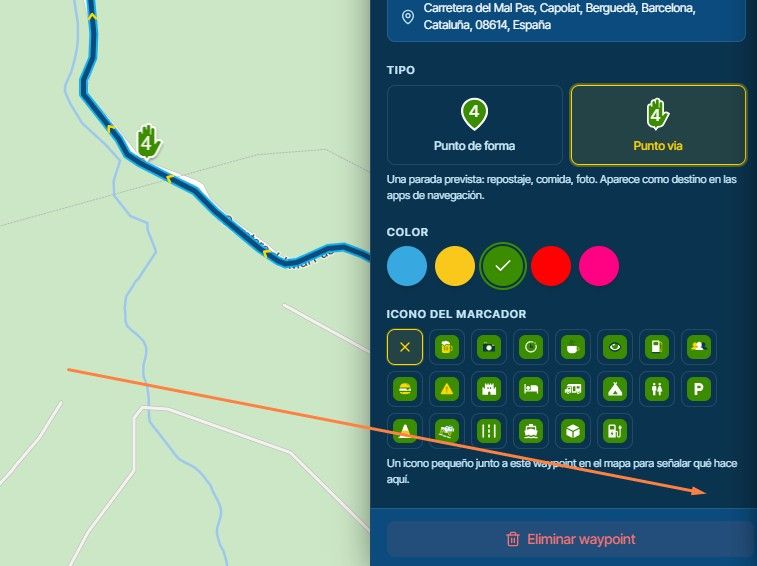
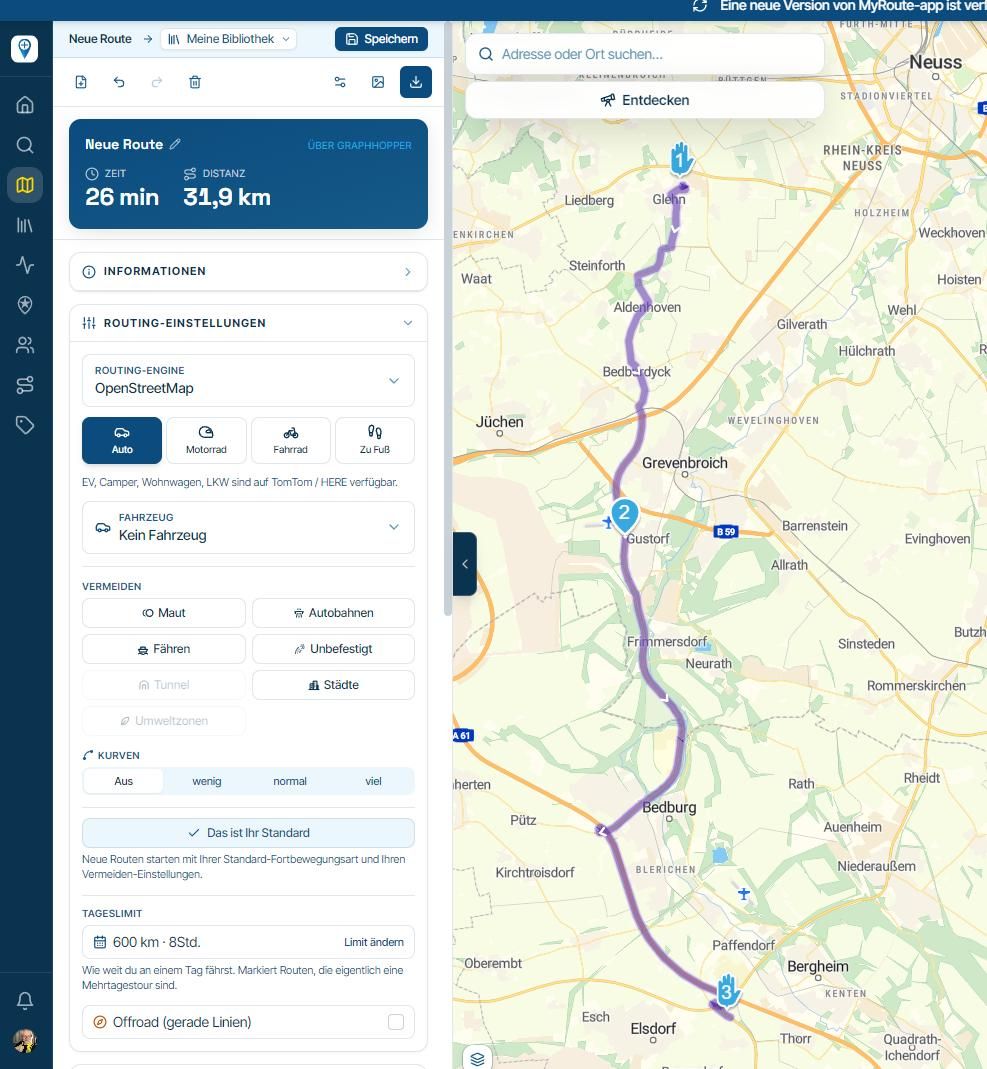
Zie screenshots voor het starten van de navigatie.
Hello! It looks like you're interested in this conversation, but you don't have an account yet.
Getting fed up of having to scroll through the same posts each visit? When you register for an account, you'll always come back to exactly where you were before, and choose to be notified of new replies (either via email, or push notification). You'll also be able to save bookmarks and upvote posts to show your appreciation to other community members.
With your input, this post could be even better 💗
Register Login-
 01223
01223
-
 0818
0818
-
 0710
0710
-
 0724
0724
-
 0631
0631
-
1518
-
 910910.4k
-
0412