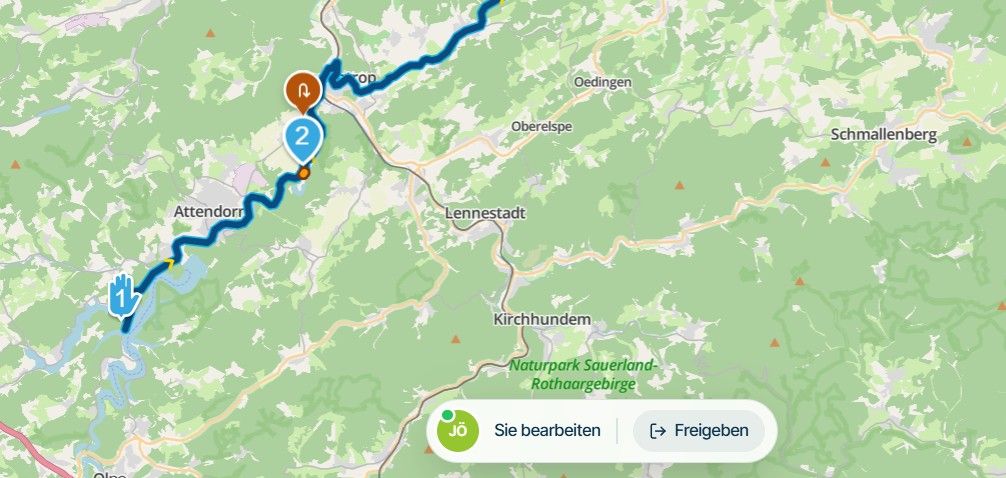
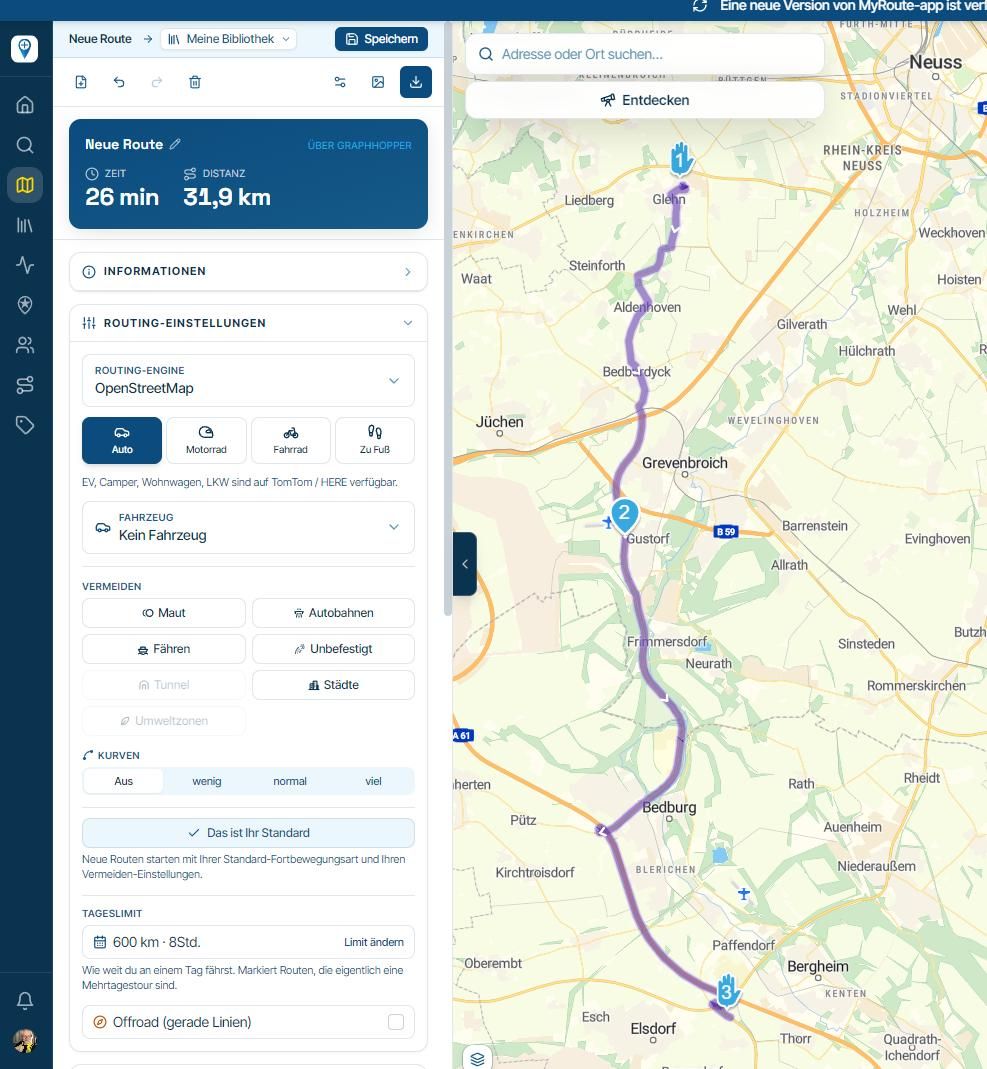
Android Auto/Gold Wing First Ride
-

Riding a 2019 GoldWing Tour, Msrch 2023 Honda -US Software update version HG.ACM.21.11.28.12.0400, MyRoute Android Auto beta May 15/17 release v3.2.15. Android Auto v9.4.631624.
First ride observation:- My distances are set to 'Imperial'. ALL distances are shown as 'YDS", no 'MI, or if designed 'FT' in AA display. Distances appear to be correct, just displays as 'YDS', as in 1.6 MI is displayed as 1.6 YDS.
- The voice feature speaks VERY quickly.
- I do not recall seeing Lane Instructions, but I was mostly on backroads for my test ride. Current Rd, Upcoming Waypoint and Street all displayed properly.
- With the current (?) Android Auto v9.4.631624-release, I was having difficulty navigating anywhere outside the 'Exit" (upper right) or 'Route' display (lower right), without exiting completely to the Gold Wing 'Home' screen.. Once I DID get to AA to navigate, I could get back in and resume the route using AA 'quicktabs' at the bottom of the AA screen. This may be just my inexperience with the new AA split display feature.
- Resume seems to be working OK, but I think I had issues if I left AA entirely and tried to resume in what might be actually a 'relaunch'. Again, may only be my issue with the interface.
I keep my phone in the cubby and navigate via the Wing screen. (Less clutter. 1 less distraction) So I'm hoping more functionality makes its way to the AA interface. "Skip waypoints' in particular. and a Zoom function. But even more, to be able to launch and navigate/resume from the AA interface would be awesome, even if only from downloaded routes.
Thanks! GREAT addition to routing options for Android users.
Now if the WIng would only hold its internal NAV when I engage an AA app nav....but that's on them.
-
Riding a 2019 GoldWing Tour, Msrch 2023 Honda -US Software update version HG.ACM.21.11.28.12.0400, MyRoute Android Auto beta May 15/17 release v3.2.15. Android Auto v9.4.631624.
First ride observation:- My distances are set to 'Imperial'. ALL distances are shown as 'YDS", no 'MI, or if designed 'FT' in AA display. Distances appear to be correct, just displays as 'YDS', as in 1.6 MI is displayed as 1.6 YDS.
- The voice feature speaks VERY quickly.
- I do not recall seeing Lane Instructions, but I was mostly on backroads for my test ride. Current Rd, Upcoming Waypoint and Street all displayed properly.
- With the current (?) Android Auto v9.4.631624-release, I was having difficulty navigating anywhere outside the 'Exit" (upper right) or 'Route' display (lower right), without exiting completely to the Gold Wing 'Home' screen.. Once I DID get to AA to navigate, I could get back in and resume the route using AA 'quicktabs' at the bottom of the AA screen. This may be just my inexperience with the new AA split display feature.
- Resume seems to be working OK, but I think I had issues if I left AA entirely and tried to resume in what might be actually a 'relaunch'. Again, may only be my issue with the interface.
I keep my phone in the cubby and navigate via the Wing screen. (Less clutter. 1 less distraction) So I'm hoping more functionality makes its way to the AA interface. "Skip waypoints' in particular. and a Zoom function. But even more, to be able to launch and navigate/resume from the AA interface would be awesome, even if only from downloaded routes.
Thanks! GREAT addition to routing options for Android users.
Now if the WIng would only hold its internal NAV when I engage an AA app nav....but that's on them.

@Jd-Price Thanks!
Riding a 2019 GoldWing Tour, Msrch 2023 Honda -US Software update version HG.ACM.21.11.28.12.0400, MyRoute Android Auto beta May 15/17 release v3.2.15. Android Auto v9.4.631624
I don't need to ask any more! Thanks

1: interesting! Sorry for us being metric and not testing this properly

2: We will add configuration options shortly!
3: Correct, needs to be added
4: Could indeed be! Not sure how that should work
5: Hahah, could be alsoWe will continuously add more app features within Android Auto (and CarPlay for iOS). Happy to read your feedback!
-
Second ride today.
I included a few highways.
Largely same results.
The lane assist works fine, now that I've had exit lanes to use...
BUT - I'm getting no audio prompts through the Gold Wing interface. The sped up voice I reported is coming directly from the phone when I'm holding it - Once attached to AA in the cubby, no voice prompts via the Wing interface. I switched from USB tunes to an AA Audio music source as a test, still none.
And the current beta interface navigation from the Wing console is quite limited, as noted above. As a 1st release, no issues, just noting. Eagerly awaiting future releases.
Thanks again!
Hello! It looks like you're interested in this conversation, but you don't have an account yet.
Getting fed up of having to scroll through the same posts each visit? When you register for an account, you'll always come back to exactly where you were before, and choose to be notified of new replies (either via email, or push notification). You'll also be able to save bookmarks and upvote posts to show your appreciation to other community members.
With your input, this post could be even better 💗
Register Login-
 01543
01543
-
 911410.7k
-
0926
-
 0714
0714
-
 0612
0612
-
0621
-
 0731
0731
-
 0726
0726