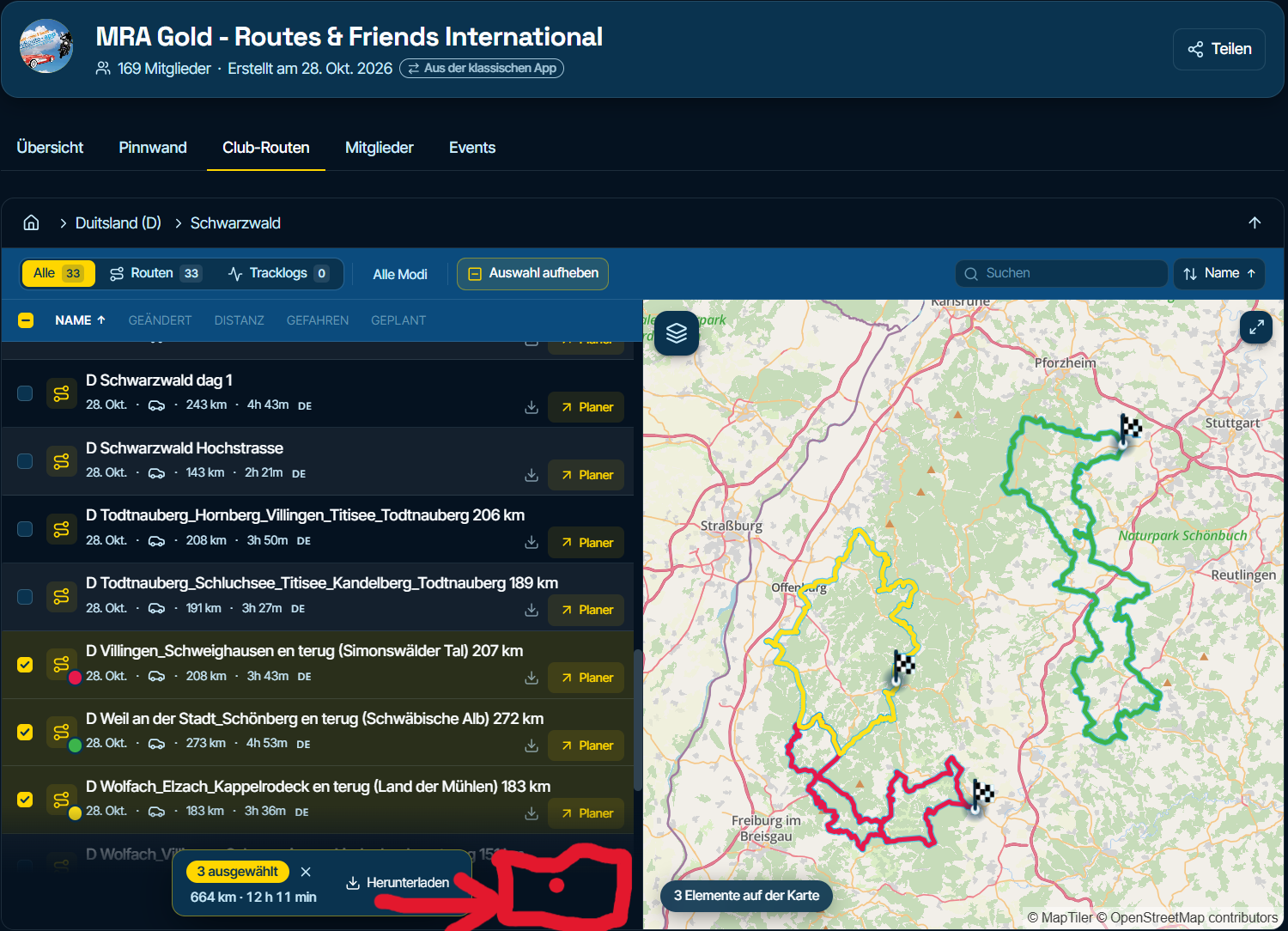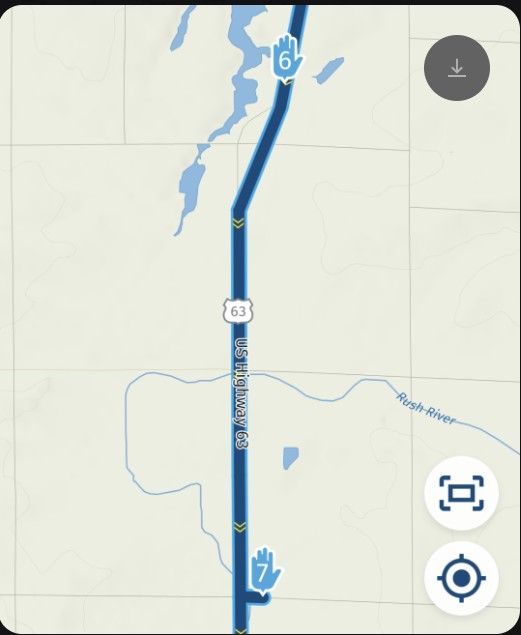
Logon not recognised on App
-

Hi and thank you for replying.
My credentials are different and I entered the new details (which I also enter for MyRouteApp Next).
It may simply be a blip and I will give it a go again next week.
-
I tried clearing all cached dafaults on the app and logging in again but it still does not recognise my credentials.
I hasten to add that the username and password are for MyRouteApp Next and I access the web version including this very forum with those same credentials.
Is there a break in the links between MyRouteApp Next (web version) and the application?
Are usernames and passwords parsed through correctly between the two?
Did my previous subscription to the application automatically move through or/ does something need done to make that happen?
I am sure that the answer is straightforward but it is going to need some investigation..
-
I tried clearing all cached dafaults on the app and logging in again but it still does not recognise my credentials.
I hasten to add that the username and password are for MyRouteApp Next and I access the web version including this very forum with those same credentials.
Is there a break in the links between MyRouteApp Next (web version) and the application?
Are usernames and passwords parsed through correctly between the two?
Did my previous subscription to the application automatically move through or/ does something need done to make that happen?
I am sure that the answer is straightforward but it is going to need some investigation..

@Nick-Dawson, Have you tried logging in with your old planner credentials? If that works, you did not flip the app to the new planner yet.
I am just an enthusiastic MRA user, and hope you will be one too!
Most motorcycle problems are caused by the nut that connects the handlebar to the saddle.
Check out RideSleepRepeat.eu, a biker community for sharing stays across Europe
-
@Nick-Dawson, Have you tried logging in with your old planner credentials? If that works, you did not flip the app to the new planner yet.
@MotoCon hi,
Yes I tried that too.
It is definitely the new account with the new loading sequence of the waypoints instead of the older sequence.
-
@MotoCon hi,
Yes I tried that too.
It is definitely the new account with the new loading sequence of the waypoints instead of the older sequence.
@Nick-Dawson, haha that loading sequence shows only that it is the V6 app, not to which platform you are connecting.
-
Well spotted (!) - but neither my new or old credentials work.
The app changed and I assumed that it was now pointing at the new beta version.
Where do I find the application for that as this is likely the problem (although, why my old credentials woudl not work is another matter)?
-
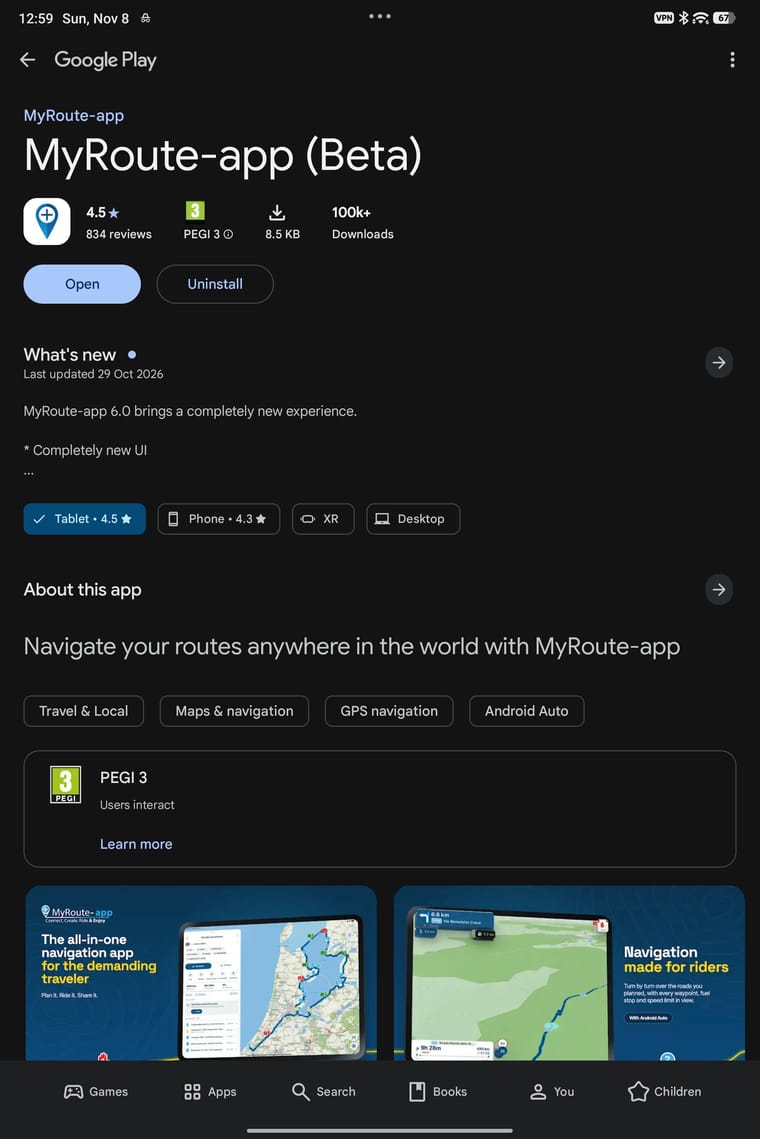
I am using MyRouteApp Navigation 6 (Beta) - I cannot see anything else so assume that this is the newest version.
It will not allow me to log on using either my "old" or "new" credentials.
I can and do log onto MyRouteApp Next using my "new" credentials for the route planner and to access this forum.
-
The strange thing is that, on my tablet, I appear to have the new version but on my phone, I appear to be stuck in some sort of limbo.
Both devices are android and are using v6.0.0 but one asks for my logon credentials which it doesn't recognise and the other opens what looks like the new version.
I guess that a reboot is the first step followed by an uninstall then reinstall if the reboot doesn't work.
Will keep you informed..
-
Okay, I give up!
I restarted my device but that made no difference so I uninstalled the application and went to the Play store to download it again (no sign of MyRouteApp Next navigation so I took the latest version 6.0.0 which, coincidentally, is what I had before).
No difference.
Perhaps the Navigation app simply doesn't exist but I can't logon to the app I have using my old credentials either.
Fortunately there is no urgency as my next trip is in February.
-
To clarify things here...
When I speak about the app (application) on my phone or tablet, I am speaking about the Navigation application.
I have full access to MyRouteApp Next (the planning software) on my PC and any device really via the web.
Hello! It looks like you're interested in this conversation, but you don't have an account yet.
Getting fed up of having to scroll through the same posts each visit? When you register for an account, you'll always come back to exactly where you were before, and choose to be notified of new replies (either via email, or push notification). You'll also be able to save bookmarks and upvote posts to show your appreciation to other community members.
With your input, this post could be even better 💗
Register Login-
 01695
-
011156
-
 2352.2k
-
015487
-
 0639
-
 0548
-
 08295
-
 7435