Move routes between my library and a club of mine
-

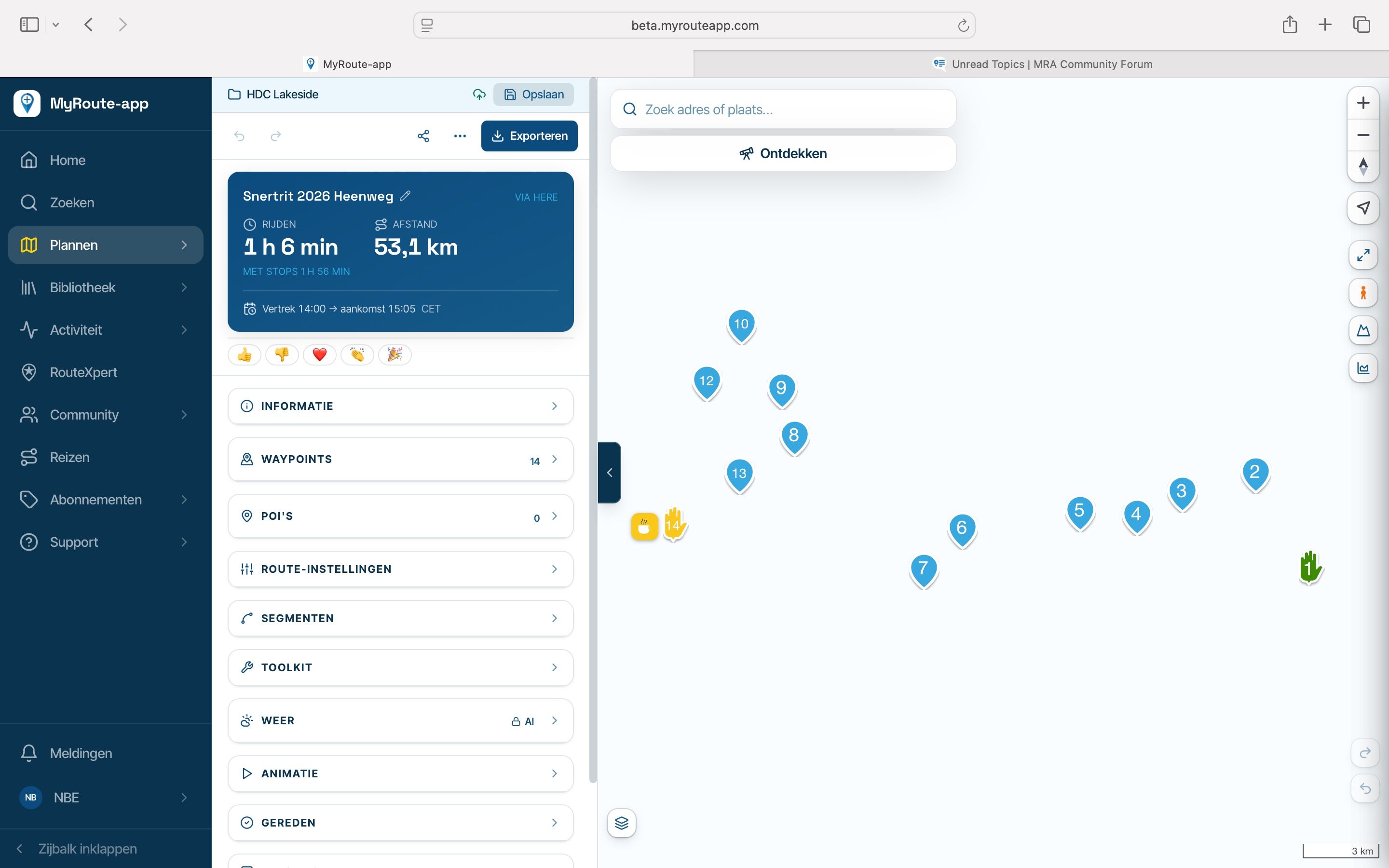
I see that I can easily move routes from my library to a club I’ve created and its folders.
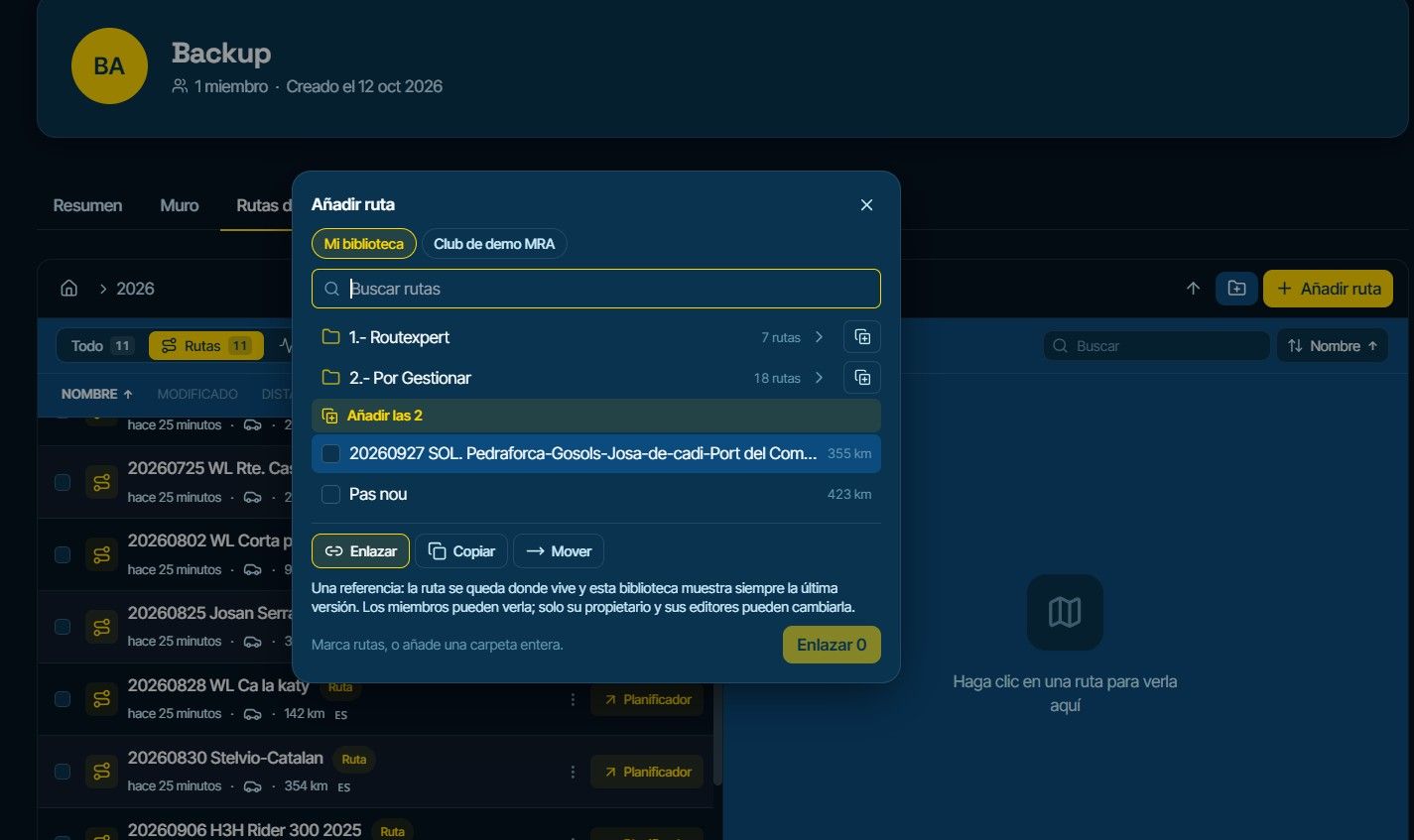
But I don't see how to go the other way—moving routes from one of my clubs to a folder in my library. It only allows moving them to the root folder.
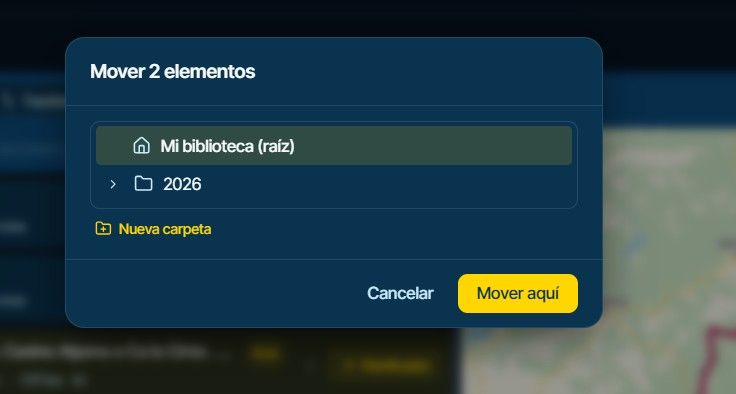
(2026 is a folder from my club)
Regards.
-

And if you open the route, can you make a copy?
The move tool is deliberate within the club only. -
And if you open the route, can you make a copy?
The move tool is deliberate within the club only.
@Corjan-Meijerink
OK. It lets me make a copy, and now it saves it to my library so I can use it with the browser.
Thanks.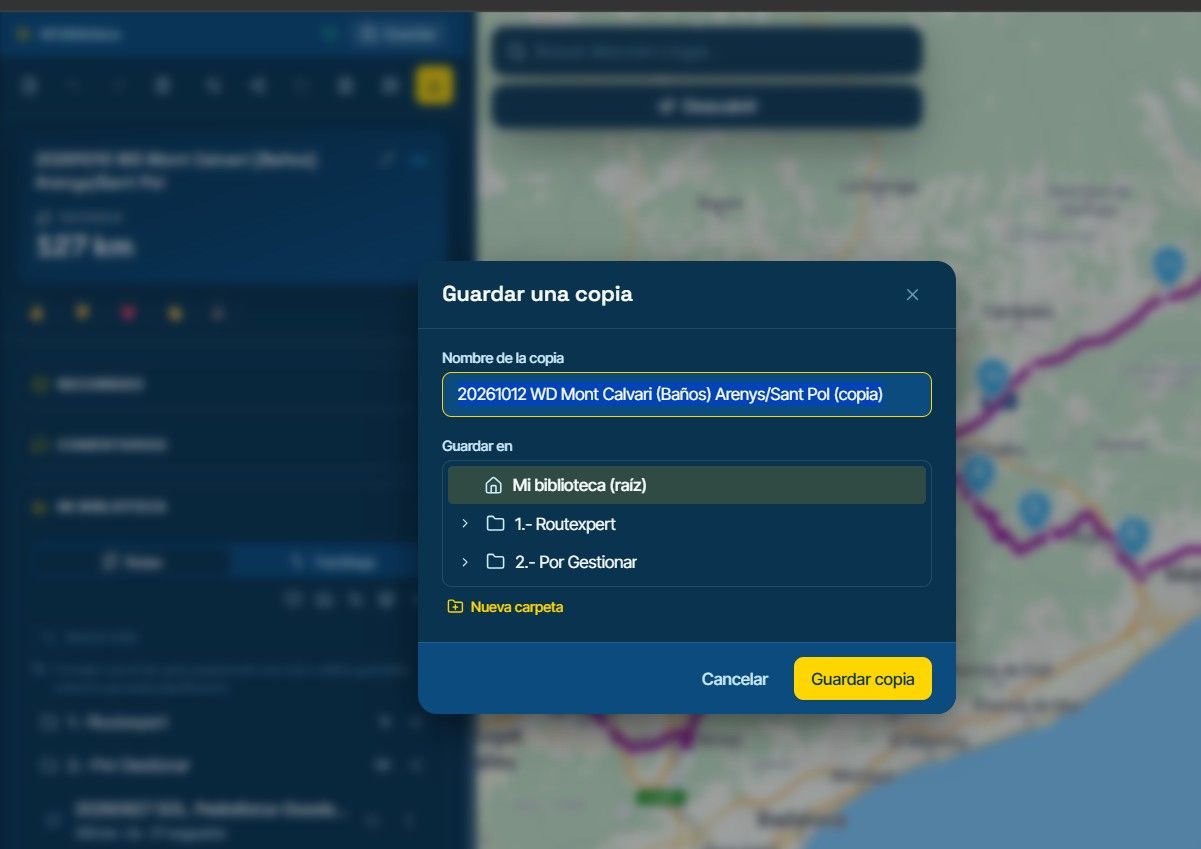
-

Keep in mind it is a copy, not a link to the original club route. That means that if the club uploads a changed route, it will not be updated in your library.
I am just an enthusiastic MRA user, and hope you will be one too!
Most motorcycle problems are caused by the nut that connects the handlebar to the saddle.
Check out RideSleepRepeat.eu, a biker community for sharing stays across Europe
-
Keep in mind it is a copy, not a link to the original club route. That means that if the club uploads a changed route, it will not be updated in your library.
Hello! It looks like you're interested in this conversation, but you don't have an account yet.
Getting fed up of having to scroll through the same posts each visit? When you register for an account, you'll always come back to exactly where you were before, and choose to be notified of new replies (either via email, or push notification). You'll also be able to save bookmarks and upvote posts to show your appreciation to other community members.
With your input, this post could be even better 💗
Register Login-
035222
-
 01033
01033
-
01153
-
 11078
11078
-
21159
-
 0720
0720
-
0720
-
0627