How do you download maps
-

I'm headed to the Blue Ridge Parkway and I hear that cell service is sketchy I'm told I should download the routes I have planned and also offline maps how do I download Maps?
Mike W
2013 Honda Goldwing
Bushtec Trailer
Garmin Zumo XT
Nebraska
youTube channel https://www.youtube.com/@mrjawmaster5854 -
I'm headed to the Blue Ridge Parkway and I hear that cell service is sketchy I'm told I should download the routes I have planned and also offline maps how do I download Maps?

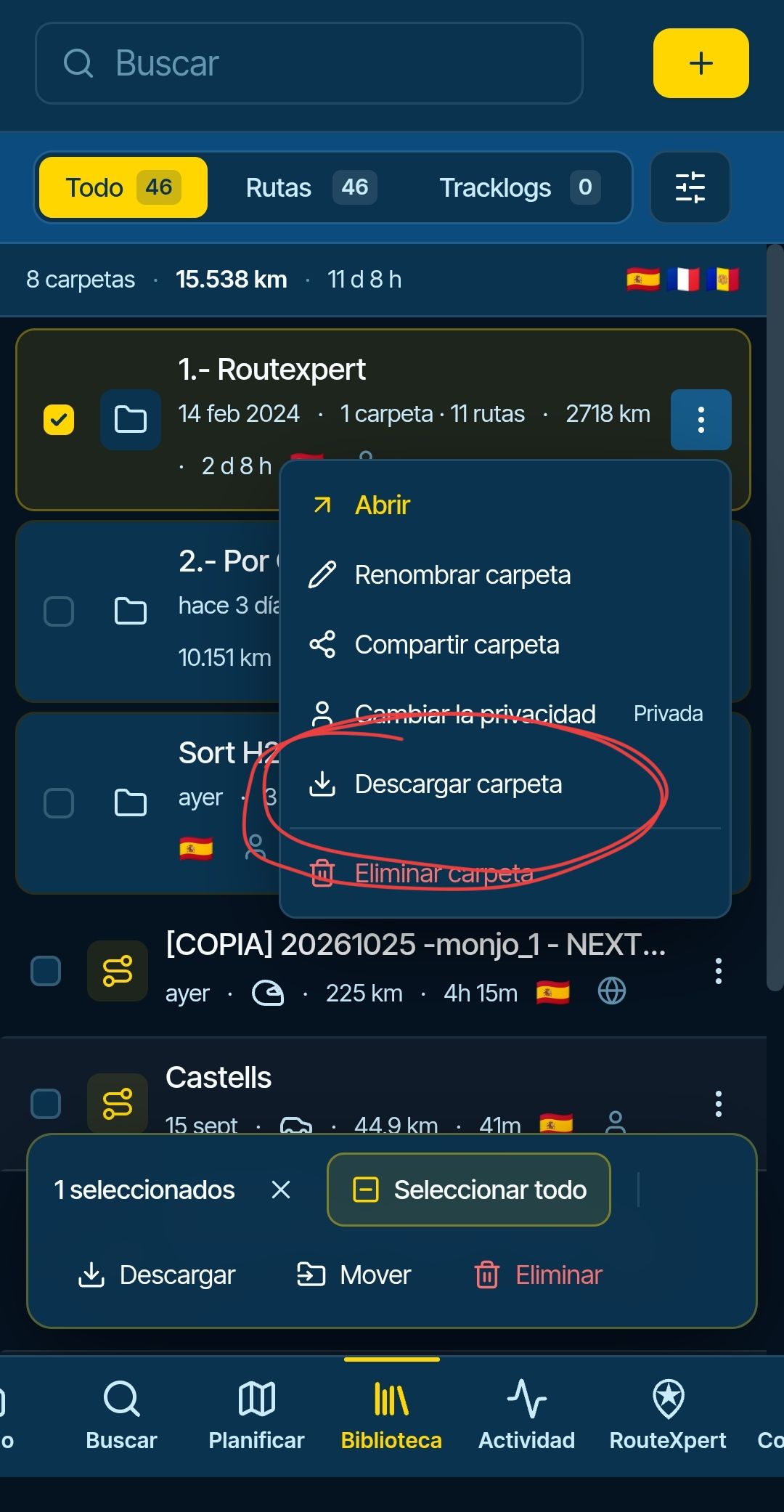
@Mike-wiruth Open the app, tap your avatar, account, or profile picture.
Then go to “Offline Maps” and select the area you want to travel to.
If you plan to visit other countries during your trip, you'll need to download those maps as well.
Please note that if you're traveling near the border of another country, you should also download that country's maps just to be safe.
BMW R 1250 GS
MRA Navigation & SilverFox C1 Controller
DMD-NOR7E 7"
SPC Universal mount
Motorola Edge 40 "offline"
Sena SLR 3
Sena 50 R -
@Mike-wiruth Open the app, tap your avatar, account, or profile picture.
Then go to “Offline Maps” and select the area you want to travel to.
If you plan to visit other countries during your trip, you'll need to download those maps as well.
Please note that if you're traveling near the border of another country, you should also download that country's maps just to be safe.

@Peter-Zehentreiter in addition to wat Peter wrote: you don't have to download the entire country map, just take a wide corridor and download those regional maps when you cross borders.
-
Perfect, thanks very much
-
@Peter-Zehentreiter in addition to wat Peter wrote: you don't have to download the entire country map, just take a wide corridor and download those regional maps when you cross borders.

@Peter-Zehentreiter in addition to wat Peter wrote: you don't have to download the entire country map, just take a wide corridor and download those regional maps when you cross borders.
Phone RAM is so abundant nowadays that I would not take the hassle of learning state borders unless I lived in the US... Skip the hassle and just download countries!

I am just an enthusiastic MRA user, and hope you will be one too!
Most motorcycle problems are caused by the nut that connects the handlebar to the saddle.
Check out RideSleepRepeat.eu, a biker community for sharing stays across Europe
-
@Peter-Zehentreiter in addition to wat Peter wrote: you don't have to download the entire country map, just take a wide corridor and download those regional maps when you cross borders.
Phone RAM is so abundant nowadays that I would not take the hassle of learning state borders unless I lived in the US... Skip the hassle and just download countries!
@Con-Hennekens I live in the USA, So, I just downloaded all the states that I needed. Thanks,
Hello! It looks like you're interested in this conversation, but you don't have an account yet.
Getting fed up of having to scroll through the same posts each visit? When you register for an account, you'll always come back to exactly where you were before, and choose to be notified of new replies (either via email, or push notification). You'll also be able to save bookmarks and upvote posts to show your appreciation to other community members.
With your input, this post could be even better 💗
Register Login-
1313639
-
 0576
0576
-
 0544
0544
-
 0414
0414
-
15136
-
 0322
0322
-
03124
-
 218150