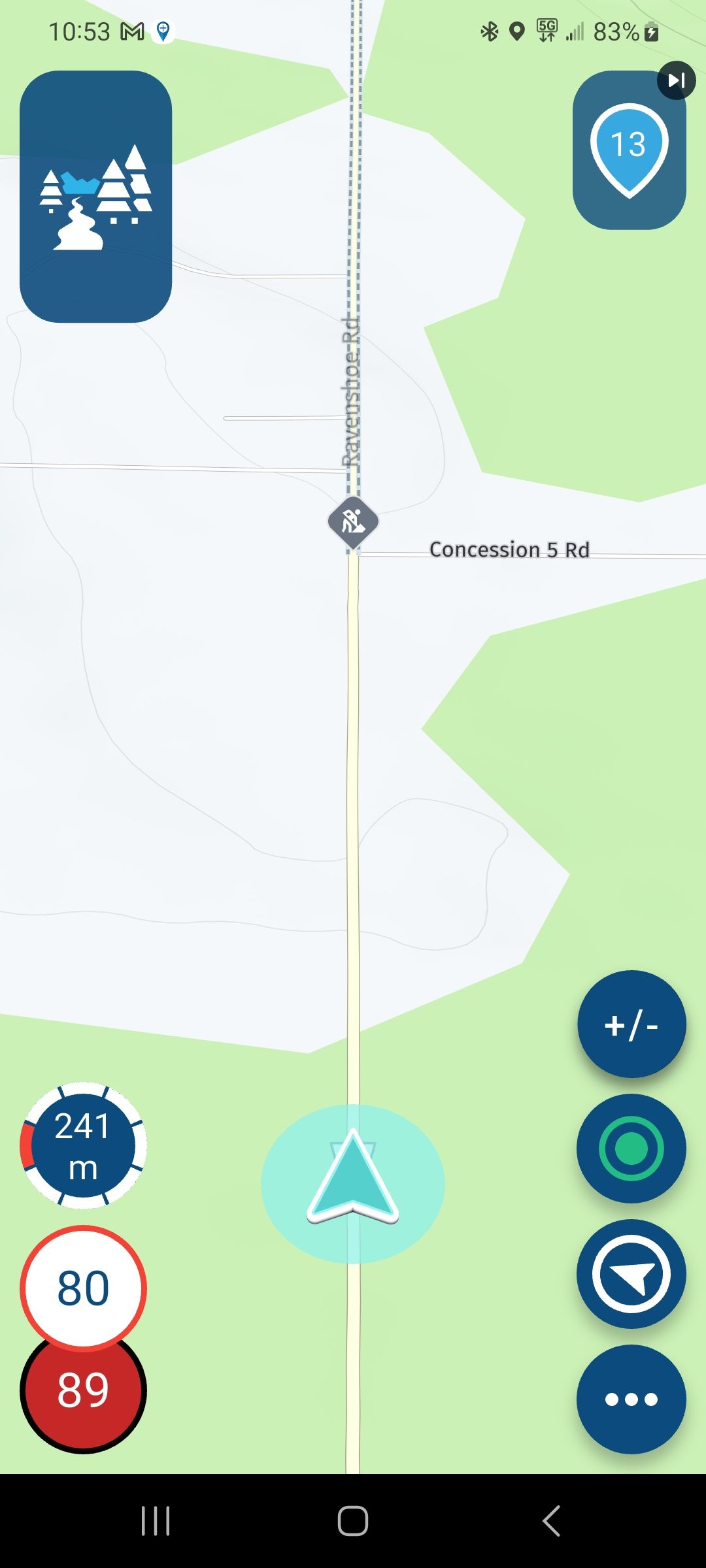
MRA 5.2.1 - 486 CarPlay Display Issue When route started on iPhone
-
I have been able to replicate this issue a number of times without fail.
I start a route on the iPhone and this is correctly displayed although when I connect to CarPlay (wireless), the route is white (planned) and no position marker:
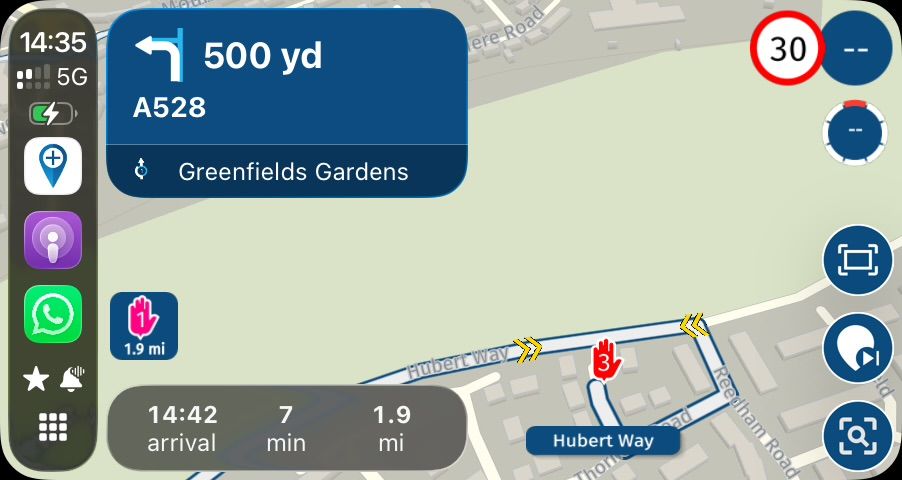
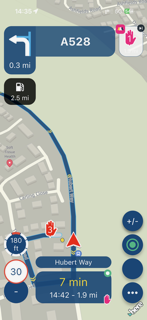
Selecting ‘Exit’ and then ‘navigate’ on CarPlay does not change the CarPlay picture. Furthermore, if I stop navigation on the iPhone and then resume the navigation on the iPhone, CarPlay ‘Navigate’ still needs to be selected to resume navigation. Not had this problem on previous builds:
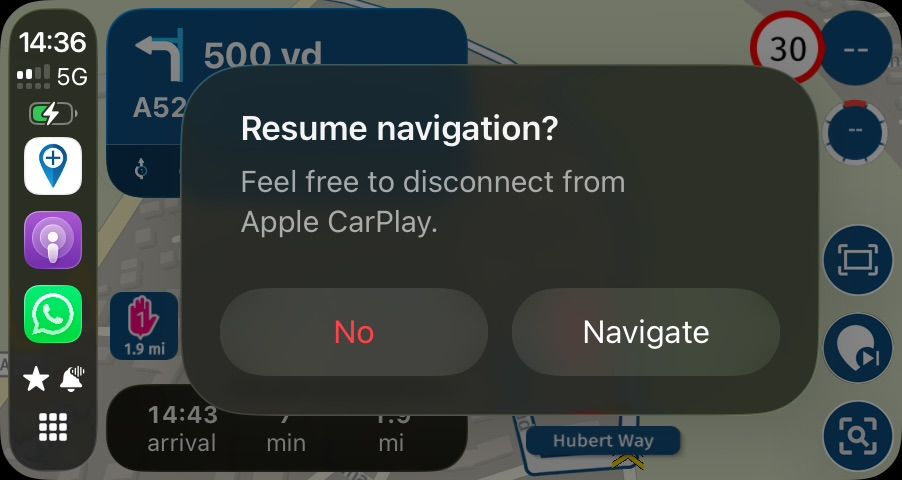
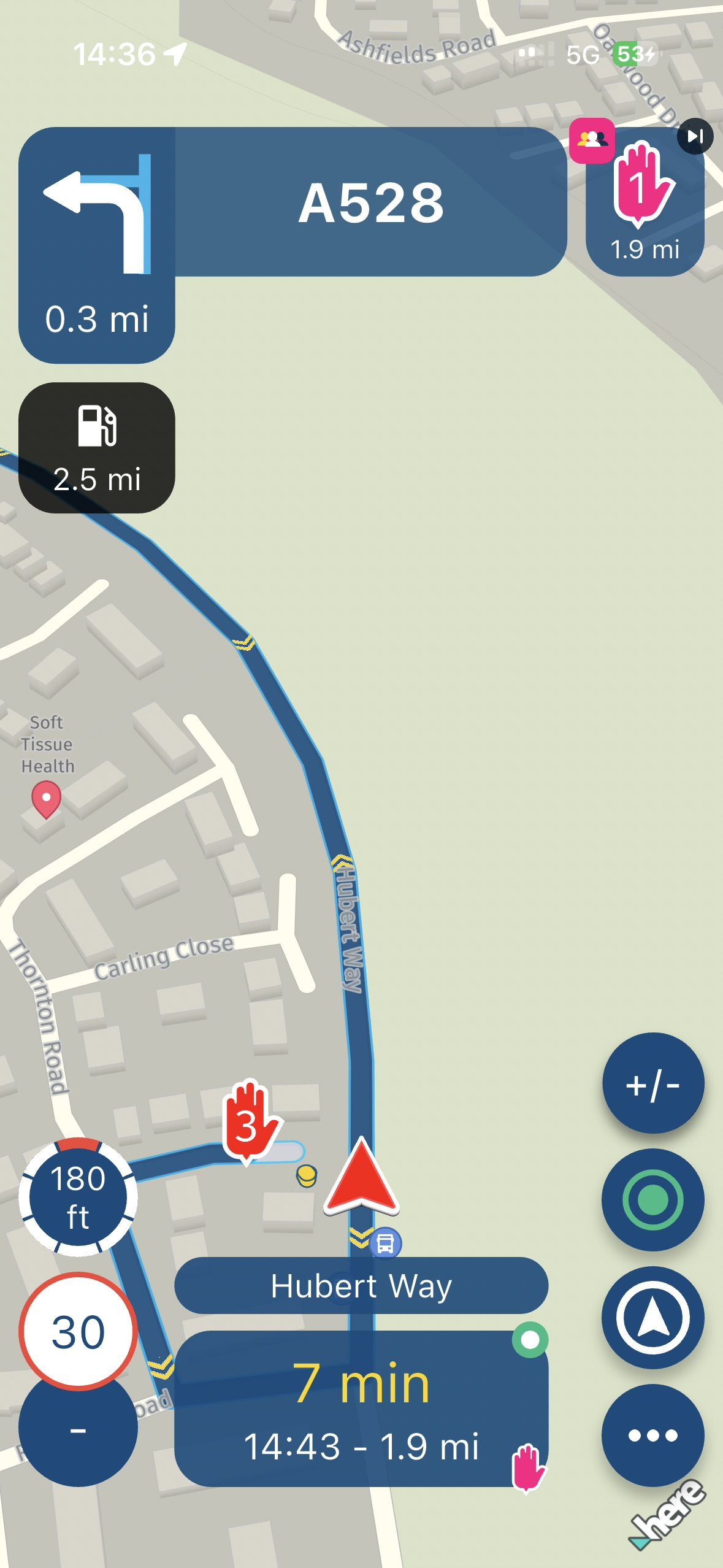
If I close the app from the previous state, I then receive a resume navigation prompt correctly on both iPhone and CarPlay:
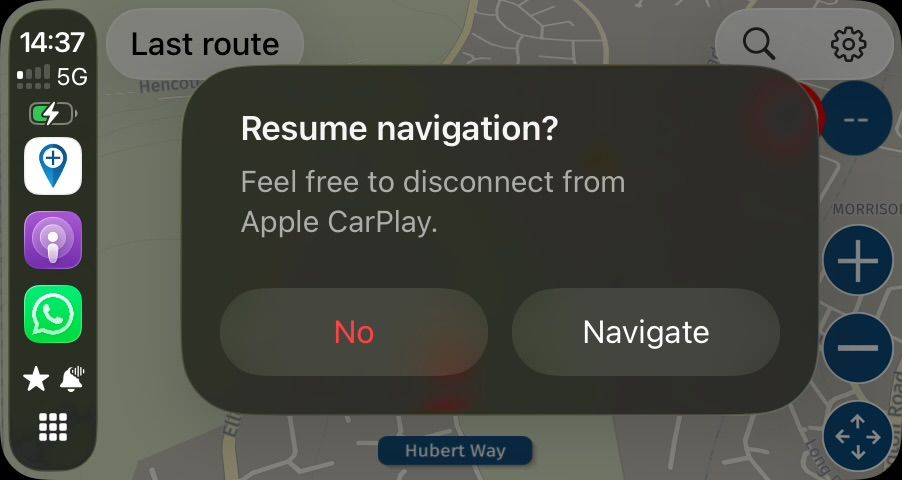
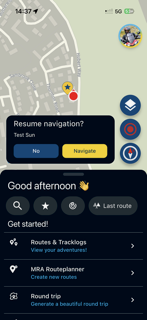
iPhone and CarPlay now respond correctly if I select navigate on the iPhone:
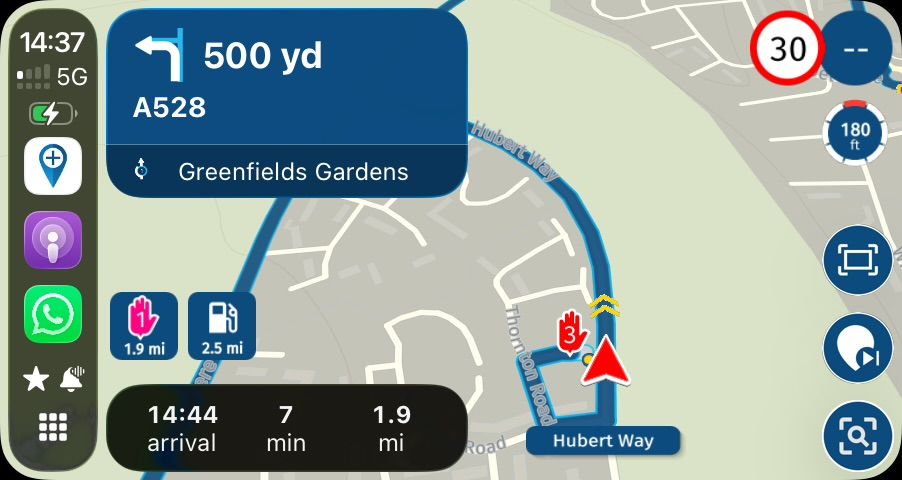
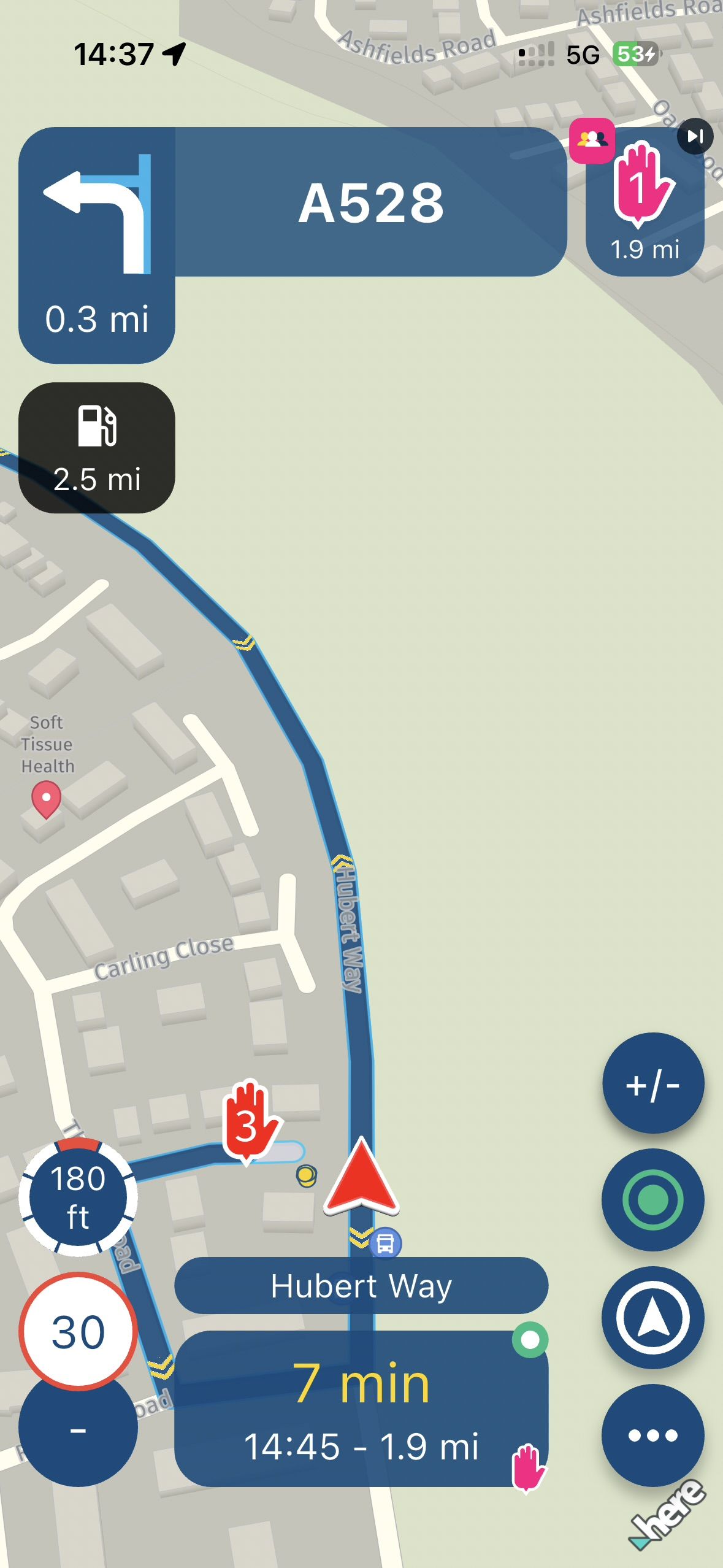
As mentioned before, I have not seen this problem before with other builds. That said, I normally stop navigation to be on the ‘No’/‘Navigate’ prompt on the iPhone before connecting to CarPlay which is why I may not have seen this issue before.
What was great though has been the app’s stability. No crashes.
-
What happens when you start the route om CP and why dont you start the route from there
Honda Goldwing GL1500,
Honda Silverwing GL 650
DMD2 T865X 8 inch Android tablet using MRA next for navigation
Garmin XT sold
Samsung S24FE mounted on a Quadlock and using Android Auto in my car -
hi @dave-j-0
just as small amount of feedback, I recently had this exact same problem where the "feel free to disconnect from CarPlay" window kept popping up. at the time using iPhone 13 with carpuride. Never had this before.
this made a mess of the route I was doing at the time, the above usually followed by a crash. There were other issues during that route from which I sent the log files to the devs for closer inspection.
I know this doesn't help, but at least it proves, it's not just your device.to achieve, we must first attempt ✌️
K1600 GTL
Oukitel RT3
iPhone 13 Pro, carpuride 702b -
What happens when you start the route om CP and why dont you start the route from there
@Marinus-van-Deudekom No problem with starting from CarPlay but I generally start the route on my phone before getting on the bike. Allows me to have a look at what is going on before I head off. Normally, I ‘stop navigation’ before resuming navigation on CarPlay when heading off. Just my way of setting myself up, particularly as I have iOS shortcuts auto run when connecting to my helmet Comm and then again in connection to CarPlay. These shortcuts have never caused a problem with CarPlay or MRA.
On this occasion, I forget to ‘Stop Navigation’ before I connected to wireless CarPlay and was surprised with the result with this build. Just thought I would report the result as I replicated this issue 3 times.
-
hi @dave-j-0
just as small amount of feedback, I recently had this exact same problem where the "feel free to disconnect from CarPlay" window kept popping up. at the time using iPhone 13 with carpuride. Never had this before.
this made a mess of the route I was doing at the time, the above usually followed by a crash. There were other issues during that route from which I sent the log files to the devs for closer inspection.
I know this doesn't help, but at least it proves, it's not just your device.@paul69 @dave-j-0 I just finished a 10 day, 4900mi trip using Carpuride (starting the route directly from Carpuride each time). For the most part, I have to say, it worked well. I did, however, experience the exact issue you both describe. Usually exiting and restarting the route on the Carpuride fixed it.
Then, with only 100mi left of the trip, the entire thing crashed and when the screen came back on, the direction/distance etc were there, but NO MAP. I also had Tracklog on, which continued to work.
When I opened the app on the phone, everything appeared normal - this did not translate to the Carpuride. Side Note - EVERY other nav app worked as expected, it was only the MRA App that did not - clear indication something went awry with the app and not the Carpuride (which I'm sure a lot of comments will point to as the issue - it was not).
Once I rebooted the iphone and Carpuride (likely didn't need to reboot this, but I did anyway), everything displayed and functioned as expected.



Hello! It looks like you're interested in this conversation, but you don't have an account yet.
Getting fed up of having to scroll through the same posts each visit? When you register for an account, you'll always come back to exactly where you were before, and choose to be notified of new replies (either via email, or push notification). You'll also be able to save bookmarks and upvote posts to show your appreciation to other community members.
With your input, this post could be even better 💗
Register Login-
034794
-
015235
-
0547
-
723224
-
04110
-
0248
-
0280
-
04155