MRA 5.0.4 (451) Tracklog Pictures - Pictures Addendum Error
-

Hello,
Today a tracklog was recorded and a photo was taken on the way in the app to the tracklog, fits

When I got home, the track was saved, and I later loaded photos in the route lab.
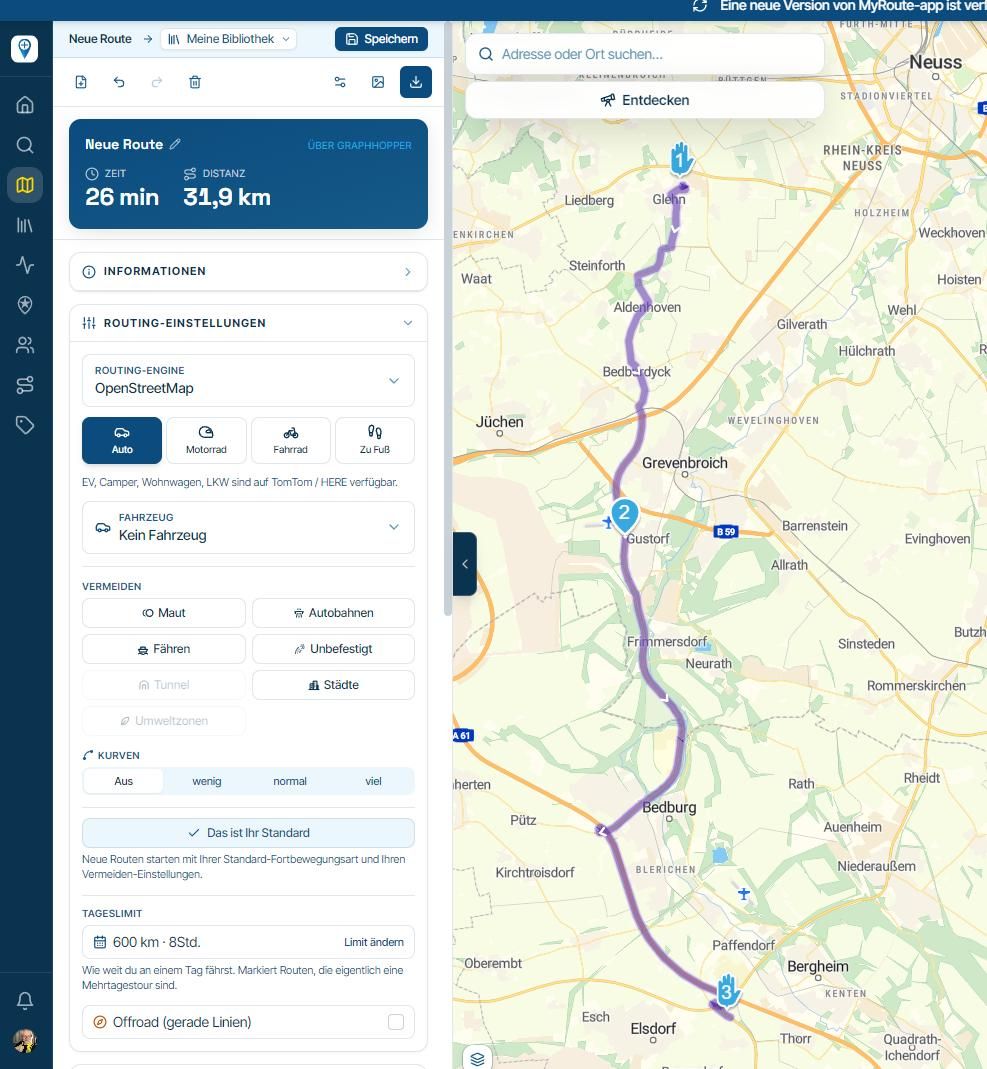
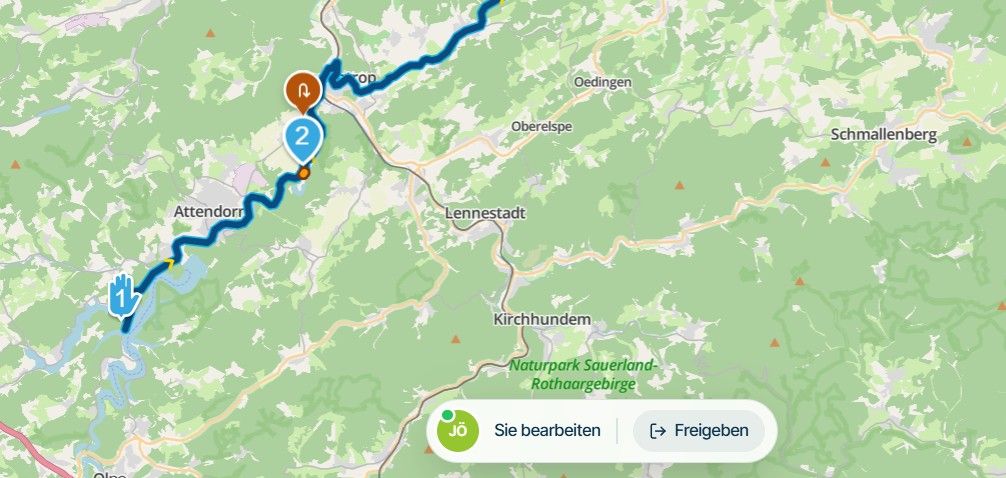
Now I have noticed that when I open the tracklog in the app, but only the one photo I took on the way with the app is displayed, which are not displayed in the app afterwards.
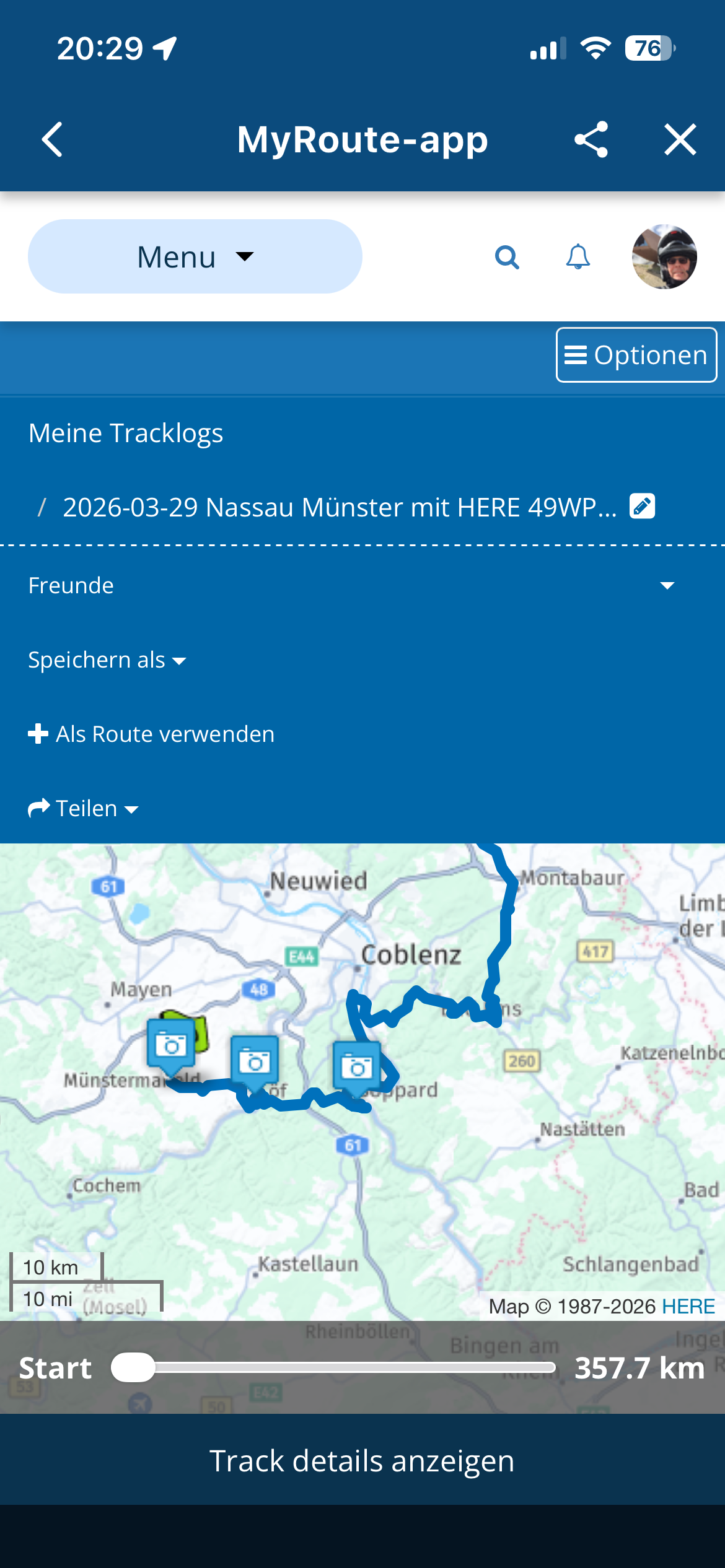
I open the route lab, the photos are assigned and also visible.
Only one to see in the app
 ️
️
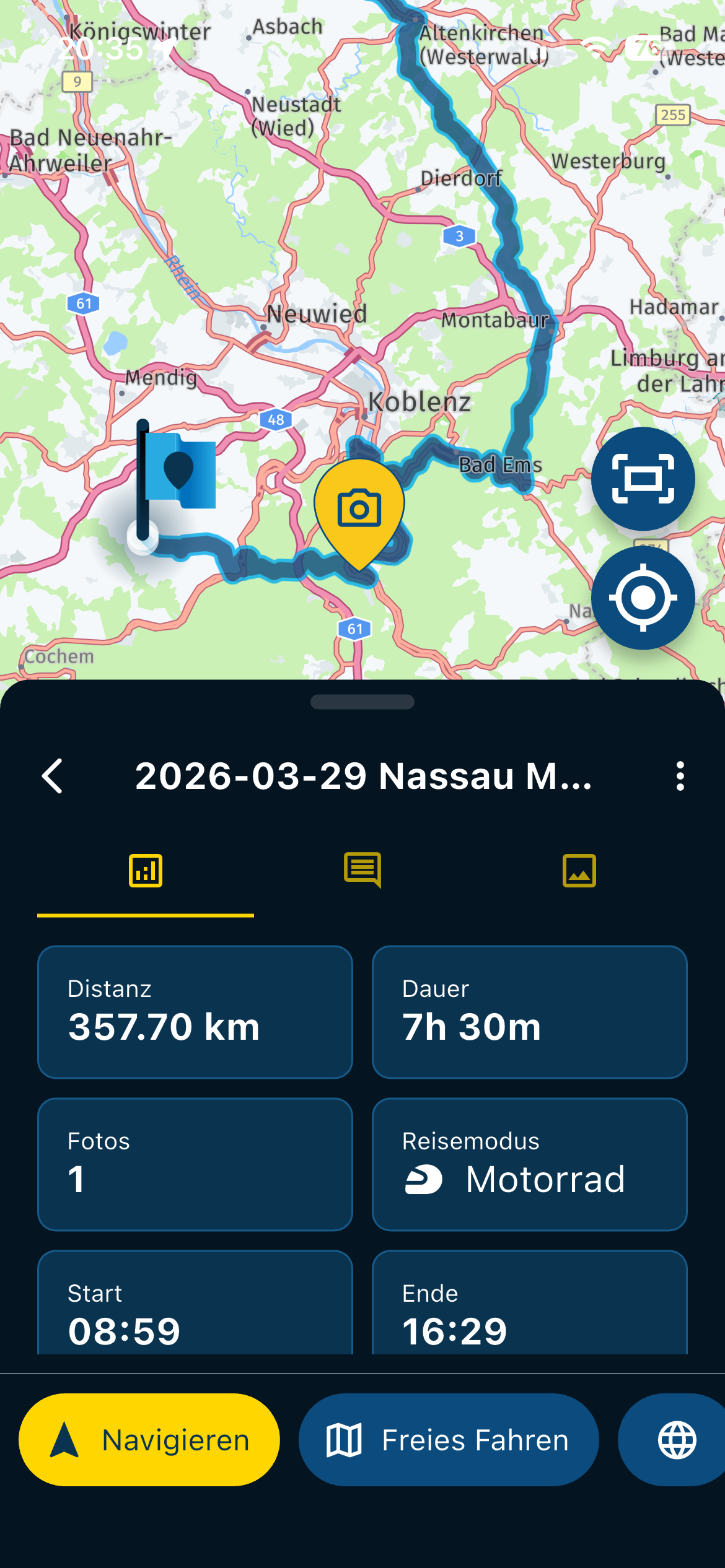
In the route laboratory you can also see the subsequent ones that were added
️
-
Hallo Beta-Tester,
does anyone know the problem, See my explanation in the first post here? -

For pictures to be "attached" to the tracklog, you need to take them with the photo function in the app OR upload them from within the app BEFORE you upload the tracklog. Pictures added from the webplanner are not attached to the tracklog, but merely placed on the map.
-
Oh, that's a shame that it doesn't work that way, but it would be a good function if it would work. Maybe an idea for the future.!!
That means for me I have to take photos with the app on the go so that they can be seen in the tracklog of the mobile phone to be able to branch it in the app without going to the route lab ..

Incidents I still have to add photos before I save this shot ... you often have the necessary peace at the end of a tour but not !!!!
VG Hubert
Beta Test "Next App" dazu die Hardware .
iPad 9. Gen iOS 26.7.1/ iPhone 16e iOS 26.7.1/ Navi iPhone Xr iOS 18.7.10 / PC mit MS Win11 /❗️MyRoute-App im Cradel und Remotek-One❗️ Info zu MRA & Remotek One -
Oh, that's a shame that it doesn't work that way, but it would be a good function if it would work. Maybe an idea for the future.!!
That means for me I have to take photos with the app on the go so that they can be seen in the tracklog of the mobile phone to be able to branch it in the app without going to the route lab ..
Incidents I still have to add photos before I save this shot ... you often have the necessary peace at the end of a tour but not !!!!
@Hubert-Thoring, True. But you can use the phones own photo app, that usually works much better. Just add the pictures to the tracklog before you upload it, they will be placed using the exif location data in the picture (which must be enabled for it to work, but that's by default).
-
So, then after the shower and then at the first beer in the hotel and as long as keep the app active and do not save the tracklog.... I don't know if that always works.
As I said, the same data are in the pictures that I can insert in the route lab afterwards, but are not integrated as with the app function, is probably due to the old web planning version, with the in planning Web 2.0 in (maybe 1.5) years it could then go better.

-
This post may also belong to the WebPlaner ->>>
Please postpone then

-
For pictures to be "attached" to the tracklog, you need to take them with the photo function in the app OR upload them from within the app BEFORE you upload the tracklog. Pictures added from the webplanner are not attached to the tracklog, but merely placed on the map.

@Con-Hennekens said in MRA 5.0.4 (451) Tracklog Pictures - Pictures Addendum Error:
Pictures added from the webplanner are not attached to the tracklog, but merely placed on the map.
No, I don't agree with that

It actually was an issue caused by a scenario that could not only exist because images were added later. Anyway, that's fixed now.
Website will be updated accordingly before end of day. -
Thank you
 , it's going back as usual, but I wasn't sure.
Thanks for the clear result, it works again, just like that
!!!!️ -
@Con-Hennekens said in MRA 5.0.4 (451) Tracklog Pictures - Pictures Addendum Error:
Pictures added from the webplanner are not attached to the tracklog, but merely placed on the map.
No, I don't agree with that
It actually was an issue caused by a scenario that could not only exist because images were added later. Anyway, that's fixed now.
Website will be updated accordingly before end of day.
@Corjan-Meijerink, that's great! But to my knowledge, that never worked before. Also I can remember a conversation which explained that adding pictures to a tracklog only works from within the app. But I am glad to be corrected
That makes the use of the feature a lot more sensible! So let's disagree to disagree 
Hello! It looks like you're interested in this conversation, but you don't have an account yet.
Getting fed up of having to scroll through the same posts each visit? When you register for an account, you'll always come back to exactly where you were before, and choose to be notified of new replies (either via email, or push notification). You'll also be able to save bookmarks and upvote posts to show your appreciation to other community members.
With your input, this post could be even better 💗
Register Login-
 01534
01534
-
0924
-
 911210.5k
-
 0712
0712
-
0726
-
1520
-
1424
-
0413