"Discover" menu: near to me button
-

Hi,
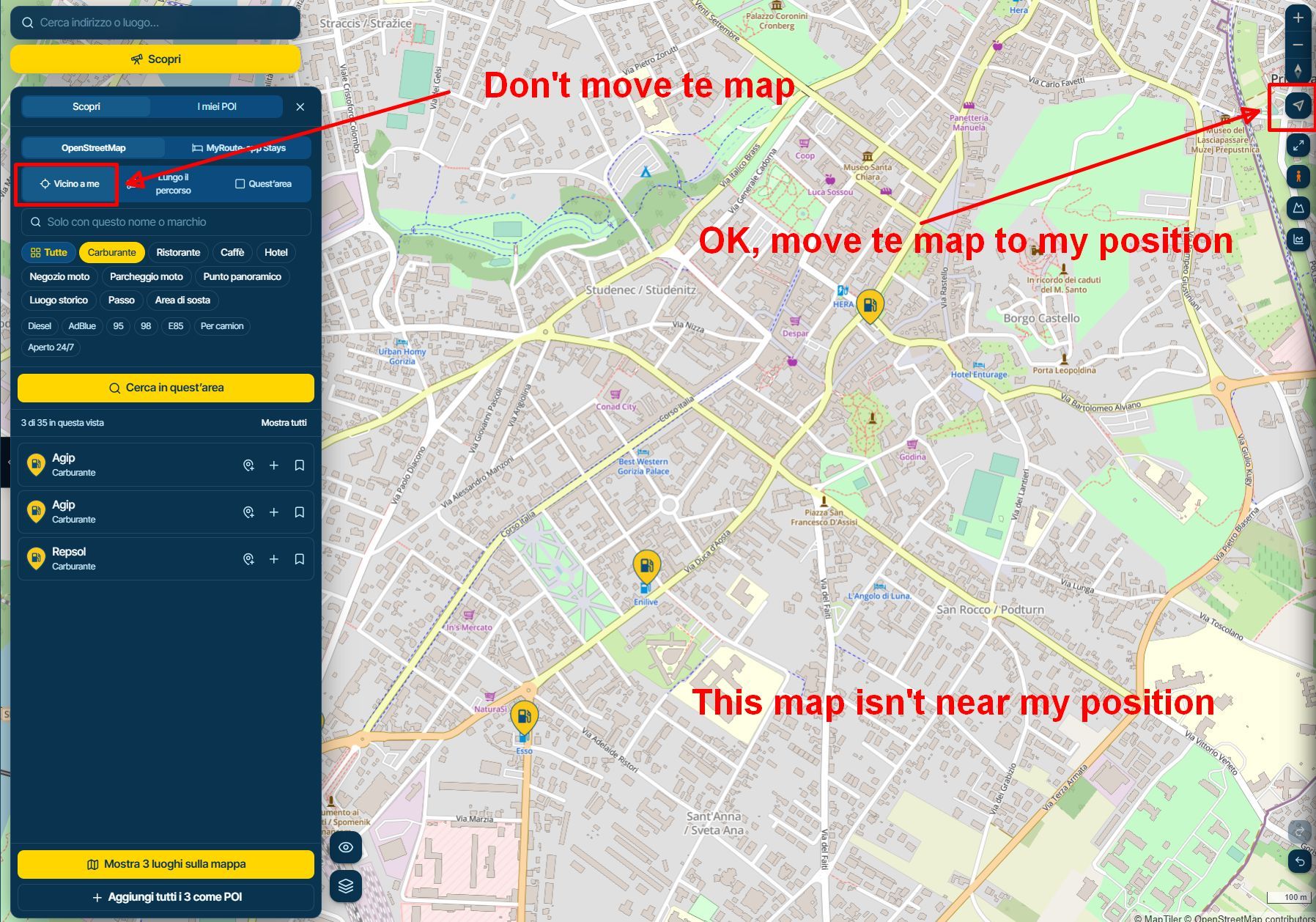
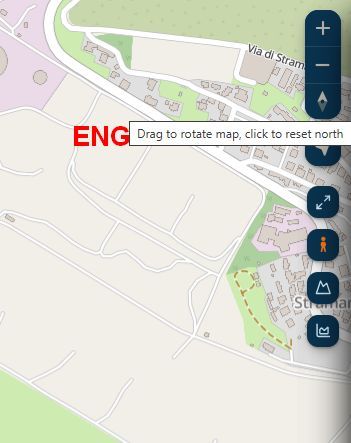
If the map is not centered on the PC's geolocated position and I click the "Near to Me" button, nothing happens.
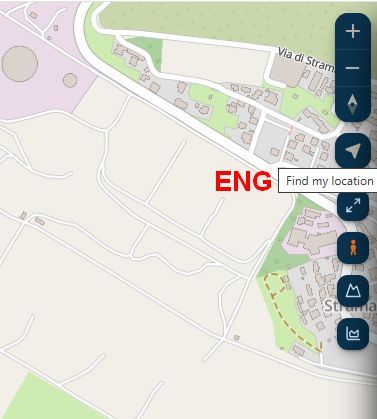
However, if I click the "Find My Location" button, the map correctly moves to my current location.P.S. Just for your information, the two icons are displayed in English in all versions of the Planner.
Thanks
-

Good one!

-
Corjan Meijerink locked this topic
Hello! It looks like you're interested in this conversation, but you don't have an account yet.
Getting fed up of having to scroll through the same posts each visit? When you register for an account, you'll always come back to exactly where you were before, and choose to be notified of new replies (either via email, or push notification). You'll also be able to save bookmarks and upvote posts to show your appreciation to other community members.
With your input, this post could be even better 💗
Register Login-
 0953
-
0644
-
0437
-
0642
-
1110165
-
 0346
-
 110303
-
028