Club routes public/private
-
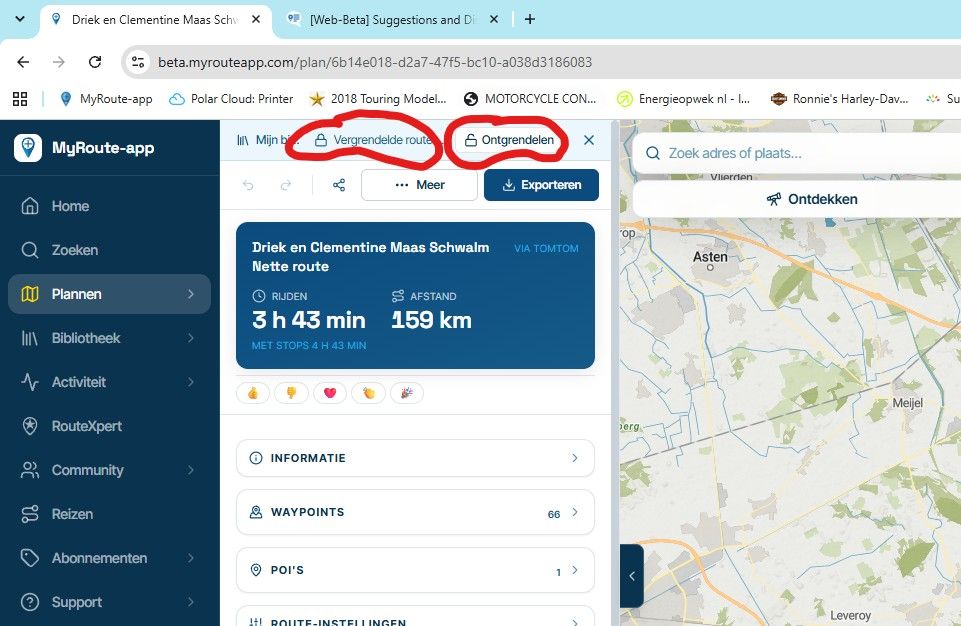
I’m a bit confused about what privacy settings I have to make when I contribute a route to a club - is a private route I’ve added to the club library visible to the members of the club automatically, or does the route need to be set to “friends” or “public”?
It will be nice if private clubs could see shared routes without the owner having to set them to be visible to the whole world.
Documentation suggestion: add a page to the manual describing the whole process for contributing a route to a club. Include a reminder to fill in the information section for the route, choose a privacy setting, clean up viapoint colours to match the standard, etc. In the same place you could explain how when looking at your own library you can see which routes have been shared to a club and therefore should not be arbitrarily tinkered with.
-

Short answer: you can leave your route on Private. Once a route is in a club's library, every member of that club can open it, whatever privacy the route itself has. Nobody outside the club sees it because of that.
There are three ways to put a route in a club ("Add route" on the club's Routes tab):
- Link (the default): the route stays in your own library and the club shows the latest version. If you edit it, members see the change. It stays Private for everyone else.
- Copy: the club gets its own copy, and your original stays as it was.
- Move: the route goes to the club and leaves your library.
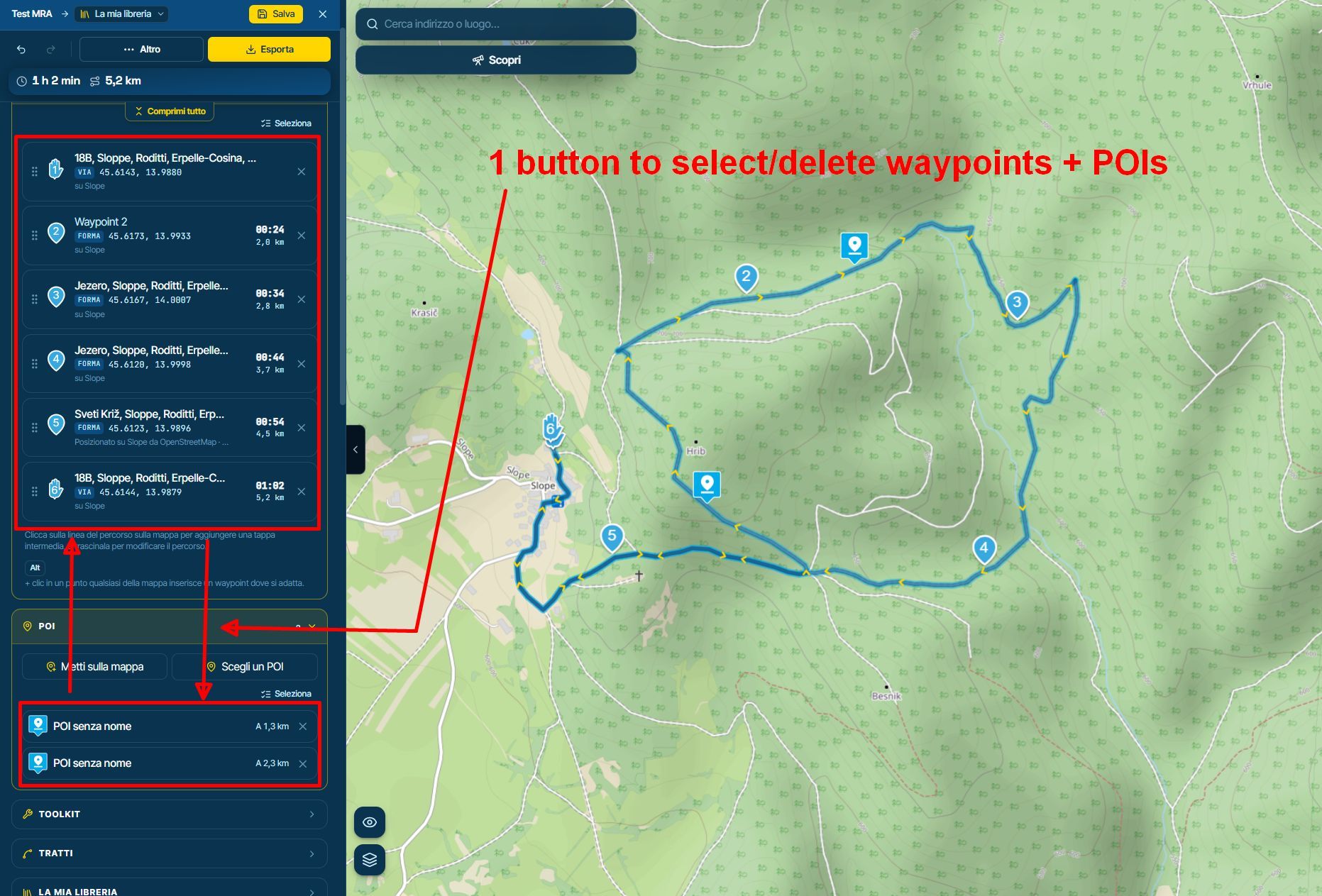
To see what you have shared: in your own library a linked route shows a small link icon with a number, which is how many clubs or events it is linked into. When you open the route in the planner, the Information section lists them under "Linked into". Those are the routes to be careful with, because members see every change you make.
The manual page is a good idea. We'll add a section on contributing routes to a club, with the tips you mention (fill in the information, tidy up waypoint colours, and so on).
Hello! It looks like you're interested in this conversation, but you don't have an account yet.
Getting fed up of having to scroll through the same posts each visit? When you register for an account, you'll always come back to exactly where you were before, and choose to be notified of new replies (either via email, or push notification). You'll also be able to save bookmarks and upvote posts to show your appreciation to other community members.
With your input, this post could be even better 💗
Register Login-
 1748
-
 4457
-
0336
-
0224
-
0220
-
 025
-
0225
-
 0211