AI planner: Very invasive "Stop" button
-

Hi,
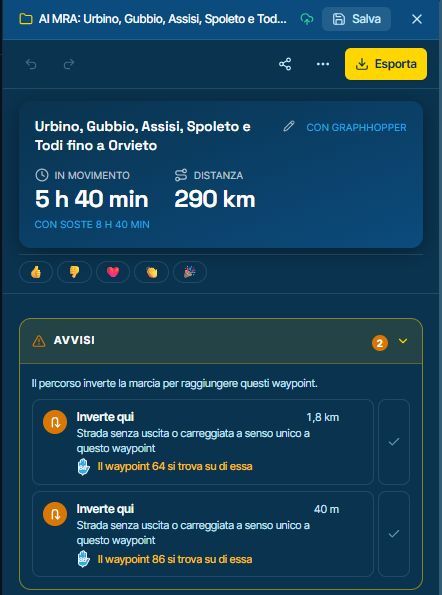
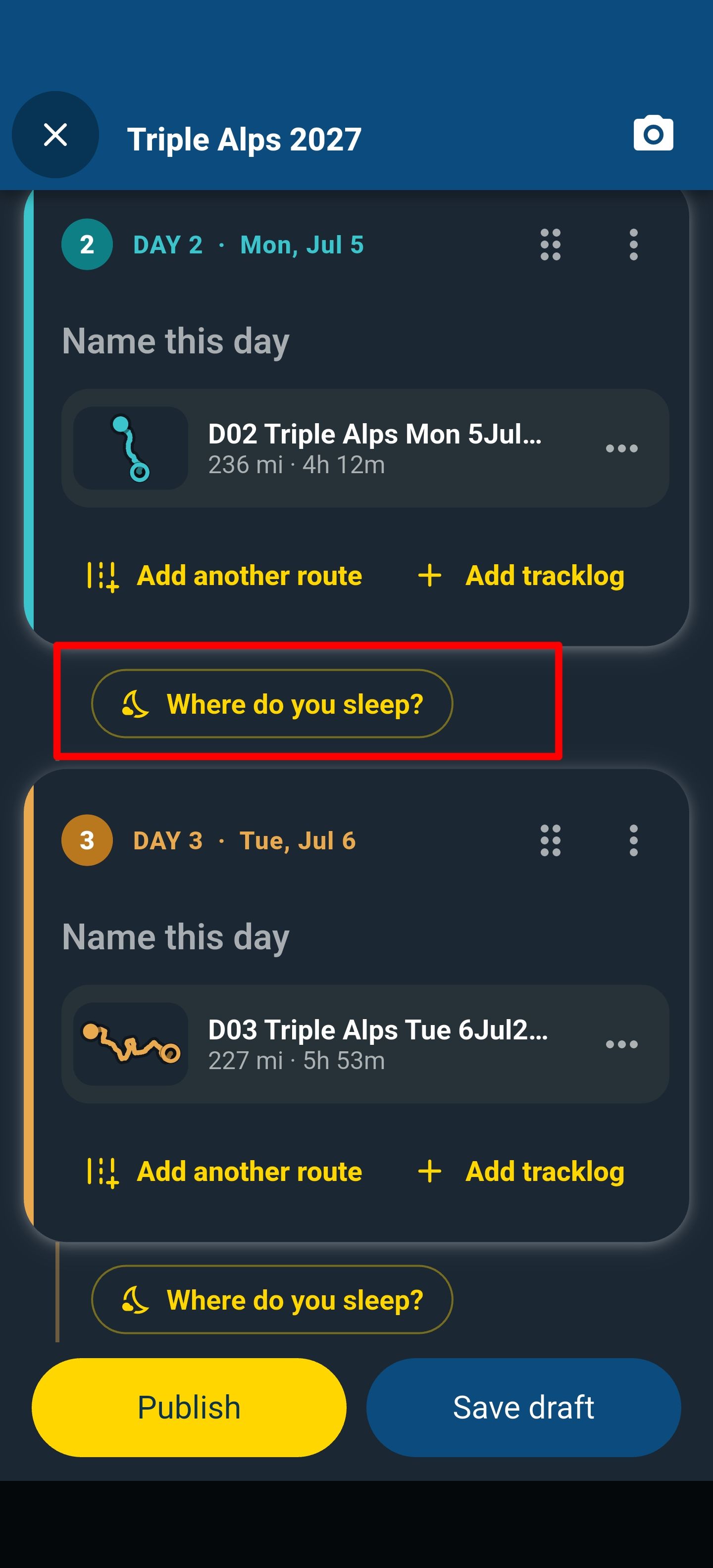
the AI was working on a trip, and in the bottom-right corner of the window there was a 'Stop' button that I pressed thinking it would pause the task so I could resume it later once it turned into a 'Restart' button.
Instead I found out that I had aborted the task with no way to resume it from where it stopped, which was really disappointing.
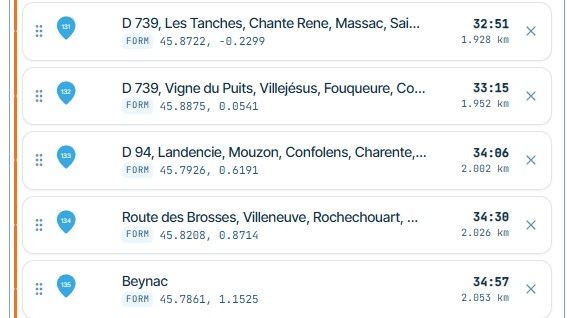
The days already planned are saved, but you cannot finish the work in progress.
I suggest allowing users to pause and resume the AI's work—and if that isn't possible, making the 'Stop' button stand out with a very clear warning.
Thanks
-

I’ll make the necessary improvements!

-
Corjan Meijerink locked this topic
Hello! It looks like you're interested in this conversation, but you don't have an account yet.
Getting fed up of having to scroll through the same posts each visit? When you register for an account, you'll always come back to exactly where you were before, and choose to be notified of new replies (either via email, or push notification). You'll also be able to save bookmarks and upvote posts to show your appreciation to other community members.
With your input, this post could be even better 💗
Register Login-
0752
-
 0311.1k
-
0543
-
047
-
0443
-
 1496
-
 0449
-
0427