No skip waypoint on an A to B route
-

Hello,
Apologies if this has already been reported. With the number of reports over the last few weeks, it’s impossible to keep track of everything.
I’ve noticed the following reproducible bug on Android and iOS.
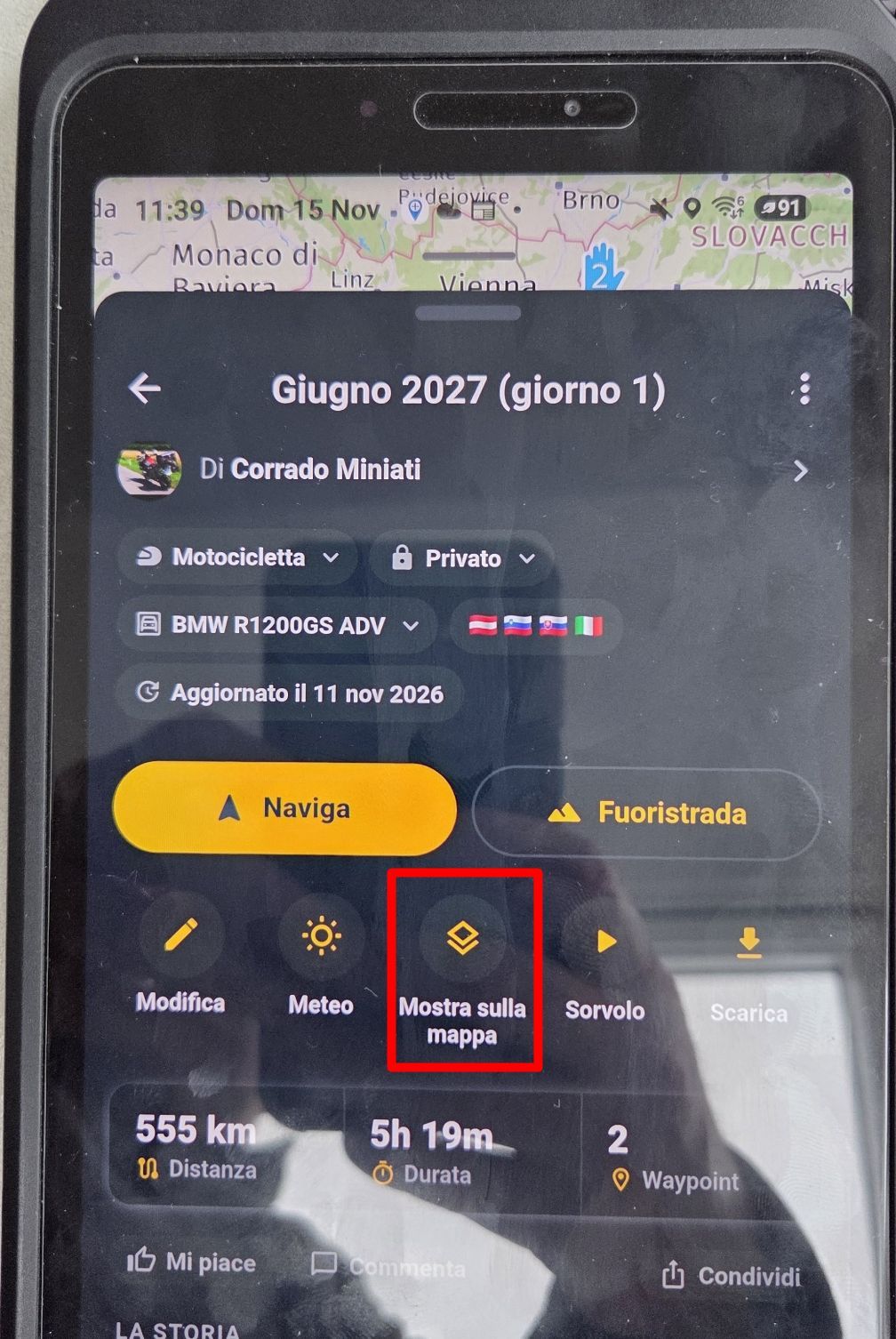
I have a route from A to B and tap ‘Navigate’, then I add a waypoint and tap ‘Start’.
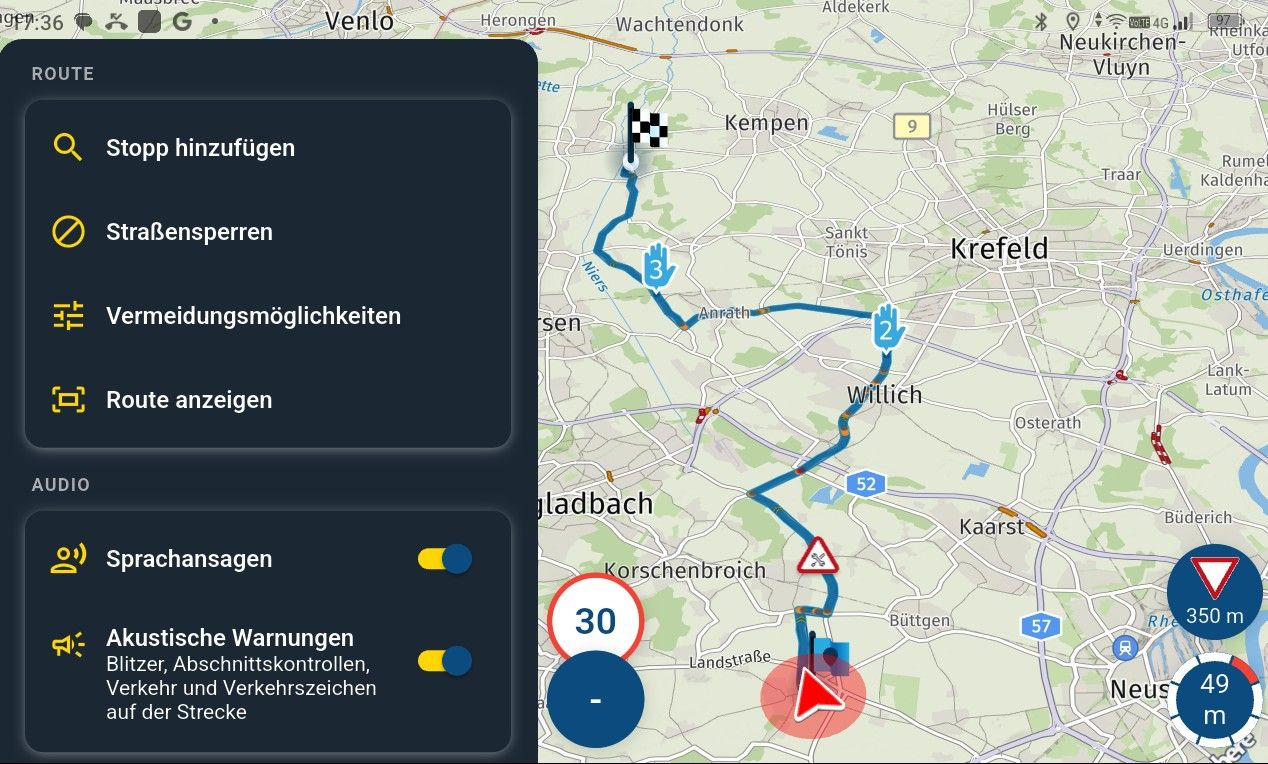
The navigation starts, but the waypoint doesn’t appear as a waypoint in the top right-hand corner, so it can’t be skipped.
There’s no waypoint list, and whilst navigating, you’re always directed back to this point.
To skip the waypoint, you have to cancel the navigation.
I’ve tried it again – this even happens with three waypoints.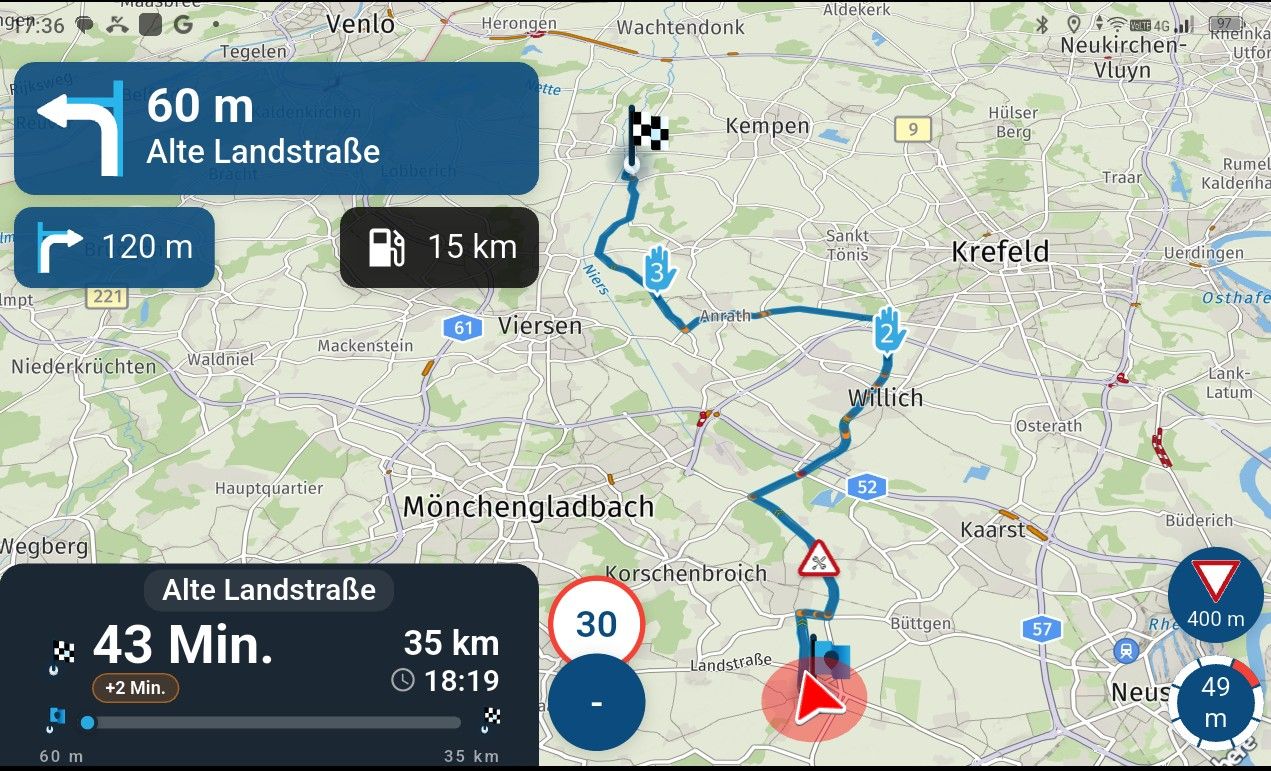
Hello! It looks like you're interested in this conversation, but you don't have an account yet.
Getting fed up of having to scroll through the same posts each visit? When you register for an account, you'll always come back to exactly where you were before, and choose to be notified of new replies (either via email, or push notification). You'll also be able to save bookmarks and upvote posts to show your appreciation to other community members.
With your input, this post could be even better 💗
Register Login-
 013235
-
 07110
-
 0639
-
 0641
-
 05109
-
 0468
-
0456
-
 04111