"Save as" vs "Export"
-

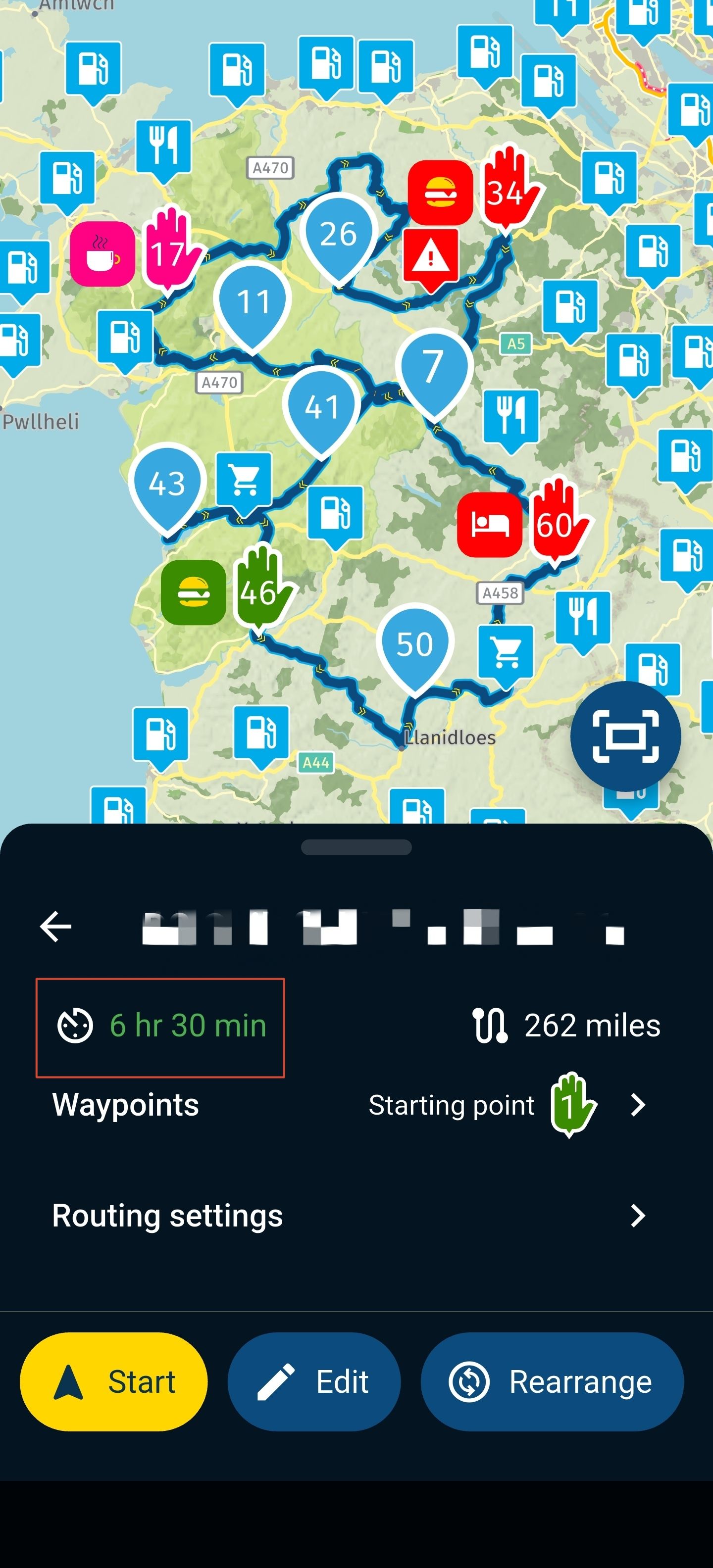
For about the last six years, I have created routes in the MyRoute app (I love it), and then used the "Save as" option for "HD Boom Box 2019 (track)" and everything worked out fine for both my Harley Boom Box GPS and then my Harley Skyline GPS. I never used the "Export" option.
Now I've traded in my H-D Road Glide and have both a H-D Heritage (I plan to use a Garmin Zumo XT3 for that) and a BMW R 1300 RT, where I want to use my iPhone paired with the BMW Connected Ride. YouTube pages and forums seem refer to the Export option to convert MyRoute files.
I never had any issue with my Boom Box and Skyline GPS systems using the "Save as" option. What's the difference between that and "Export'? If possible, I would appreciate being directed to a recent YouTube video or webpage describing this. Most of the things I've found are 5 years old, or more.
Thanks in advance for helping an old guy try to keep up with technology!
Regards,
Sam -
Web-Planner, myrouteapp.com. I never use the planning with MRA-navigation. So there is another answer possible for planning with this app.
Basically, ‘Save as’ does exactly what it says: the route is converted into the desired format and then saved (to the permanent storage, i.e. the hard drive or SSD).
There is no link between the file and its intended use. You can do anything with it. You can also use it for navigation on another device. Or publish your route on Google Maps using KML data.
Exporting is a simplification and, in my opinion, dates back to the time when devices did not yet have OTA (over-the-air) synchronisation.
It is possible to transfer routes directly to the relevant device via a cable. In the background, this is initially a ‘save as’ operation that accesses your device’s storage directly.
This requires additional software to establish the connection to the various devices.
I used this a lot with my 2011 Rider ! Nowadays, I upload the route to plan.tomtom.com and use the synchronisation feature. TomTom also supports Dutch, so there’s a shortcut for that.
I would now always rely on a smartphone with MRA Navigation, as errors are quickly ironed out and it offers a wealth of clever features. However, this also means you have to get to grips with it or familiarise yourself with it. There is a learning curve.
It saves you the hassle of converting to a different system; Garmin in particular has a different philosophy and is sometimes difficult to translate.
And if you just want a quick trip home, then Google Maps is your best friend, with a perfectly polished bottom and brilliant nappies – i.e. it gets you home without putting any strain on your brain
RT -
Thank you very much for that explanation. Unless I hear something different, I will keep using the "Save as" option. Just as I used to save my MyRoute route and then open my Harley Ride Planner app, I will do the same with the BMW Connected Ride app for my R1300RT, and with the Garmin Tread app for the Zumo XT3 on my Heritage Classic.
No exporting, just saving in the correct format, and Bluetoothing it to the bike with the applicable app.
I do enjoy planning routes, almost as much as riding them.
Thanks again for the information.
Sam
-
"I do enjoy planning routes, almost as much as riding them."
I feel exactly the same way.
When planning, it’s very important that you somehow manage to get the routing engine on your motorcycle’s device to follow your planned route exactly.
MRA has an online route algorithm – actually, three of them. You can also test your planned route against the other routing engines. That’s what RouteXperts do.
For me, the time spent planning is usually a bit longer than the ride itself. Many motorcyclists don’t understand this and simply let the routing engine of their choice generate a route.Navigation whilst on the road often uses the manufacturer’s online algorithm, but also the one built into the device. These aren’t always exactly the same; the online version is enriched with traffic information and road closures. But these aren’t always up to date either. Offline, with stored maps, they’re even less up to date.
The solution is navigation as a track – not from point to point with large distances, but from small point to small point with short distances. In this case, the device’s routing engine on the motorbike hardly plays a role at all.
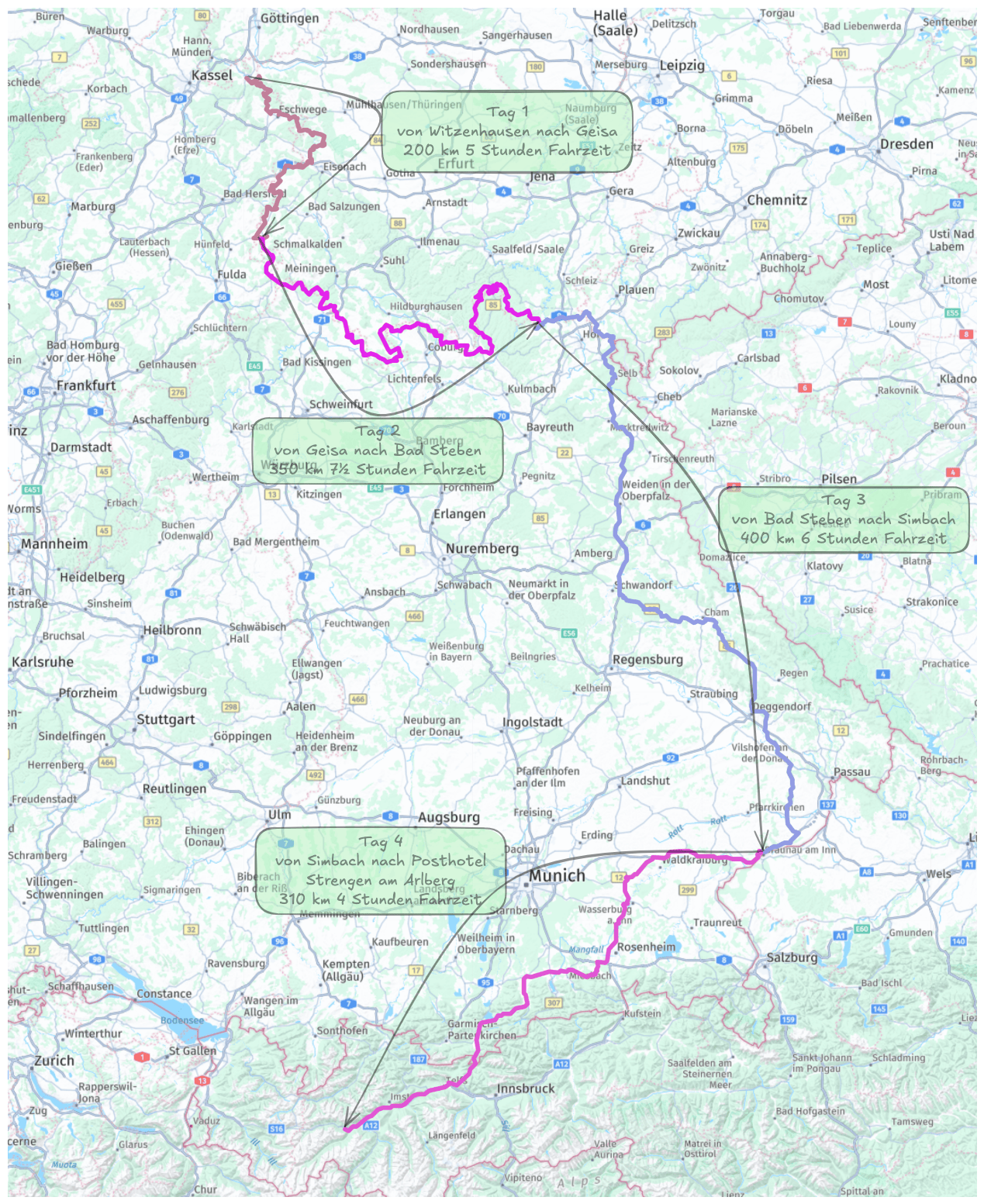
Navigation devices internally convert a route into a track for navigation before the journey using their routing engine. ‘Interesting’ effects cannot be ruled out here.For my summer trip, I used the Iron Curtain routes as a basis. On the road, I use MRA Navigation on a waterproof Samsung active.tab.
It’s not comparable to your distances, but there are certainly more bends
RT
Hello! It looks like you're interested in this conversation, but you don't have an account yet.
Getting fed up of having to scroll through the same posts each visit? When you register for an account, you'll always come back to exactly where you were before, and choose to be notified of new replies (either via email, or push notification). You'll also be able to save bookmarks and upvote posts to show your appreciation to other community members.
With your input, this post could be even better 💗
Register Login-
 0592
0592
-
0466
-
 17314
17314
-
 013415
-
 0257
0257
-
 59547
59547
-
-
2146.2k