
Hi,
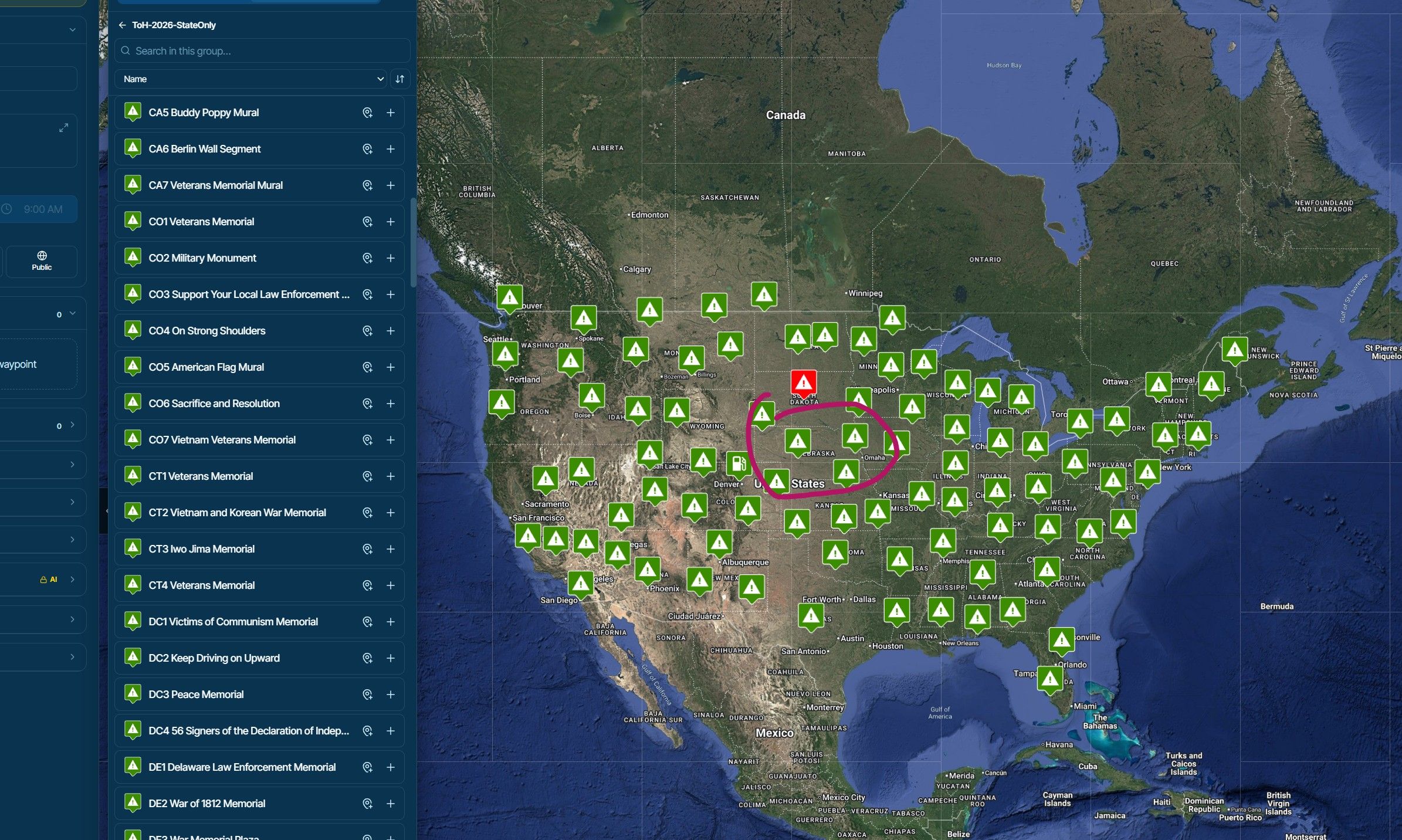
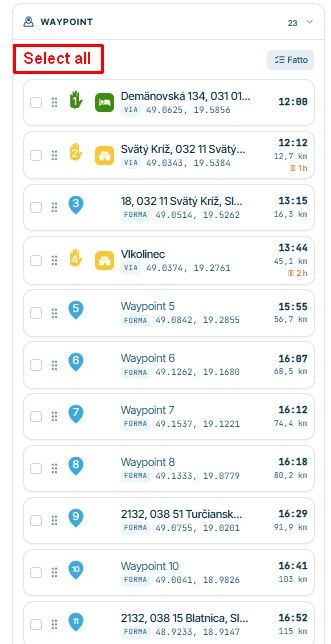
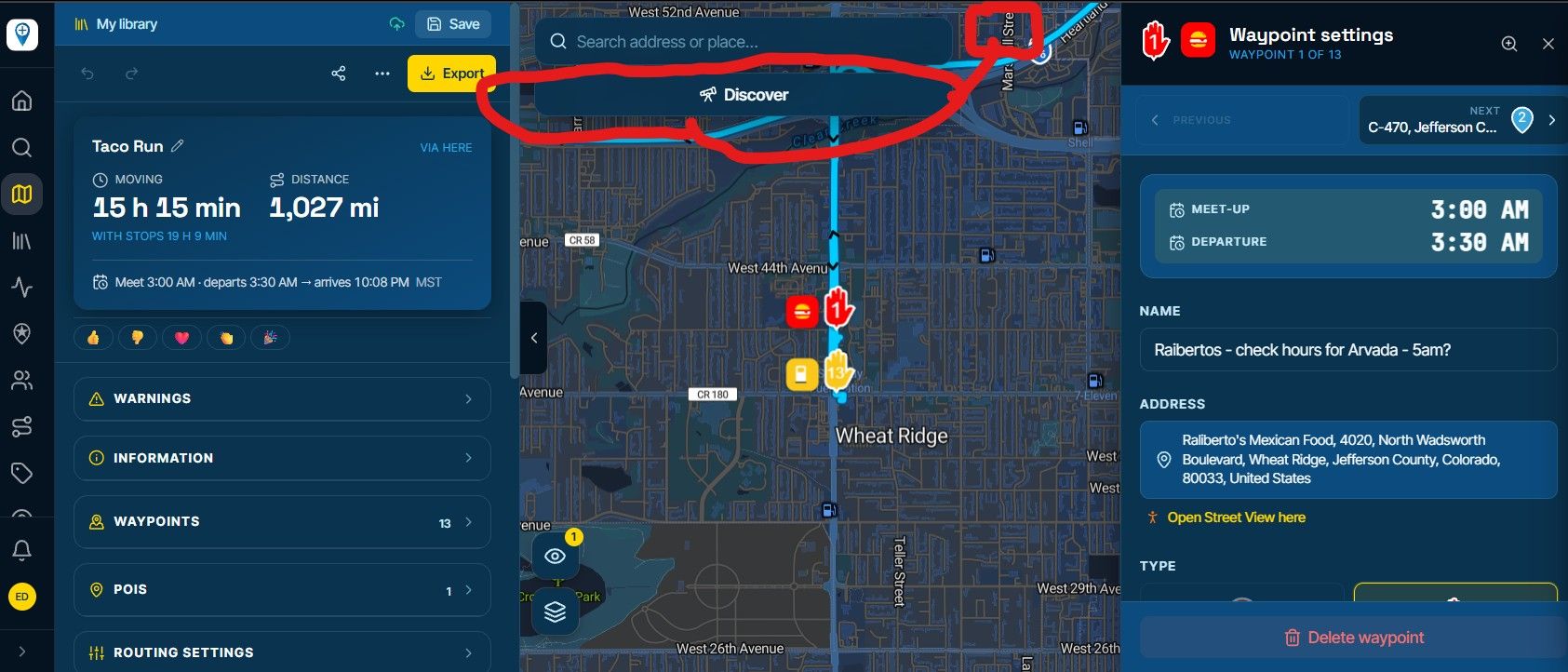
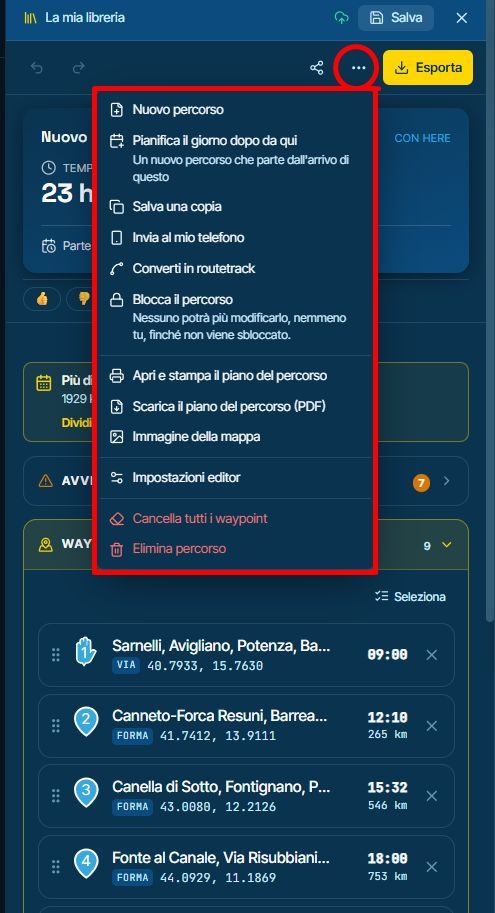
You can use click on one Waypoint and then "shift" key and click on last waypoint to select a group of them.
Also, CTRL key allow random selections
BTW, a "select all" may be a good add to waypoint list
Regards,
I have a question about this.
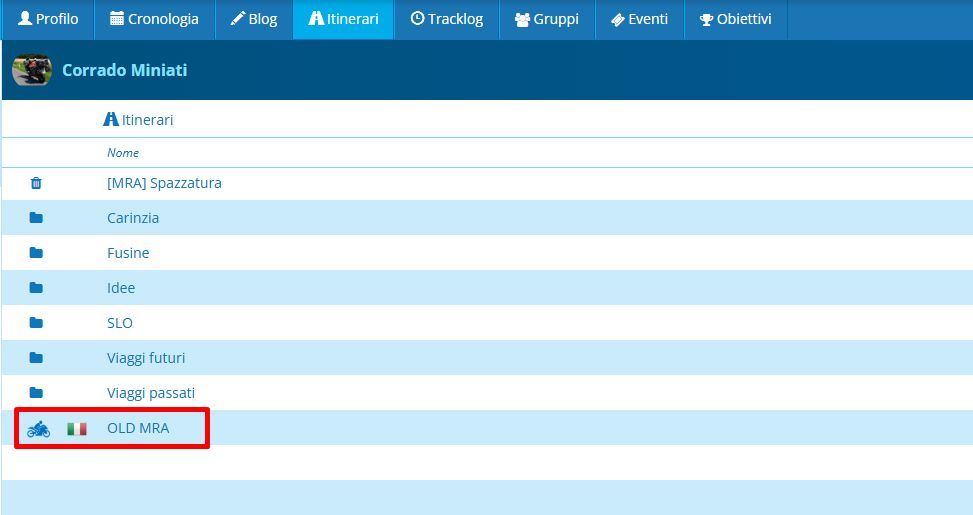
On the old platform, I used the Here Engine to plan my routes and the MRA app for navigation.
I only used the various overlays on the website for orientation and to get a better overview whilst planning.
Once I’d finished planning, I used the Here overlay and took great care to ensure that every point was placed on the road.
How should I proceed on the new beta platform now?
I want to follow the route using the MRA app… which overlay must I use to ensure that the points are positioned on the road in the app?
If I use the TomTom Engine for planning but still navigate with the MRA app, will this be followed as a track or as a route?
I’d appreciate a reply.
I used to use this method too, to get routes onto a garmin XT. It broke about a month ago - but I thought that was due to a change in the garmin drive app?
Helaas, die moet je dus nog gewoon in de "oude" omgeving maken.
Je kunt hem wel in de nieuwe omgeving maken, daarna als GPX exporteren om hem daarna in de "oude" omgeving te importeren! Inderdaad, een hoop werk, met dank aan Google!
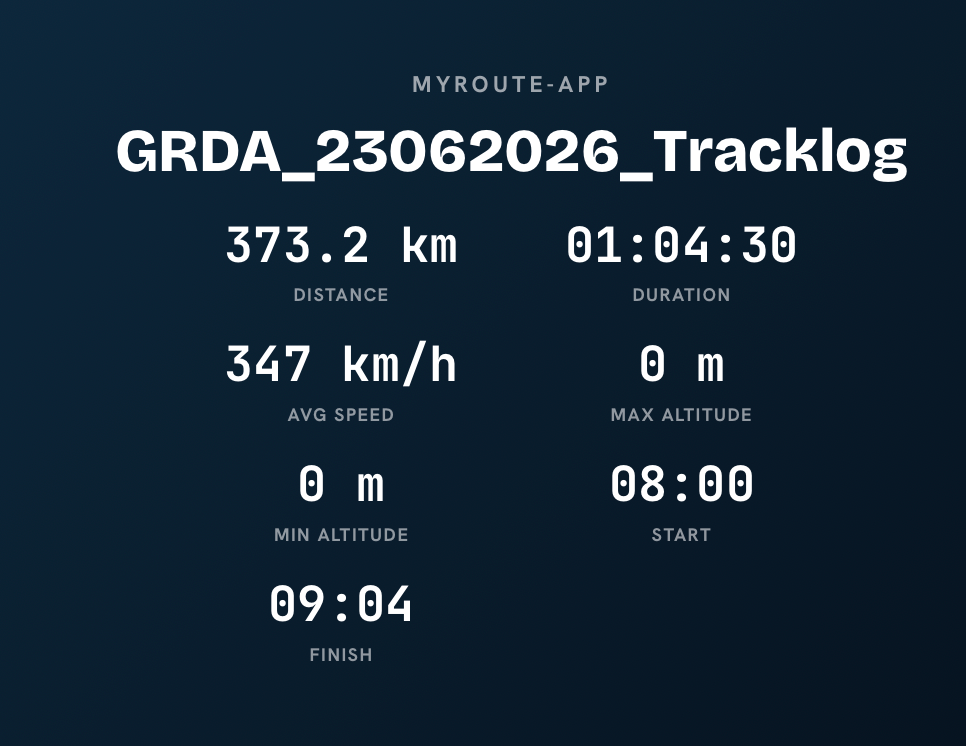
ik weet even niet meer hoe ik deze tracklogs tot stand zijn gekomen. de tracklogs in die periode laten allemaal een tijd van rond 1 uur zien. dat klopt niet.
ik heb een tijdje gedoe gehad met de tracklogs. recente tracklogs zijn beter.
daarom delete ik het onderwerp