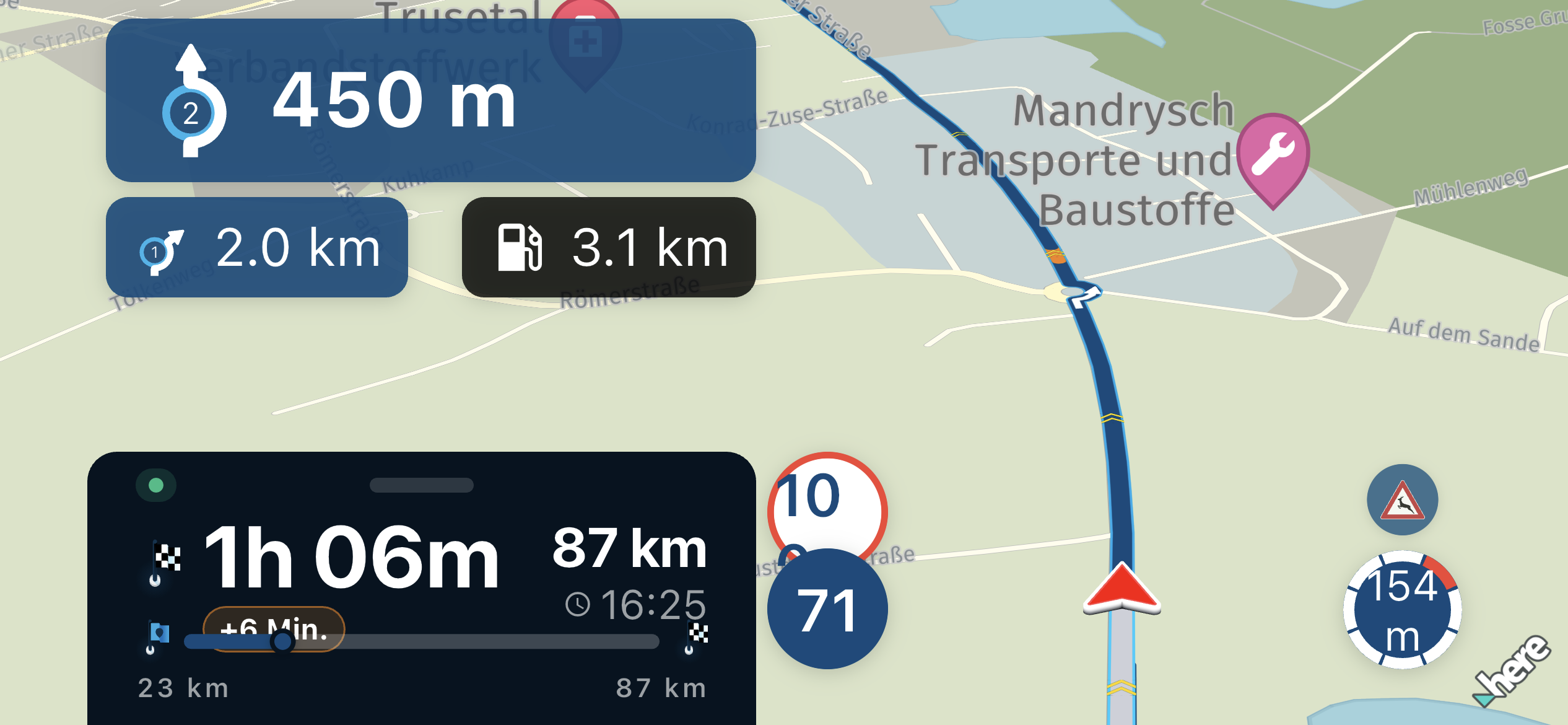
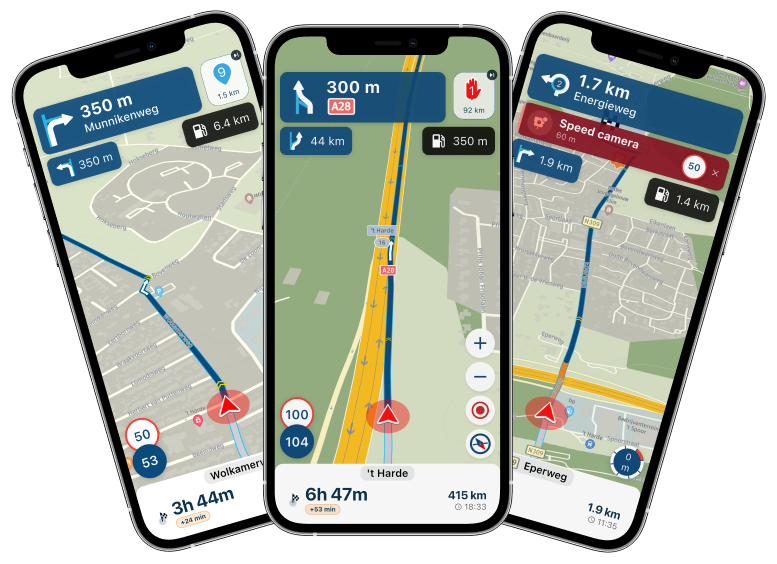
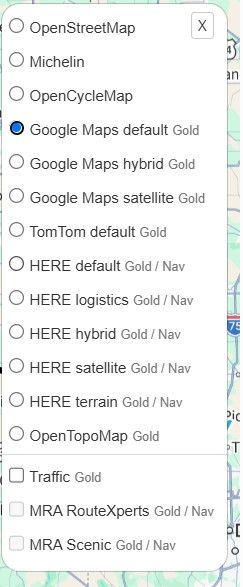
Closed Roads in black versus Road in MRA in black
-

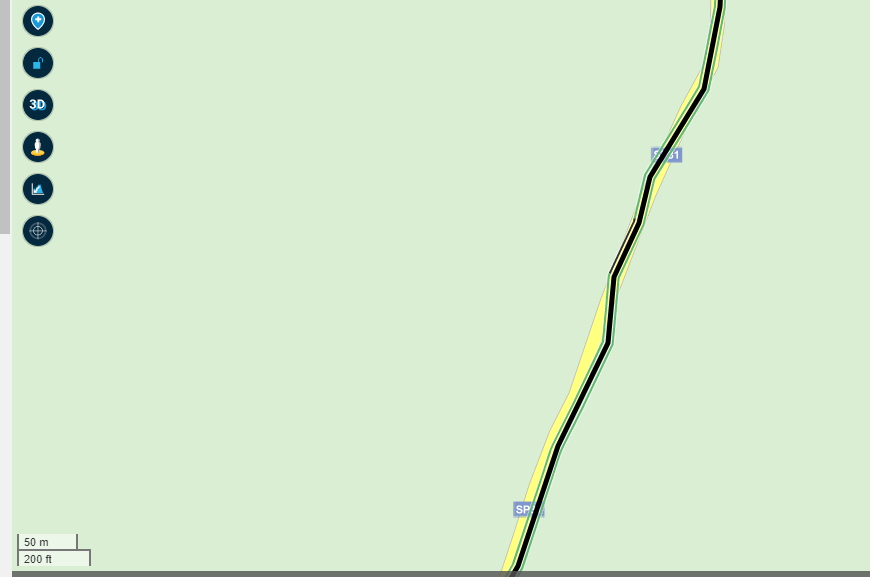
It's almost impossible to see the difference of the black line of the route in MRA and the black line concerning the closed road, I have to zoom in to 50m, I discovered it almost accidentally .... Is it possible to change the color of the black line of the route (by user or by default)?
-
 Corjan Meijerink moved this topic from [Beta] Suggestions and Discussions on
-
It's almost impossible to see the difference of the black line of the route in MRA and the black line concerning the closed road, I have to zoom in to 50m, I discovered it almost accidentally .... Is it possible to change the color of the black line of the route (by user or by default)?
-
@MarcM no, but you can change the opacity using the toolkit


@Corjan-Meijerink said in Closed Roads in black versus Road in MRA in black:
@MarcM no, but you can change the opacity using the toolkit
Which is an incredibly useful thing to do, because it makes loops visible (they get more black of a route goes over the same part twice).
-
@MarcM no, but you can change the opacity using the toolkit
@Corjan-Meijerink OK, thanks, that's a good solution
-
@MarcM no, but you can change the opacity using the toolkit
@Corjan-Meijerink Is there any plan to allow the customization of the color? Changing the opacity is just a partial solution IMHO, and black is still hard to see with satellite images.
BTW posting here a little bookmarklet to change the color as a temporary solution would be allowed?
-
@Corjan-Meijerink Is there any plan to allow the customization of the color? Changing the opacity is just a partial solution IMHO, and black is still hard to see with satellite images.
BTW posting here a little bookmarklet to change the color as a temporary solution would be allowed?
-
@cvlmtg not within the near future, sorry.
@Corjan-Meijerink IMO changing the oppacity does not really help. I have set it to 80%, but if the scale is 1 km, I still don't see the blocked road:
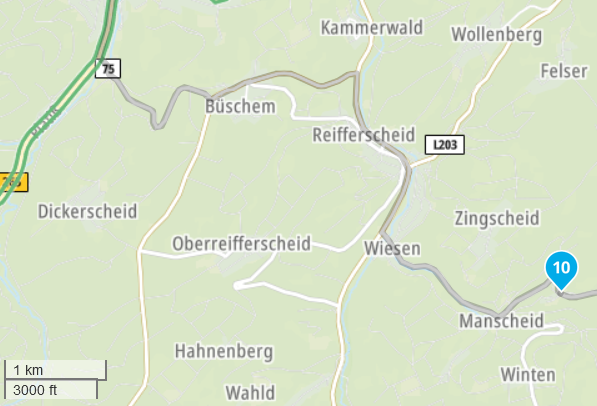
Only when scale to 300 m, I see the black lines:
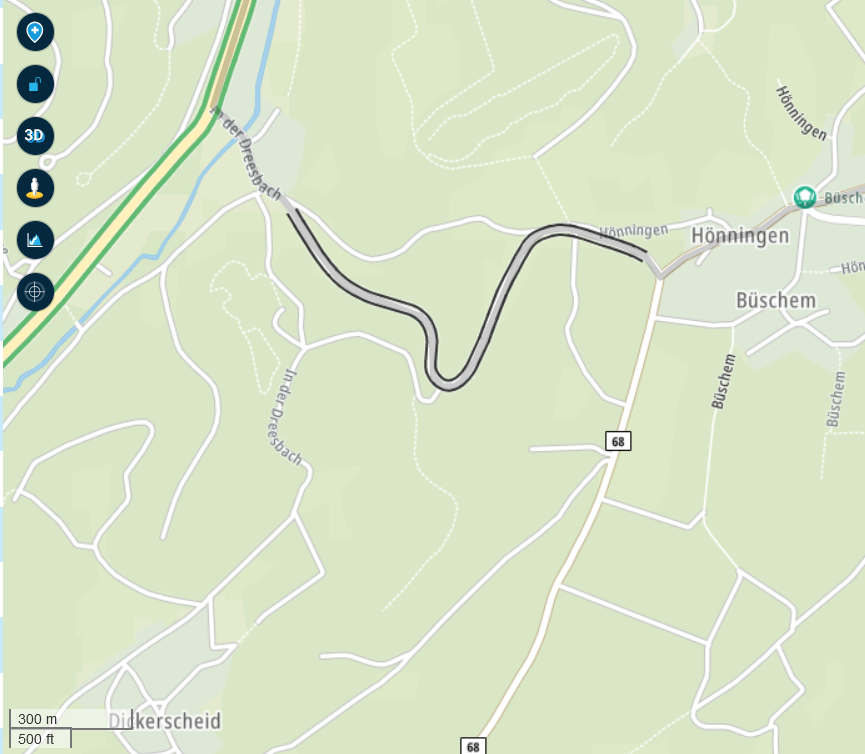
I really would appreciate if MRA shows blocked roads with a bold red-white or other clearly visible color scheme. Black near black does not make any sense IMO.
-
@Corjan-Meijerink IMO changing the oppacity does not really help. I have set it to 80%, but if the scale is 1 km, I still don't see the blocked road:
Only when scale to 300 m, I see the black lines:
I really would appreciate if MRA shows blocked roads with a bold red-white or other clearly visible color scheme. Black near black does not make any sense IMO.

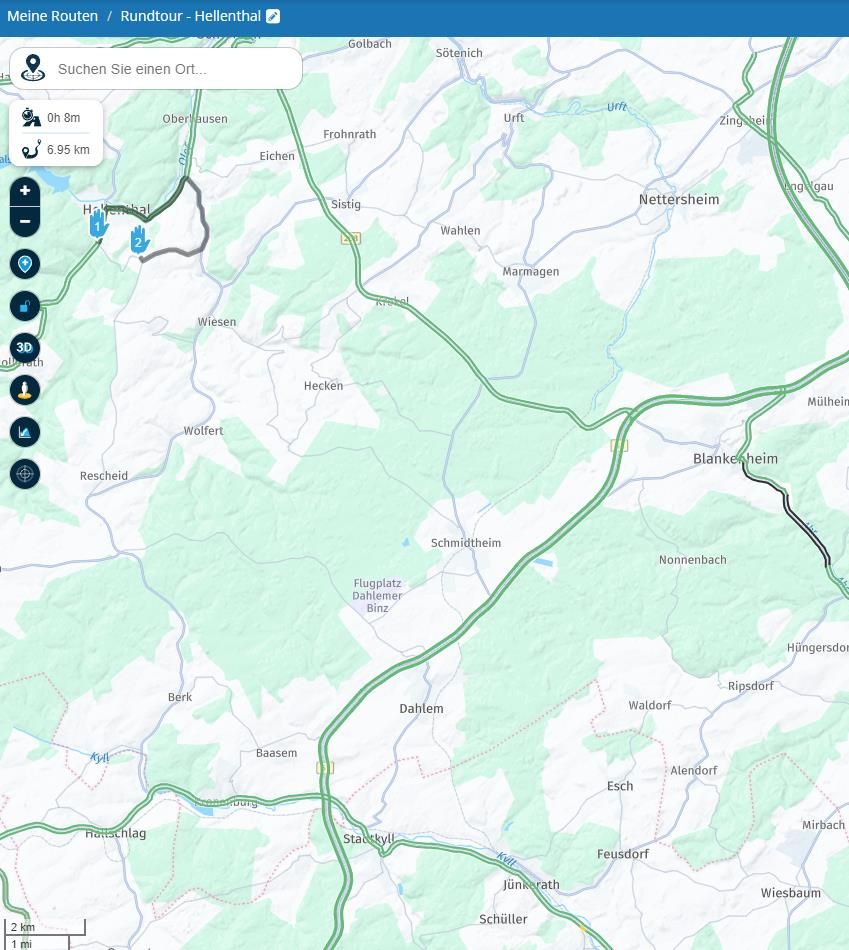
@FrankS The visibility of a closed road depends on the road itself, biger roads are seen at 2km zoom already. (see the road behind Blankenheim)
Your planned road is much smaller.
Hello! It looks like you're interested in this conversation, but you don't have an account yet.
Getting fed up of having to scroll through the same posts each visit? When you register for an account, you'll always come back to exactly where you were before, and choose to be notified of new replies (either via email, or push notification). You'll also be able to save bookmarks and upvote posts to show your appreciation to other community members.
With your input, this post could be even better 💗
Register Login-
858700
-
 447568
-
 0426
0426
-
 1227260
-
05154
-
 13128
13128
-
0323
-
08722